
Charles E.
Entrepreneur at Aggie Technologies
 USA
USA
All of the sprints were completed on schedule and on budget. We highly recommend RaftLabs!
Accounting Automation Software
Finance teams spend the most time on the work that is most mechanical, matching invoices to purchase orders, reconciling bank statements, chasing expense approvals, assembling month-end reports, and preparing audit documentation that already exists somewhere in your systems.
We build custom accounting automation software that handles the data processing and workflow steps your team currently does by hand. Faster close cycles, fewer errors, and a complete audit trail, without adding headcount.
Accounts payable automation, invoice extraction, PO matching, approval routing, and ERP posting with no manual data entry
Bank reconciliation run automatically against your transaction feeds and accounting records
Month-end close workflows that sequence tasks, track completion, and flag exceptions in one place
Audit trail maintained automatically, every entry, approval, and exception logged with timestamp and owner
Bring the problem, the current workflow, or the existing code. We reply with a practical next step within one business day.
Trusted by
































The brief
Good software decisions begin with the constraint, not a list of features or a preferred technology.
Finance team spending the last week of every month manually assembling reports and chasing sign-offs instead of analysing the numbers?
Month-end close running 5-10 business days when your competitors close in two?
Plain answer
Bottom-quartile teams spend nearly $10 to process an invoice while top-quartile teams spend about $2 (APQC). RaftLabs builds custom accounting automation software for accounts payable, bank reconciliation, expense approvals, and month-end close. A first module launches in about 8-10 weeks at a fixed price, then grows into a full finance suite.
What to remember
A finance analyst spends three days assembling a monthly management report from six different system exports. That is data assembly, not finance. The same analyst closes the AP ledger by matching invoices in a spreadsheet, keying numbers by hand for hours.
Meanwhile the close cycle runs 8 days when the board wants weekly reporting, and the reconciliation trail lives in a spreadsheet on someone's laptop until an audit comes looking for it.
Automate the data layer, and the finance team goes back to doing the analysis you hired them for.
APQC benchmark data drawn from roughly 1,500 organizations puts the gap in plain numbers. Bottom-quartile AP teams spend nearly $10 to process a single invoice. Top-quartile teams spend just $2.07. That 5x gap compounds directly with invoice volume. For a business processing 2,000 invoices a month, the difference is over $160,000 a year in pure processing cost, before errors and delays are counted.
The cost of manual accounting is not just the time. It's the errors that slip through at volume, the close cycle that runs 8 days when your board wants weekly reporting, and the compliance exposure when an audit reveals that your reconciliation trail lives in someone's spreadsheet.
RaftLabs has shipped production software since 2015 and is rated 4.9/5 by clients on Clutch. The team that scopes your automation is the team that ships it: no offshore handoff after the contract is signed. The first automated workflow, usually accounts payable, goes live as a validated v1 in about 8-10 weeks, so your team captures value before the full finance suite is complete. Accounting automation fixes the data layer. Your finance team does the analysis.
Proof
Everything on the left should already be true for your operation. Even one thing on the right, and an off-the-shelf tool is the smarter first step.
High invoice or transaction volume, hundreds or thousands a month, where manual processing is a measurable cost.
An ERP or accounting platform to integrate against: NetSuite, SAP, Xero, QuickBooks, Sage, or Microsoft Dynamics.
A month-end close that runs 8-10 days when you need it in two or three.
A handful of invoices a month that one person clears in an afternoon.
No accounting system of record yet, or a process still being defined.
A standard workflow an off-the-shelf tool already covers end to end.
What we build
Banking Software, financial services accounting, payment reconciliation, regulatory reporting
Insurance Software Development, claims payments, premium reconciliation, commission processing
Construction Automation, job costing, progress billing, subcontractor payment workflows
Tell us your accounting platform, the process, and the volume. We'll design the automation and give you a fixed cost.
How it works
Every project follows the same four phases. Scope is locked and price is fixed before development starts.
We map your current accounting workflows, transaction volumes, error rates, and system integrations. You leave week 1 with a written scope document and a fixed-price quote. No development starts without your sign-off.
We design the automation logic, approval flows, and ERP integration points before writing a line of production code. Integration decisions made here cost ten times less than the same decisions made in week 8. The spec is locked before the build starts.
Working automation at a staging environment by the end of sprint one. Bi-weekly demos. QA runs in parallel with every sprint, testing against your real transaction data from day one.
Production deployment with monitoring activated on go-live day. 8 weeks of post-launch support included in every project. Exception handling tuned against live data in the first 2 weeks.
What clients say
Three-year average engagement. Founders and operators describing the work in their own words. No marketing varnish.
Charles E.
Entrepreneur at Aggie Technologies
USA
All of the sprints were completed on schedule and on budget. We highly recommend RaftLabs!
Proof

Call Eva answers every call 24/7 with natural-sounding conversation. Restaurants and hospitality businesses using it report 60-95% lower support call costs in the first month.
LoyaltyPass runs loyalty programs inside Apple Wallet and Google Wallet. Customers earn and redeem without a separate app download, and businesses get real engagement data without the friction of a native app.
Where you land depends on scope, not negotiation:
What it costs
We assess your process volume, error rate, and integration complexity, then lock the price in writing. The first automated workflow goes live as a validated v1 in about 8-10 weeks.
Tax preparation workflow automation and multi-entity consolidation get scoped as separate projects. Start with the process costing you the most manual hours, then bring on the next one once it's paying for itself.
Starting investment
Starts at $25,000
The first automated workflow goes live in about 8-10 weeks; a full finance suite grows to 12-16 weeks. Many teams start with accounts payable, then add other workflows once the time savings show up.
No hourly billing
Once we scope the work, that price is locked in writing, no surprise invoices, no change fees you didn't agree to. A scope change is a priced change request, agreed or dropped, never absorbed into the final invoice.
ROI measured
We baseline your current process time, error rate, and headcount before the build. Post-launch we measure the same metrics, so the ROI is documented, not estimated. Most AP automation projects recover their cost within 6-12 months.
Useful next steps
Work with us
Treasury Management Software Development
See the serviceTry it yourself
Automation ROI Calculator
Find out what your manual processes cost, and what automation saves.
Open the free tool
Article
How to Build a Trading App Like Robinhood: Cost, Phases, and the Brokerage API Decision
Building a trading app like Robinhood costs $50K-$130K over 14-28 weeks. This guide covers brokerage API options (DriveWealth, Alpaca, Apex Clearing, Interactive Brokers), phased feature sets, and the regulatory decisions that determine your actual timeline.
Read more
Article
MCP server development: Build AI-accessible tools
Your internal APIs are invisible to AI agents until you wrap them in MCP. This guide covers tool definitions, handlers, transport, and production patterns.
Read more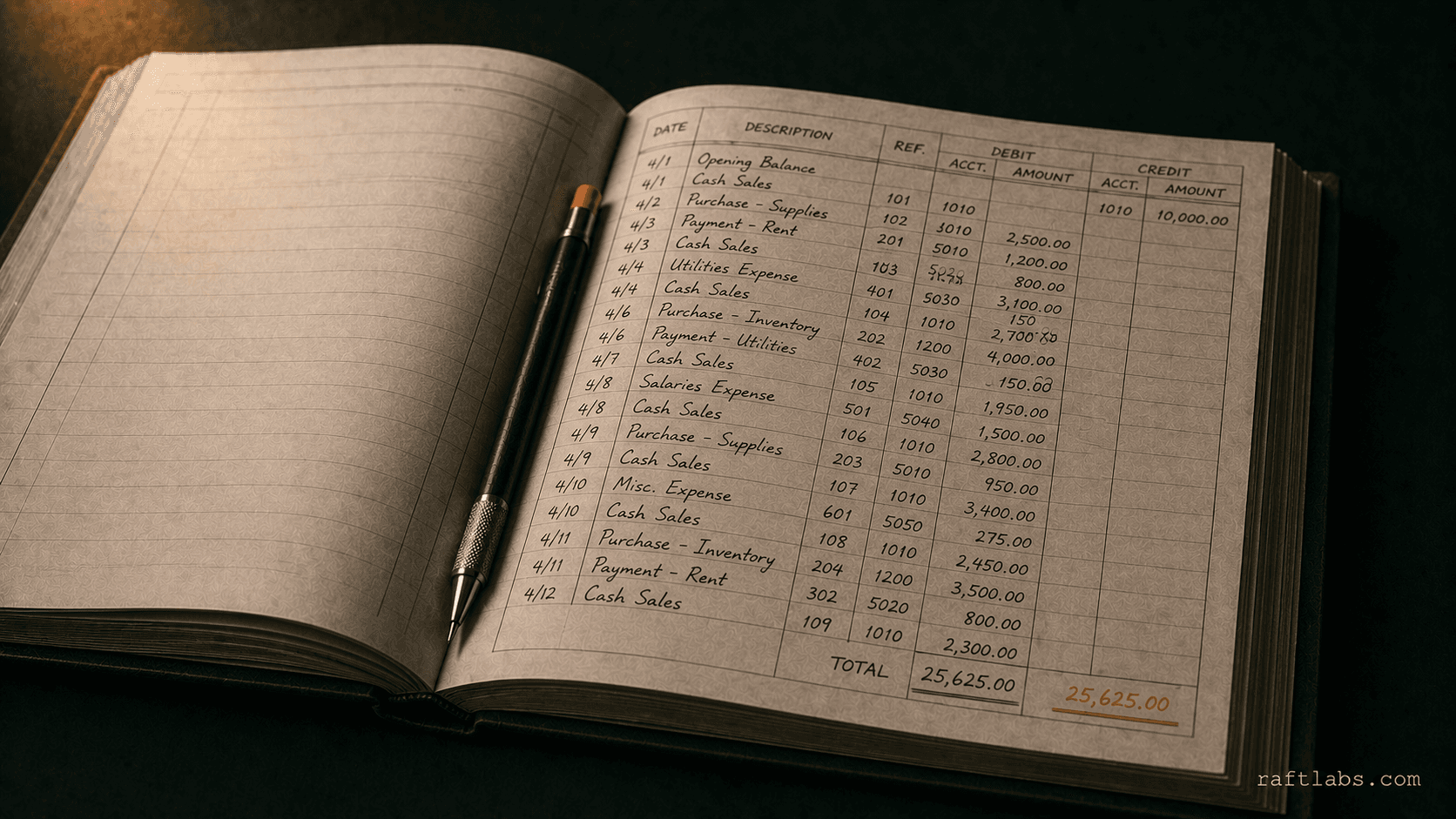
Article
AI in accounting: what finance teams can automate in 2026
Finance teams spend 60% of their time on transactional work AI handles reliably. Here's which tasks deliver real ROI, where AI still fails, and how to start.
Read more
Article
Insurtech App Development: Cost, Timeline, and What Lemonade Actually Built
Insurtech app development on the MGA path costs $90K-$160K and takes 18-22 weeks. Here is what pet insurers, rental platforms, and gig-worker MGAs need to know before they start.
Read moreThe clearest automation candidates in accounting share one characteristic: they involve reading data from one system, applying rules, and writing the result to another. Accounts payable is the highest-value starting point for most businesses, extracting invoice data (vendor, amount, line items, due date), matching against the purchase order, routing exceptions for approval, and posting to the ERP. Bank reconciliation is second, matching transaction records against your accounting entries, flagging unmatched items, and generating the reconciliation report. After those, expense management (receipt extraction, policy validation, approval routing, ERP posting) and financial report assembly consistently deliver strong ROI. Businesses that automate AP first typically save 15-20 hours of staff time per week. We measure your current volume and error rate before recommending what to automate and in what order.
Accounts payable automation starts at invoice receipt, email inbox monitoring or a document inbox that captures invoices from any source. AI extraction reads each invoice and pulls vendor name, invoice number, date, line items, and total amount into structured data. That data is matched against the corresponding purchase order in your ERP. Three-way match (invoice, PO, receipt) passes automatically. Discrepancies and invoices without a PO are routed to the correct approver with context, the invoice, the PO, and the variance highlighted. Approved invoices are posted to the ERP automatically. Rejected invoices are returned to the vendor with the reason. The entire process, from invoice receipt to ERP posting, runs without a finance team member touching a keyboard for standard invoices.
Yes. Bank reconciliation automation connects to your bank transaction feeds (via Open Banking APIs, bank-provided exports, or direct feed integrations) and matches each transaction against the corresponding entry in your accounting system. Standard matches are cleared automatically. Unmatched transactions are flagged with the candidate matches identified, so the finance team reviews exceptions rather than doing the matching. The reconciliation report is generated and formatted automatically at the end of each period. For businesses with high transaction volumes, retail, e-commerce, businesses with multiple bank accounts, this reduces a multi-day task to a daily exception review. We integrate with all major accounting platforms (Xero, QuickBooks, NetSuite, Sage, and others) via API.
A focused accounts payable automation system, invoice extraction, PO matching, approval routing, and ERP posting for a single entity, typically runs $25,000-$60,000. A full finance automation suite covering AP, bank reconciliation, expense management, and month-end close workflow runs $60,000-$150,000 depending on the number of entities, the complexity of your ERP integration, and the volume of exceptions requiring custom handling. Tax preparation workflow automation and multi-entity consolidation automation are scoped separately. We assess your current process volume, error rate, and integration complexity before pricing. Every project is fixed cost.
Most AP automation systems go live in about 8-10 weeks: 1 week for discovery and scope, 2 weeks for design and integration mapping, 4-6 weeks for build and QA, then a phased go-live. A full finance automation suite covering AP, bank reconciliation, expense management, and month-end close typically takes 12-16 weeks. We deploy incrementally: the first automated workflow is a validated v1 that goes live in about 8-10 weeks, so your team is capturing value before the full suite is complete.
We integrate with NetSuite, SAP, Xero, QuickBooks (Online and Desktop), Sage, and Microsoft Dynamics via their published APIs. For systems without a public API, we build integration via SFTP file exchange, database connector, or browser automation depending on what the platform supports. We have also integrated with custom-built ERP systems by working from the database schema or an existing export format. The integration approach is decided in week 1 and scoped before the fixed price is set.
Work with us
Bring the rough workflow, half-built product, or messy brief. We will map the smallest useful first move, then send scope, timeline, and price in plain English.