
Legal Automation Software
Legal automation software that takes admin off the matter.
Intake, document assembly, deadlines, matter updates, and billing should not depend on memory or repeated data entry. We make legal automation software around the way your firm or department already works. Lawyers keep the judgment calls; routine handoffs, reminders, and records move without being chased.
Bring the problem, the current workflow, or the existing code. We reply with a practical next step within one business day.
The brief
Start with what is not working.
Good software decisions begin with the constraint, not a list of features or a preferred technology.
01
Are lawyers and paralegals re-entering the same client and matter details across intake, documents, billing, and reporting?
02
Would one missed handoff, deadline, or incomplete intake form expose a problem that nobody can see from the current dashboard?
Plain answer
Legal automation software moves repeatable law-firm work through intake, document assembly, deadline reminders, matter updates, and billing checks. RaftLabs makes connected workflows around the systems your team already uses. A first workflow starts around $25,000 and usually takes 8 to 12 weeks.
The matter moved. The admin did not.
The client has already supplied the information, but someone copies it into the matter record. The same fields appear again in the engagement letter. A deadline lands in a spreadsheet. Friday arrives and time entries are rebuilt from calendars and inboxes.
None of this needs a legal opinion. It needs one workflow that knows what happened, what must happen next, and who owns the exception.
Relevant delivery record
- in production for a Paris legal publisher
- 2+ years
- Concurrences mobile platform
- reported app-side stability issues since release
- Zero
- Concurrences case study
- post-launch support included
- 8 weeks
- Every RaftLabs engagement
The Concurrences platform is not a law-firm workflow system. The case proves delivery inside the legal sector: a product used around legal content and events that has stayed in production without a rebuild. Your own process must still prove the workflow claims before rollout.
Custom legal automation fits when the process is stable but the handoffs are not.
Do not replace a working legal platform just because one workflow is awkward. Fix the smallest costly gap first.
A fit
01
The same matter type repeats often enough that intake, documents, reminders, or billing follow recognisable rules.
02
The work crosses systems and staff are filling the gaps with email, spreadsheets, or duplicate entry.
03
A partner or operations owner can approve the rules and decide how exceptions should be handled.
Not a fit
01
Your current platform already supports the workflow with straightforward configuration.
02
The process changes case by case because the substance depends on legal judgment.
03
Nobody owns the operating rules or can commit staff to testing the new workflow.
Operational scope
Four workflows worth testing first
- 01
Client intake and matter opening
Practice-area forms ask only relevant questions, validate missing details, route the enquiry, and prepare the conflict check. Once approved, the same information creates the matter and engagement documents instead of starting another round of data entry. - 02
Document assembly from approved templates
Client, matter, and jurisdiction data populate the correct template and approved clause options. The draft goes to the responsible lawyer for review. Legal owns the wording; the workflow removes copying, version hunting, and avoidable formatting work. - 03
Deadlines and matter handoffs
Rules create dates, tasks, reminders, and escalations from a confirmed matter event. High-risk dates require human confirmation before they become final. The record shows who approved the date, which rule was used, and what happened after each reminder. - 04
Billing checks and matter reporting
Time entries can be checked against rate cards, codes, narrative rules, and client guidelines before the pre-bill reaches review. Matter dashboards read from the same operational record, so status no longer depends on partners asking several people for an update.
Configure, connect, or make a custom workflow?
Choose the least complicated fix that holds up
| Option | Use it when | Watch for |
|---|---|---|
| Configure your current platform | The workflow fits its fields, rules, and supported integrations | Custom settings that only one administrator understands |
| Connect existing tools | The right systems exist but staff move data between them | Duplicate sources of truth and unclear failure ownership |
| Make a custom workflow | The process depends on proprietary rules or several unusual systems | Recreating standard practice-management features unnecessarily |
Legal RPA is the narrower choice when the job is a stable sequence of clicks and data moves across existing systems. AI for law firms is the broader decision page when the input is unstructured text, research, contracts, or transcripts. This page owns the operational workflow across people and systems.
How it works
Start with the workflow that creates the most avoidable handoffs
- Phase 101
Follow one matter end to end
Observe the real intake, handoffs, documents, approvals, reminders, and system updates for one repeatable matter type. The written policy and the way staff actually work are often different.
- Phase 202
Remove and simplify
Cut duplicate fields and unnecessary approvals before putting the remaining rules into software. Automation should reduce the process, not preserve every old workaround.
- Phase 303
Connect and test
Join the systems that own client, matter, document, deadline, and billing data. Test missed fields, unavailable approvers, changed dates, and failed integrations with the people who handle those cases today.
- Phase 404
Launch and measure
Release the workflow to a defined team, watch completion time and manual interventions, and expand only after adoption is clear. Eight weeks of post-launch support cover the problems that appear under real use.
Proof
Legal-sector delivery, with the boundary stated

B2B loyalty program case study: Instantor Rewards for Irish plumbers and installers
A B2B loyalty program for installers who buy Instantor products through Irish builders' merchants: receipt-based points, four tiers, competitions, and per-channel consent. Live in about 15 weeks, run from 2021 to 2024.

ULT Movies reaches 4,000 remote theaters with custom OTT app
Leading Indian movie distributor, ULT Movies, solved the challenge of delivering new releases to remote theatres with an Android app for STBs. Now, the distributor delivers smooth movie access even in areas with limited internet connectivity.
What breaks legal workflow projects
- Automating the written policy
- Staff often use a different path because the official one is incomplete. We map the live workflow before encoding it.
- No exception owner
- A failed integration or ambiguous deadline needs a named person and a visible queue. Otherwise the new system hides the same risk more neatly.
- Replacing too much
- A custom project should close the expensive gap, not recreate document storage, billing, and matter-management features your existing tools already handle.
First workflow
Start with one legal workflow at $25,000.
Choose the process that creates the most duplicate work or avoidable waiting. Connect only the systems needed to make that path complete.
A broader legal operations platform should grow from measured use. We do not ask you to fund intake, documents, deadlines, billing, and reporting before one workflow has proved itself.
Starting investment
Starts at $25,000
A focused first workflow usually takes 8 to 12 weeks. Integrations, permissions, data migration, and exception handling move the number.
Price agreed after scope
The people, systems, rules, and exceptions in the first workflow are written down before its price is agreed. Unapproved changes do not appear on the invoice.
Post-launch support
Eight weeks of production support are included so real staff can expose the edge cases that a staging checklist misses.
Useful next steps
More on workflow automation
Work with us
Work with us
AI Agent Development Services
See the serviceTry it yourself
Try it yourself
Automation ROI Calculator
Find out what your manual processes cost, and what automation saves.
Open the free tool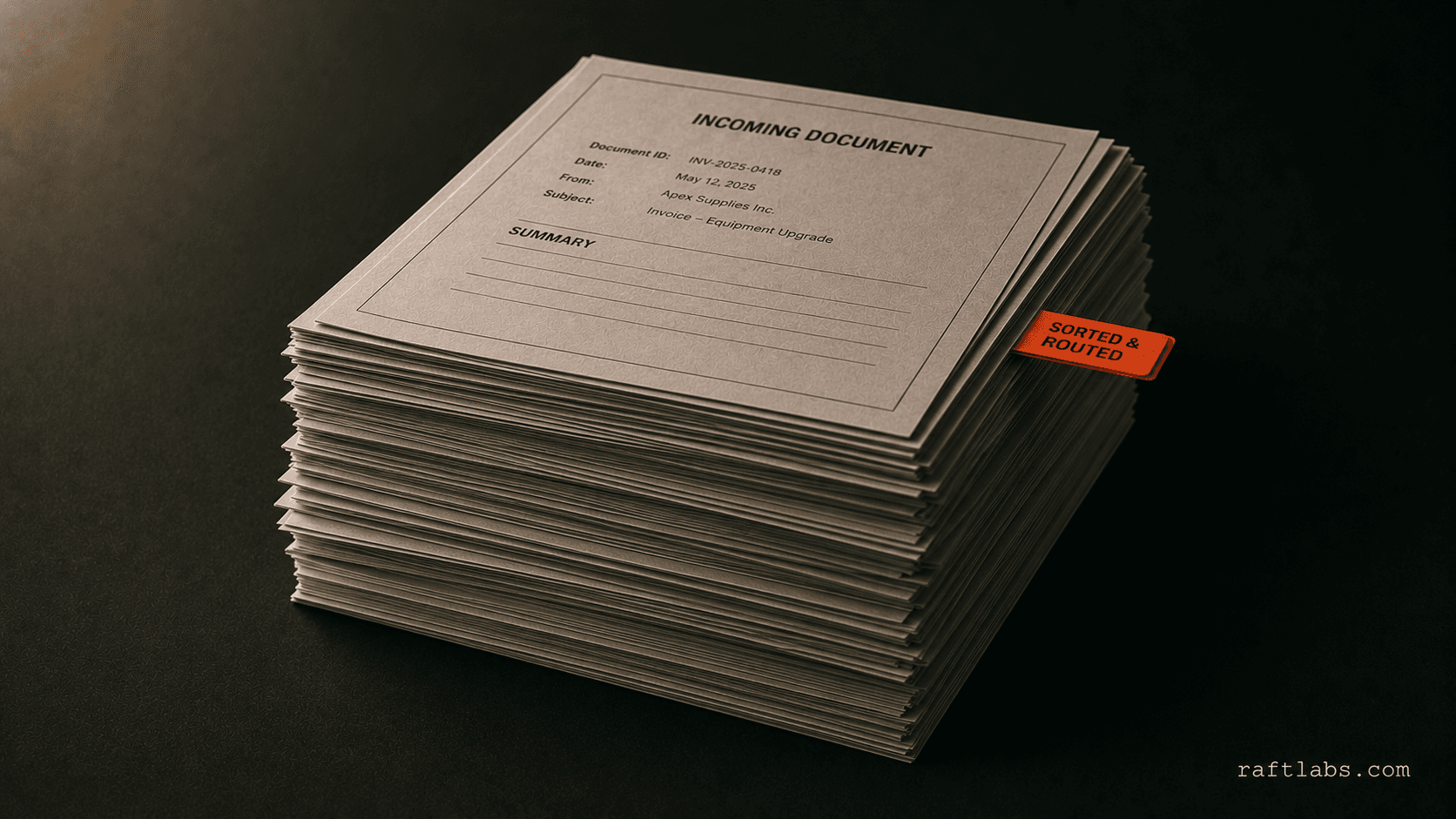
Article
Automate document processing: Extract, classify & route without manual work
Traditional OCR fails on 30% of real documents. AI-powered processing hits 95%+ on invoices, contracts, and forms - regardless of format variation.
Read more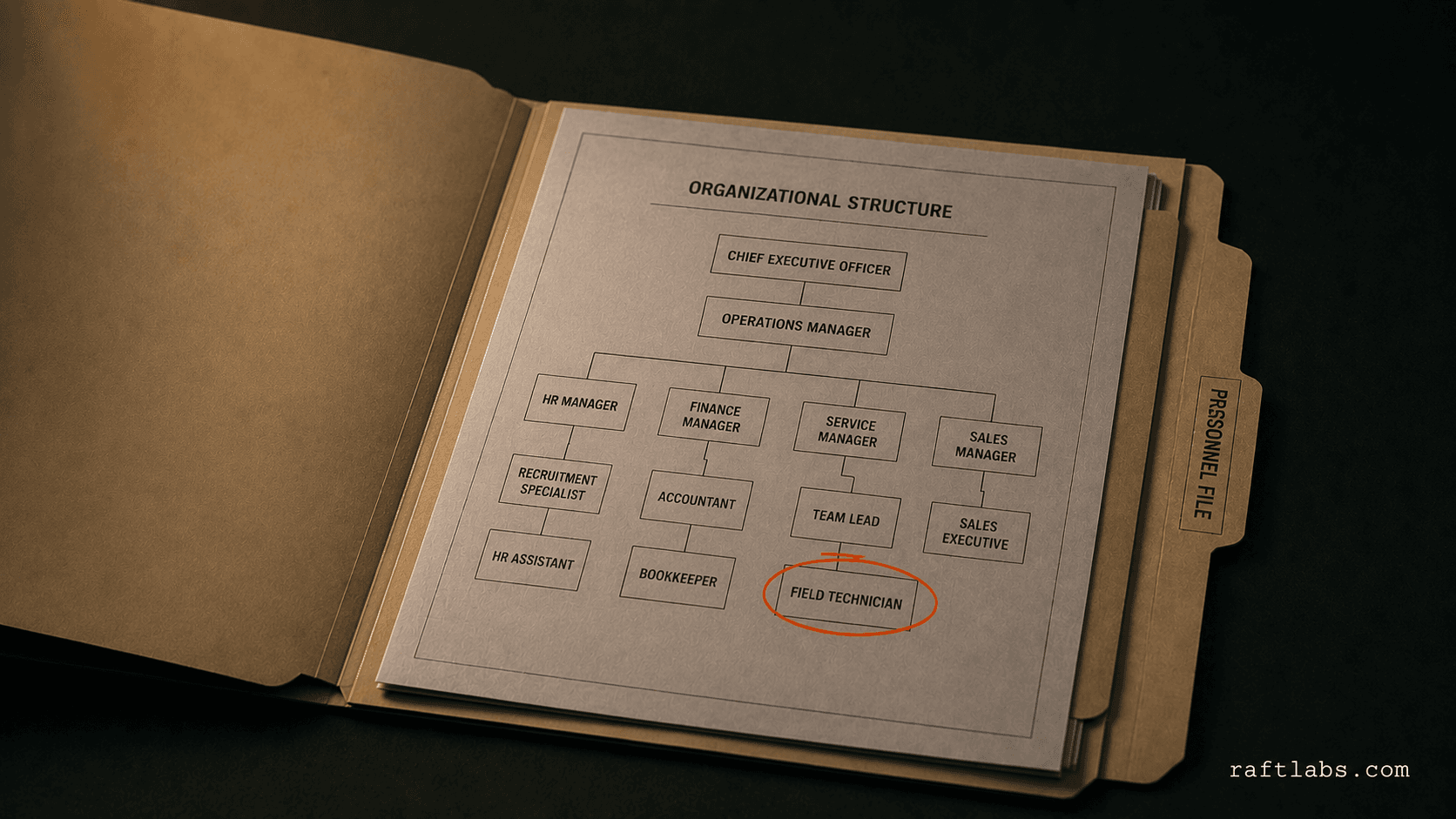
Article
HR Software Development: What It Costs to Build a Workday-Class Platform in 2026
Enterprise companies pay $100-$250 per employee per year for Workday. Custom HR software development for your actual org structure costs $100K-$180K once. Here is what it takes, who should build it, and where these projects break down.
Read more
Article
AI Chatbots in Hospitality Industry: Implementation Guide, ROI & Best Practices 2026
Hotels using AI chatbots cut front-desk call volume by 25-40% and reduce OTA dependency. Here's what actually works, what fails, and how to implement it.
Read more
Article
AI in Travel and Hospitality: Complete 2026 Guide
Hotels investing in AI report revenue uplifts of 3-15% and sales ROI increases up to 20%. This guide covers how AI is deployed across the full guest journey, from dynamic pricing to predictive maintenance, with implementation roadmaps for properties of every size.
Read moreCommon questions
Legal automation uses software to move repeatable work through defined rules, handoffs, reminders, and records. Common examples include client intake, conflict-check routing, document assembly, deadline reminders, matter updates, and billing validation. It removes administration around legal work; it does not replace the judgment required to practise law.
Start with a high-volume workflow that follows mostly stable rules, causes visible delay, and has a named owner. Intake, document assembly for one matter type, or billing validation often makes a better first project than replacing the whole practice-management system. We baseline time, error, and rework before recommending the first scope.
Configure the current platform when it can support the workflow without fragile workarounds. Custom software becomes reasonable when the process crosses several systems, depends on proprietary rules, or forces staff to maintain spreadsheets beside the main tool. We inspect those gaps before recommending development.
RPA handles stable, rule-based actions across systems, such as moving filing data or checking a billing code. AI handles unstructured inputs such as contracts, emails, and scanned documents. Legal automation is the wider workflow that may use either method. The task should choose the technology, not the other way round.
A focused first workflow starts around $25,000 and usually takes 8 to 12 weeks. Cost depends on process complexity, integrations, data migration, permissions, and exception handling. A broader platform grows in later phases; the first workflow is scoped and priced before development starts.
Work with us
Show us the workflow people keep chasing.
Bring one matter type, the current handoffs, and the systems involved. We will map the smaller first workflow, flag where configuration is enough, and price custom work only where it earns its place.
- Scope and cost agreed before work starts. No surprises. No obligation.
- Working prototype within 3 weeks of kickoff.
- Pay by milestone. You see progress before each invoice.
- 60-day post-launch warranty. Bug fixes, UI tweaks, and deployment support. No retainer.
- All conversations are NDA-protected.