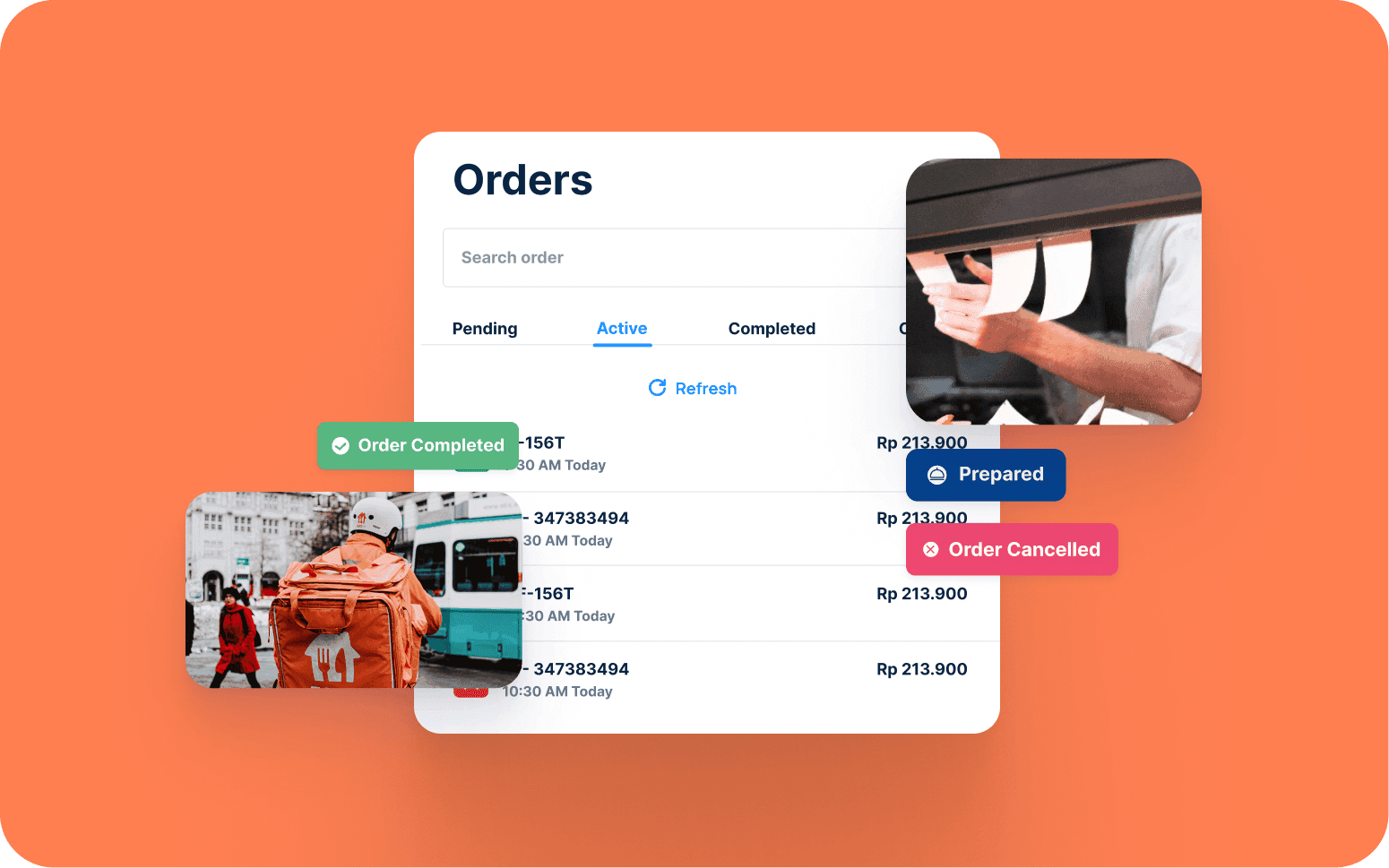
Centralised App for Food Order Management Across Multiple Locations
- 3x
- 12 weeks
Custom POS software for restaurants, bars, and hospitality venues: table management, order routing to multiple kitchen stations, split billing, and service reporting that reflects how your floor and kitchen actually operate.
We build systems for venues where Toast or Square forces the team into workarounds every service: split bills handled as separate transactions, kitchen tickets printed to a single printer, modifiers that don't map to how the menu actually works.
Table management with floor plan view, cover count, merge and transfer, and reservation integration
Order routing to multiple kitchen display stations by item type with expediter view
Split billing by item or equally across any number of covers with multi-tender payment
Consolidated reporting by covers, product mix, cashier, and service period
Recognition
POS system that can't handle split bills, table transfers, or complex modifier logic without the team creating manual workarounds?
Kitchen getting orders on paper tickets because the POS can't route to multiple kitchen stations?
In short
RaftLabs builds custom restaurant POS software for restaurants, bars, and hospitality venues. A custom POS is the right choice when a venue has table management complexity, multi-station kitchen routing, split billing requirements, or modifier logic that Toast or Square cannot handle without staff workarounds. Most restaurant POS projects ship in 12 to 16 weeks at a fixed cost with full source code ownership.
Companies we've built for








Square and Toast are built for the common case: one menu, one kitchen area, full-table billing, card payment. Restaurants with table sections routed to different kitchens, bar tabs that merge with dining bills, split bills itemised by cover, or modifier logic that reflects a complex kitchen workflow find that the common case doesn't describe their venue.
The workaround pattern is familiar. Staff find a sequence of steps that produces the right result even though the POS wasn't designed for it. New staff take longer to learn the workarounds than the system itself. During a busy Friday night service, those workarounds slow down every table turn and create errors on bills.
Custom restaurant POS software is built around your floor plan, your kitchen layout, and your service model. Table management reflects your actual sections. Kitchen display routing matches your stations. Split billing works as the customer expects it to, not as the system requires. The result is a system that speeds up service rather than constraining it.
Floor plan view built to match your venue's actual table layout. The table map is configured during setup to reflect your sections, areas, and table numbering. The server's tablet shows every table, its current status (available, occupied, reserved, ready for billing, needs attention), cover count, and time since the order was last updated. Table sections are assigned by area or server so section managers see only their own tables during service rather than a cluttered floor view of the entire venue. The manager's view shows all sections simultaneously with cover count and turn time for each occupied table.
Server section assignment is configurable per shift, so the same floor layout operates with different section splits on a quiet Tuesday versus a full Friday night. Merge tables for large groups with all open orders consolidated to a single bill automatically. When a group moves or expands and takes a neighbouring table, the merge operation preserves all existing order lines. Table transfer between servers carries full order history to the receiving server with a notification, so the handover doesn't require a verbal briefing mid-service. Reservation integration pulls bookings from your connected reservation system so tables move from reserved to occupied status when the party is seated, without manual status change. The floor view replaces the mental model that experienced floor managers carry, and makes it accessible to everyone on the team.
Modifier selection at item level using modifier groups configured per menu item: protein choice (chicken, beef, halloumi), cooking temperature (rare, medium, well done), sauce selection with a configured maximum of one, allergen substitutions (no nuts, dairy-free), add-ons (extra cheese, upgrade to sweet potato fries), and portion size. Min and max selection rules are enforced at the point of ordering on the server's device. A dish that requires exactly one protein choice can't be sent to the kitchen without one selected, and a dish that allows up to three toppings won't accept a fourth. Modifier rule violations surface immediately on the ordering screen rather than appearing as a problem at the pass.
Course firing holds mains in the server's queue until they fire the next course from the table rather than sending the full order to the kitchen simultaneously. Table tabs combine bar and dining: bar orders are added to the table's open bill so the guest's evening runs as a single transaction. Bar tabs for customers not seated at a table are opened with a tab name and optional card pre-authorisation to reduce walkouts. Split bill by item lets each cover select their own items and pay separately, with service charge distributed proportionally across the split invoices. Table transfers, bill splits, and course firing all work together without requiring the server to start a new transaction or call a manager. Third-party delivery orders from aggregator tablets can be consolidated into the POS order queue using integrations with Otter or ItsaCheckmate so kitchen routing and reporting cover all order types without a separate tablet.
Orders sent to the correct kitchen station by item type the moment they're fired from the server's device: grill items to the grill KDS screen, cold starters to the cold section screen, pastry items to the pastry section, drinks to the bar display. Each station screen shows only the items assigned to that station, so the grill cook sees only grill items and isn't distracted by bar orders. Station routing rules are configured in the management interface per menu item and modifier combination, so a dish that has a grill component and a cold sauce component routes line items to both the appropriate stations simultaneously.
Timing display on each KDS screen shows how long each order ticket has been active so the station cook and the expediter can see at a glance which orders are approaching their target preparation window. Expediter view shows all open order tickets and the completion status of each station-level component so the expediter knows when every element of a ticket is ready before calling the pickup. Bump screen confirmation requires the station to mark their components complete before the expediter's view updates. Allergy flags are displayed in a highlighted format on the KDS ticket for any item with a recorded dietary requirement notified at the time of ordering. The flag appears at the station responsible for preparing that item. End-of-day Z-tape cash reconciliation is generated from the POS at service close, showing expected cash against declared cash with any discrepancy flagged for manager review. Offline mode with a local SQLite queue keeps the POS accepting orders and routing to the KDS if connectivity drops during service, with full sync when the connection is restored.
EMV chip and contactless payment processing (ISO 7816 for chip cards, ISO 14443 for NFC/contactless) via integrated card terminal hardware. Supported terminal options include Square Terminal, Stripe Terminal, and Toast hardware where the venue is moving from an existing Toast setup, with Stripe or Adyen as the processing gateway behind the terminal. Card and cash payment, split tender for customers who want to pay part cash and part card in a single bill close, and gift card or voucher redemption all handled in the same checkout flow. No separate terminal login required: the server initiates payment from the POS and the terminal prompts the customer.
Service charge applied automatically at the configured rate (percentage or fixed per cover) with a configurable server prompt for table confirmation before the charge is added, so the team controls when it applies. Gratuity tracking records tips by server per service period and generates a payroll report for tip distribution. Card-not-present processing handles deposits and phone order payments via a payment link sent to the customer's phone. Loyalty programme integration rewards frequent diners with a QR code scan per visit that credits their loyalty balance, with redemption at point of sale without a separate terminal step. Labour cost is tracked as a percentage of sales per service period, giving the operations team visibility into the labour cost ratio against revenue before the accounting system processes it.
End-of-service covers report shows covers seated, tables turned, average covers per table, average table duration by section, and peak seating time: the table turn velocity data that informs staffing decisions for future services of similar demand. Product mix report shows items sold by category and item line, voids and comps with server attribution and void reason codes, revenue contribution by menu category, and menu engineering performance data showing which items deliver the highest margin per cover and which are dragging the average down.
Average spend per cover by section and by server gives the operations manager data for performance review conversations without relying on impressions. Void and discount reporting shows what was removed from bills, the authorising manager's name, and the void reason, so the operations manager can distinguish between operational voids (ordering errors) and comped items (service recovery). End-of-day Z-tape cash reconciliation shows expected cash float against declared cash from each cashier's settlement, with discrepancy flagged and logged for manager review. Shift labour cost tracked as a percentage of service-period sales gives the venue a real-time labour cost ratio at close, before the accounting system processes hours. Reports are available immediately at service close in the management interface: no manual data assembly required, so the front-of-house manager has the full close-of-service picture before the last table leaves.
Accounting integration with Xero or QuickBooks posts the daily sales summary: revenue by category, voids, discounts, service charge, and gross margin. It posts automatically at service close without manual re-entry. The integration maintains the chart of accounts mapping configured during setup so GL codes are applied consistently without the operations team needing accounting knowledge. Stock management integration deducts items sold from the kitchen's stock model based on recipe-level component consumption, so variance reports at stock count are accurate against what the POS recorded rather than requiring manual reconciliation against paper till rolls.
Online ordering integration brings direct web orders and third-party delivery platform orders from Otter or ItsaCheckmate into the POS order queue alongside dine-in orders, with the same kitchen display routing rules and the same reporting category structure applied. This gives the operations team a single revenue and product mix report covering all order channels without exporting from multiple platforms. Reservation system integration imports bookings automatically so the floor plan shows upcoming reservations without manual entry, and updates the table status as parties are seated. The integration layer is what prevents the POS from becoming an island: your team manages one system and the connected systems update automatically.
Toast and Square handle standard restaurant operations well. Custom POS makes sense when your venue has table management complexity the platform can't model: unusual floor layouts, merged sections, bar and dining integrated billing. Or when your kitchen has multiple stations and paper tickets are the only routing option in the current system, when your modifier logic reflects a complex menu that the platform's item structure can't represent cleanly, or when split billing workarounds are slowing down service on every busy night. If your floor team spends meaningful time working around POS limitations every service, a custom system typically pays back within two years in service speed alone.
Each menu item is tagged to one or more kitchen stations during menu setup. When a server fires an order from the floor, the POS splits the order by station and sends each component to the relevant KDS screen simultaneously. The grill screen sees grill items only; the cold section sees cold starters and salads only. An expediter screen shows all open orders and which stations have confirmed readiness for each order so the expediter knows when everything is ready to go together. Station assignment is configurable in the management interface. If you add a station or reorganise the kitchen, routing rules update without developer involvement.
High-volume performance is a design requirement from the start, not a capability added after the core system is built. We design restaurant POS software to remain responsive when 40 tables are open simultaneously, multiple servers are firing courses at overlapping times, and the kitchen display system is processing 150 covers with multiple modifier sets and allergy flags. The system architecture separates the order processing and payment layer from the reporting query layer so a management report running in the background does not compete for the same database connections as an active checkout.
Offline mode is built using a local SQLite queue on the terminal device. If network connectivity drops during service: a router restart, a Wi-Fi outage in the venue, the POS continues to accept orders, route to the KDS, and process payments on cards already pre-authorised. Transactions queued locally sync to the server when connectivity is restored, with conflict resolution for any table status changes that occurred across multiple devices during the outage. We load-test the system against your peak cover count and peak concurrent order volume before go-live, and we include an offline mode acceptance test in the pre-launch testing protocol. A Friday night connectivity outage shouldn't stop service. The POS should degrade gracefully to local operation rather than halting entirely.
A restaurant POS covering table management, order taking with modifiers, kitchen display routing to two or three stations, split billing, and end-of-service reporting typically takes 12 to 16 weeks from requirements sign-off to go-live. Adding complex integrations: accounting, stock management, online ordering. That typically adds four to six weeks depending on the systems involved. We run a pilot period at one location or during off-peak service before full go-live so the team learns the system in a controlled environment. Timeline and fixed cost are confirmed after a scoping session where we understand your floor layout, kitchen setup, and service model.
What clients say
Three-year average engagement. Founders and operators describing the work in their own words. No marketing varnish.

 Indonesia
RaftLabs helped us build a platform that truly transformed how our customers order and engage with our brand across multiple locations.
01 / 02
Tell us your floor plan, kitchen station setup, the modifier complexity of your menu, and where the current POS creates workarounds every service. We'll scope the right system and give you a fixed cost.