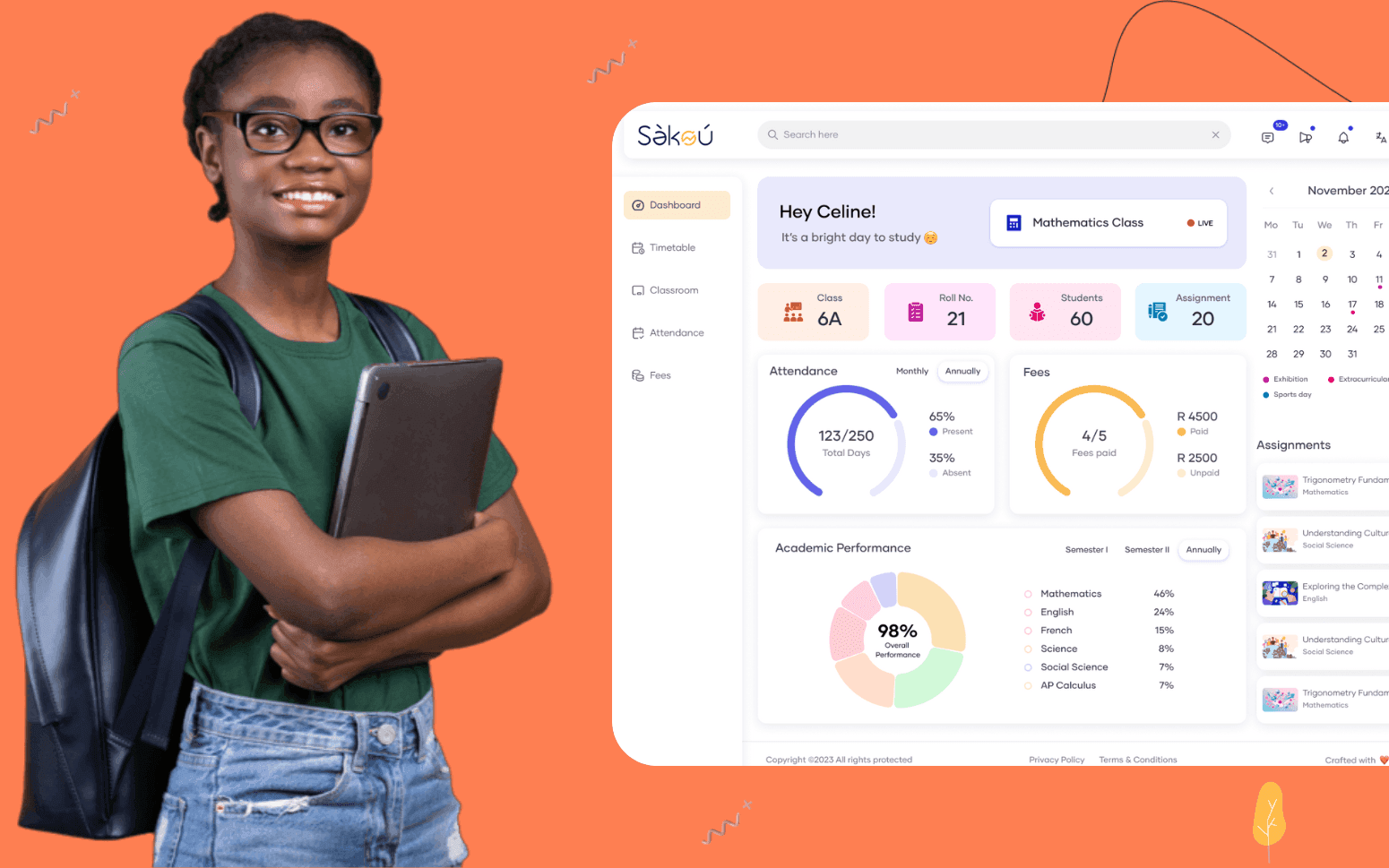
Purpose Built EdTech LMS SaaS Platform Disrupting African K-12 Schools
- 4000+
- 25%
- 16 weeks
Built for multi-campus churches, active ministry teams, and congregations that hire space to the community, where generic booking tools create more coordination problems than they solve.
Room request and approval, conflict detection, equipment assignment, community hirer invoicing, and calendar integration in one system built around how your church actually manages facilities.
Room request and approval workflow for ministry teams
Conflict detection across all rooms and campuses
Equipment hire tracking assigned per booking
Community hirer management with invoicing and key access
Recognition
Ministry leaders calling the office to check room availability because there is no self-service way to request and book space?
Double-bookings discovered on the day because your main hall is on three separate calendars that no one keeps in sync?
In short
RaftLabs builds custom church room and event booking software for multi-campus churches and active ministry congregations. We deliver room request and approval workflows, conflict detection across all facilities, equipment hire tracking, community hirer management with invoicing, and Google Calendar and Outlook integration. Most projects ship in 8 to 12 weeks at a fixed cost.
Companies we've built for








Generic booking platforms like Skedda, Calendly, or a shared Google Calendar work for simple use cases, a small office, a single meeting room, a predictable schedule. They break down for churches because a church's facility operation combines three distinct user groups with conflicting priorities: ministry teams who need recurring space for weekly activities, church admin who needs oversight across all rooms and campuses, and community hirers who need a formal booking process with invoicing, conditions, and key access management.
A multi-campus church adds a fourth challenge. Each campus has its own rooms, its own weekly schedule, and its own admin, but the central facilities team needs a consolidated view of what is happening across every site. Generic tools handle one location well. They do not model the relationship between a campus administrator who controls their site and a central admin who needs to see everything.
Custom room booking software is worth building when the combination of ministry team volume, community hire revenue, multi-campus coordination, and equipment management creates a coordination overhead that generic tools cannot carry. That threshold is typically a church with more than one campus, more than ten active ministry teams, or regular community hire income that needs formal management. Below that threshold, a well-configured Skedda instance is usually sufficient.
Ministry leaders submit a room request through a self-service portal, selecting the room, date, time, expected attendance, and setup requirements, without calling the office or waiting for a response to a WhatsApp message. The request routes to the facilities admin for approval, rejection, or a suggested alternative if the requested space is unavailable or unsuitable for the group size. Once approved, the booking is confirmed on the ministry leader's dashboard and the room is blocked in the facility calendar. Recurring booking requests, a cell group that meets every Tuesday, a youth team that rehearses every Friday, are handled as a single request rather than a manual entry for each week. Admin can set rules for which rooms require approval and which are available for self-service booking without a workflow step.
Every room at every campus is represented in a single availability model. When a booking request is submitted or a recurring event is scheduled, the system checks for conflicts across every existing booking in the same space before confirming. Conflicts surface to the admin at approval time, not on the day, so they can resolve the clash before it becomes a problem. The facility calendar is the single source of truth for all room activity: ministry bookings, community hire, maintenance closures, and setup time between back-to-back events. Filters let admin view by room, by ministry team, by campus, or by date range so they can answer availability questions without checking multiple calendars or calling across campuses.
Each booking can include an equipment request, projectors, screens, PA systems, chairs, tables, whiteboards, kitchen gear, drawn from an inventory of items attached to each campus. The system checks equipment availability against existing bookings for the requested date and time before confirming the assignment. Ministry leaders see what is available and what is already committed. Admin can see every item's schedule across the week to manage setup logistics between events. Equipment returns are logged at the end of each booking so the inventory record stays accurate over time. When a high-demand item like the main PA system is requested for two events on the same day, the conflict appears before either booking is confirmed rather than at the equipment cupboard on the morning.
Each campus has its own facility calendar, its own room inventory, and its own admin account with control over local bookings. Central admin has a consolidated view across all campuses, total room utilisation by site, community hire income by campus, upcoming events across every facility. A booking made at one campus does not affect the availability view at another, but the central dashboard surfaces activity from every site in one place without requiring the facilities director to log into separate systems for each location. Campus-level admin can manage their site independently while the central team retains visibility and can step in to manage cross-campus events that use rooms at more than one site.
External hirers, community groups, sports clubs, private events, businesses, book through a separate portal with different permissions from internal ministry users. The booking form collects the hirer's contact details, the purpose of hire, expected attendance, and any special requirements. Booking conditions, the church's hire agreement, health and safety requirements, noise curfews, are presented at the point of booking and must be acknowledged before the request is submitted. Invoicing is generated automatically from the booking: room hire rate, equipment hire, and any additional charges are calculated and sent to the hirer without manual invoice creation. Key access management tracks which hirers have been issued a key or code and flags returns after the booking date.
Confirmed bookings sync to the relevant Google Calendar or Outlook calendar automatically so staff whose primary scheduling tool is a personal calendar always see current facility activity without checking a separate system. Ministry team leaders see their own bookings in their personal calendar. The main church calendar, typically a Google Calendar or Outlook calendar visible to all staff, reflects every confirmed booking across all rooms and campuses. Changes made in the booking system sync to the connected calendars in real time. The integration is read-write: a cancellation in the booking system removes the event from the connected calendar so staff are not misled by outdated entries.
Generic booking tools handle single-location, single-calendar scenarios well. The case for custom software emerges when a church combines multiple user types, ministry teams, community hirers, and campus admins, with different booking rules, different approval workflows, and different visibility requirements, across more than one physical site. Skedda is a capable facility booking tool for churches that need a clean self-service room reservation system without workflow complexity. HubSpot is not a facility booking tool, it is a CRM, and using it for room scheduling is a workaround that creates more problems than it solves. If your church manages community hire income that requires formal invoicing, runs ministry teams across three or more campuses, and needs equipment tracking against specific bookings, you have outgrown what a generic tool can model without heavy configuration. We will tell you honestly during a scoping call whether a configured Skedda instance would cover your requirements before recommending a custom build.
Yes. Internal ministry bookings and external community hire are separate workflows within the same system. Ministry leaders use a self-service portal with role-based access, they can request rooms, track their approvals, and see their confirmed bookings. Community hirers use a separate portal with different fields, a formal hire agreement acknowledgement step, and invoicing attached to each confirmed booking. The facility calendar shows both booking types, with visual distinction between internal and external events. Admin can set different pricing, different booking windows, and different approval rules for community hire versus ministry bookings. The community hire workflow includes the standard elements of a formal hire arrangement, conditions of hire, contact details, deposit tracking, key access, without building a separate system for hirers.
Each campus operates as an independent unit within a shared system. Campus admins manage their own room inventory, approve bookings for their site, and see their local facility calendar. Ministry leaders at each campus can only request rooms at their own campus by default, a worship team at campus A cannot book a hall at campus B without appropriate permissions. Central facilities staff have a cross-campus view: they can see all bookings across every site, manage rooms at any campus, and access reporting that shows utilisation and hire income by location. Events that span more than one campus, a denominational conference that uses facilities at three sites, for example, are created centrally and visible across all affected campus calendars. The data model handles this without duplicating records or requiring the central admin to maintain parallel spreadsheets.
A focused room booking system covering request and approval workflow, conflict detection, equipment tracking, and basic calendar integration typically runs $18,000--$32,000 and delivers in 8-10 weeks. Adding multi-campus management and community hirer invoicing typically adds $8,000--$15,000 and two to three weeks. A full facility management platform with Google Calendar and Outlook integration, reporting, and key access management runs $30,000--$50,000 in total and delivers in 10-14 weeks. Every project is priced at a fixed cost agreed before development starts. The main variables are the number of campuses, the complexity of the community hire invoicing requirements, and whether the system needs to integrate with an existing church management platform for member and ministry data.
What clients say
Three-year average engagement. Founders and operators describing the work in their own words. No marketing varnish.

 USA
USAAll of the sprints were completed on schedule and on budget. We highly recommend RaftLabs!
01 / 02
Tell us how your church manages space today, the campuses, the ministry teams, the community hirers, and we'll tell you what we'd build and how.