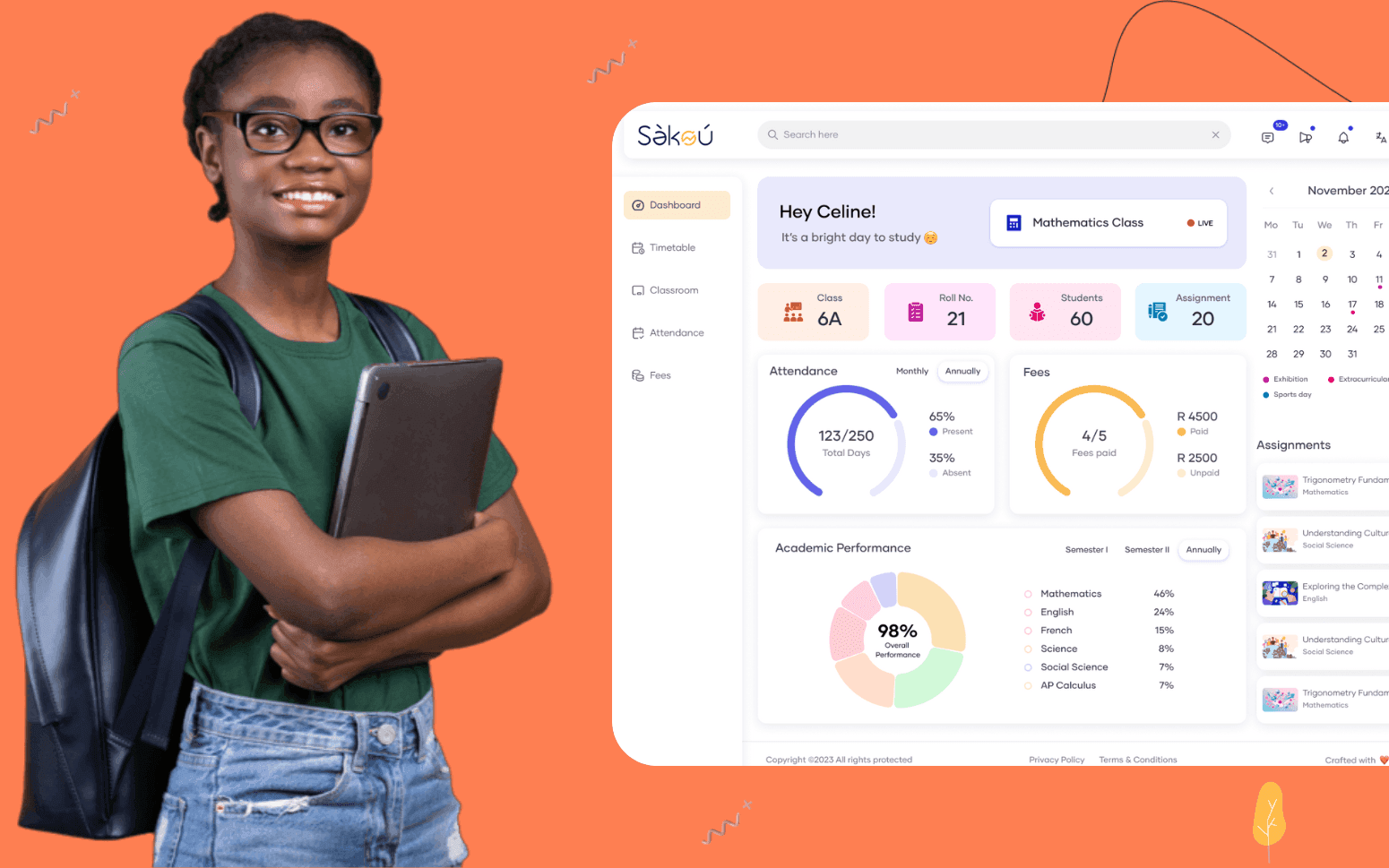
Purpose Built EdTech LMS SaaS Platform Disrupting African K-12 Schools
- 4000+
- 25%
- 16 weeks
Built for large churches and multi-site congregations whose pastoral workflows, member data requirements, and access control needs have grown beyond what Planning Center or Breeze can model out of the box.
We build member directory software with custom fields, attendance-linked pastoral alerts, life event records, and granular role-based access, so every team sees the right data and no pastoral follow-up falls through the gaps.
Household and individual records with custom fields defined by your church
Attendance history linked to member records with configurable absence alerts
Life event tracking for baptisms, marriages, dedications, and bereavements
Role-based access so each staff type sees exactly the data they need
Recognition
Pastoral staff piecing together a member's engagement from a contact spreadsheet, a separate attendance register, and a giving record that lives in a different system?
No automated way to know when a regular member has been absent for three weeks, so the first follow-up only happens after someone notices at a Sunday service?
Small group leaders seeing full member records when they only need names and contact details?
Visitor onboarding tracked in a shared note rather than a structured workflow with assigned follow-up steps?
In short
RaftLabs builds custom church member directory and pastoral database software for large and multi-site churches. We deliver household and individual member records with custom fields, attendance tracking with configurable absence alerts, life event records, role-based access, and bulk communication tools. Pastoral staff get one view of every member's giving, attendance, and group engagement. Most projects ship in 10 to 14 weeks at a fixed cost.
Companies we've built for








Most churches start with Planning Center People or Breeze and get real value from them. They handle contact records, basic check-in, and simple group assignments well for congregations under a few hundred members. The problems start when the church grows, or when the pastoral team's workflows grow more specific than the platform's data model allows.
A large or multi-site church needs a member record that tracks more than a name and an address. Discipleship stage, baptism date, spiritual gifts, ministry involvement, small group history, pastoral care notes, giving summary, and attendance pattern all belong on a single record, not across three tools that have no awareness of each other. When a pastor wants to know who has been absent for more than a month and is also not in a small group, that answer should come from one query, not a manual cross-reference of two separate exports.
Custom member directory software is not a replacement for every church or every stage. It is the right answer when your pastoral team is maintaining workarounds, duplicate records in separate tools, manual spreadsheets alongside the official system, or access control that's either too broad or impossible to restrict. If your church structure has produced those workarounds, that's the clearest signal that a custom build is worth the conversation.
Each member record holds the fields your church actually needs, not just name, address, and phone number. Discipleship stage, baptism date, water baptism, confirmation, spiritual gifts, ministry involvement, and any other custom field your pastoral team tracks are all configurable at setup. Household records group individual members so a pastoral visit, a life event, or a communication campaign can be targeted at the household or the individual. Related member links connect spouses, parents, and children within the directory without creating duplicate entries. Every field is searchable and filterable, so a search for all members at a specific discipleship stage who attend a particular campus returns a list in seconds rather than a spreadsheet exercise.
Attendance records attach directly to the member record rather than living in a separate check-in system with no pastoral context. Every service attendance, small group meeting, and event registration builds a history that pastoral staff can read alongside the rest of the member's record. Absence alerts are configurable by threshold, flag a member after two consecutive missed Sundays, or after three absences in six weeks, depending on what your pastoral team wants to act on. Alerts are routed to the assigned pastoral care worker for that member, not broadcast to the whole team. The alert includes the member's last attendance date, their current discipleship stage, and their assigned small group, so the pastoral contact has enough context to make the call without pulling up three different screens.
Marriages, dedications, baptisms, confirmations, and bereavements are recorded against the member record with the date, officiant, and any notes the pastoral team adds at the time. Life event history gives a complete picture of a member's journey within the church without relying on institutional memory or searching through archived emails. Bereavement records link to the household so all family members are flagged for pastoral follow-up, not just the primary contact. Upcoming milestone reminders, a member approaching a significant anniversary, a baby dedication anniversary, or a baptism anniversary, can be configured to appear in the pastoral team's task list. Life events also feed into bulk communication segmentation, so a campaign reaching members who were baptised in the last year can be built from a single filter.
Pastoral staff, small group leaders, children's ministry coordinators, finance team, and admin staff each have different data access requirements. A small group leader needs their group members' names, contact details, and attendance at group meetings, they do not need giving history, pastoral care notes, or safeguarding records. A finance team member needs giving records and fund allocation, they do not need pastoral care notes or discipleship status. Access levels are configured at the role level, not for each individual user, so adding a new small group leader gives them exactly the right access automatically. Sensitive record types, pastoral care notes, safeguarding flags, and giving records, require a specific role assignment before they appear in the interface. Audit logging tracks every access and change to sensitive fields so the pastoral leadership team can see who viewed or edited a record.
Targeted communication campaigns built from member directory filters rather than manually assembled lists. Send to all members at a specific discipleship stage, all households who haven't attended in six weeks, all members in a particular ministry team, or any combination of the directory's filterable fields. Communication goes by email, SMS, or both depending on the member's contact preferences. Campaign history is stored against each member record so the pastoral team can see what was sent, when, and whether the member responded or booked. Unsubscribe handling is automatic, members who opt out are removed from future bulk sends without requiring manual list management. For pastoral follow-up campaigns rather than broadcast announcements, individual messages can be drafted in the system and sent with personalisation from the member record.
First-time visitor records are created at the welcome desk, on a connection card, or through an online form linked to the directory. The visitor onboarding workflow tracks every step from that first record through to full membership, first contact made, follow-up call completed, second visit, small group connection, and membership class attendance. Each step has a due date and an assigned team member. When a step passes its due date without being marked complete, the assigned person receives an alert and the pastoral team can see overdue onboarding steps across all current visitors. Once a visitor completes the pathway and becomes a member, their visitor record converts to a full member record with the full history intact. Conversion rate reporting shows how many visitors at each stage progressed to the next, so the pastoral team can identify where connections are being lost.
Planning Center and Breeze cover standard member management well for most churches. Custom software makes sense when your requirements have grown past what those platforms model. Common triggers: your pastoral team tracks custom fields that don't fit the platform's data model and are stored in a separate spreadsheet; your access control requirements are more specific than the platform supports, small group leaders seeing too much, or finance staff unable to be restricted from pastoral notes; you need attendance data and member data and giving data in a single record and the platform doesn't integrate those; or your multi-site structure requires campus-level data isolation alongside consolidated pastoral oversight. If your team is maintaining workarounds because the platform doesn't fit, that's the signal. We'll tell you honestly during a conversation if we think an existing platform would do the job.
Yes, and this is the core reason churches commission a custom build. In most off-the-shelf platforms, giving records, attendance data, and group membership are managed in separate modules with limited cross-referencing. A custom member directory is designed from the ground up with a single record at the centre, giving history, attendance pattern, group membership, life events, pastoral care notes, and discipleship status are all linked to the same member record. A pastoral search for members who haven't attended in six weeks, are not currently in a small group, and are at a specific discipleship stage runs against one data model and returns a list in seconds. That kind of query is what makes a custom build operationally different from a collection of connected tools.
Access is configured at the role level and applied to every user with that role. Pastoral staff roles have access to the full member record including pastoral care notes, safeguarding flags, and giving summaries. Finance roles see giving records and fund allocation but the pastoral care and discipleship sections are hidden. Small group leader roles see the member records of their group members, name, contact details, group attendance, and nothing else. Children's ministry roles see child records and family contacts within their roster. Admin roles have broad access to member data and communications but can be restricted from sensitive pastoral sections. The access model is designed during the project scoping process, reviewed by your pastoral leadership team, and tested against real scenarios before go-live. Adding a new staff member to an existing role requires no code change, the correct access is applied automatically when the role is assigned.
A focused member directory build covering household and individual records with custom fields, attendance tracking with absence alerts, life event tracking, role-based access for up to four role types, and bulk communication tools typically runs $20,000--$35,000 and delivers in 10–14 weeks. Adding visitor onboarding workflow, giving history integration, and small group membership linkage typically adds $10,000--$20,000 depending on the integrations required. Multi-site builds with campus-level data isolation and consolidated pastoral oversight are scoped separately. All projects are priced at a fixed cost agreed before development starts. The final cost depends on the number of custom fields, the number of roles, integration complexity with existing giving or check-in systems, and whether a mobile app is needed alongside the web platform.
What clients say
Three-year average engagement. Founders and operators describing the work in their own words. No marketing varnish.

 USA
USAAll of the sprints were completed on schedule and on budget. We highly recommend RaftLabs!
01 / 02
Tell us how your church tracks member data today, the fields, the tools, the pastoral workflows, and we'll tell you what we'd build and how.