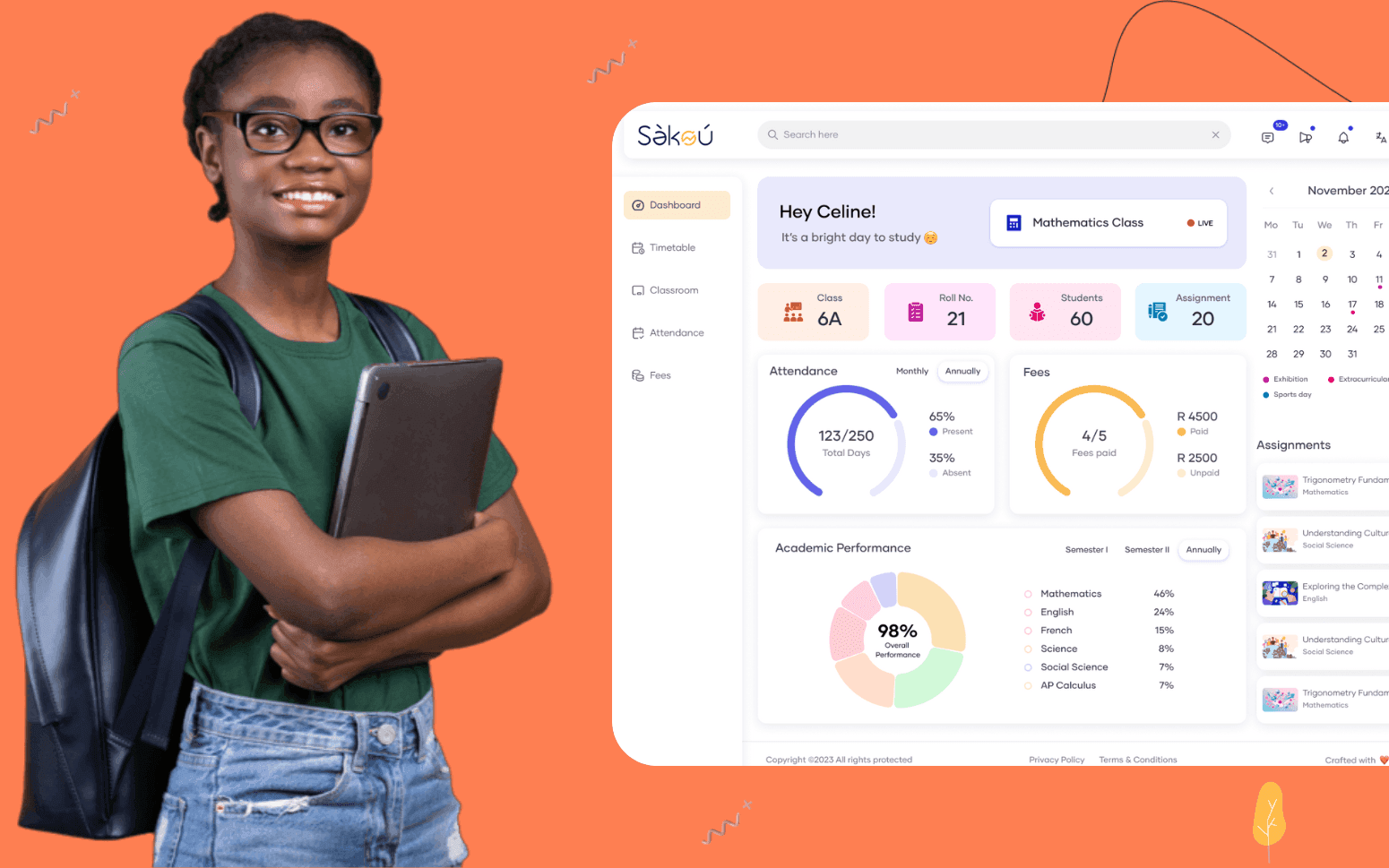
Purpose Built EdTech LMS SaaS Platform Disrupting African K-12 Schools
- 4000+
- 25%
- 16 weeks
Custom parent communication apps for nurseries and childcare providers who need daily reports, secure messaging, and digital permissions delivered in real time, not in a bag at the end of the day.
Generic messaging apps don't handle consent controls or link to a child record. We build parent-facing apps where daily reports, photos, permissions, and messaging are all in one place, controlled, auditable, and connected to the operational system behind it.
Daily digital reports sent to parents in real time
Two-way secure messaging between staff and parents
Photo and video sharing with consent controls
Digital permission forms and emergency contact updates
Recognition
Staff spending time at the end of the day writing up daily reports on paper to send home in bags, an hour of admin that delays pick-up and delivers information 24 hours late?
No digital channel for parents to send a message during the day, every query comes through the front desk by phone, interrupting the staff on the floor?
In short
RaftLabs builds custom parent communication apps for nurseries and childcare providers. We deliver daily digital reports to parents in real time, two-way secure messaging between staff and families, photo and video sharing with GDPR-compliant consent controls, digital permission forms, and emergency contact management. Most projects ship in 12 to 14 weeks at a fixed cost.
Companies we've built for








Parent communication in childcare has historically meant paper daily diaries, phone calls to the front desk, and newsletters sent home in a child's bag. None of those channels are reliable, auditable, or efficient. Paper diaries are completed from memory at the end of a session. Phone calls interrupt staff who are supervising children. Newsletters in bags are lost before they reach the kitchen table.
The gap between what a setting knows about a child's day and what a parent learns from that day is a real problem. Parents who feel uninformed disengage. Staff who spend 45 minutes at the end of each session writing up paper reports are doing administrative work that could be completed in five minutes during the day on a mobile device.
A custom parent communication app solves this by making the report part of the session, not something that happens after it. Key workers record updates as they happen. Parents receive them the same day. Messaging replaces front-desk calls. Digital permissions replace paper forms. The result is a setting that communicates professionally and a parent who feels connected to their child's day.
Key worker submits the daily report as a structured digital form from a mobile device during or at the end of the session. Report fields cover the full daily activity log: nappy changes with time and condition, sleep times with duration, meals and snack consumption (portions offered and portions taken), activities completed, mood observations at different points in the day, and any notable incidents or developmental observations. Fields are completed using taps, dropdown selections, and short text entries rather than free-form writing, so a complete report takes under five minutes rather than the 20-plus minutes paper diaries require. Parents receive a push notification via APNs (iOS) or FCM (Android) when the report is marked as sent, and open the full structured report in the app the same day it is written, not 24 hours later via a paper diary that may not survive the journey home. Report history is stored in the child's timeline and searchable by date, so parents can look back at feeding patterns, sleep trends, and developmental milestones over weeks or months. Setting managers have a dashboard view of which reports have been submitted and reviewed across all rooms before end of session. NAEYC and Ofsted regulatory compliance documentation requirements for daily activity records are met through the structured digital record-keeping, with reports stored and exportable for inspection purposes.
Key workers upload photos and short video clips from activities during the session directly from the staff mobile app. Consent controls, collected at enrolment and updatable by parents at any time through the parent app, determine exactly which family members are authorised to view each child's media, parent accounts, additional family members, and authorised carers each have individual access grants. Photos are never visible to other families; the access control model enforces child-level isolation so a parent can't see another family's media regardless of which room or group their child shares. COPPA compliance is addressed in the data architecture for settings serving children under 13 in the United States, no personal data or media is collected from children directly, and verifiable parental consent is obtained through the enrolment onboarding flow before any child record is created. FERPA compliance for settings that function as educational programmes means education records including activity observations and developmental notes are accessible only to authorised parents and designated staff, not shared with third parties without consent. Media is stored encrypted at rest with GDPR-compliant configurable retention periods aligned to the setting's data retention policy. Parents can download media within the retention period via the app. Storage and access logs create a clear audit trail for every piece of media: who uploaded it, when it was shared, and which authorised recipients accessed it, meeting the documentation requirements for Ofsted and other regulatory inspection frameworks.
Parents send queries or updates to the key worker or the front desk via secure in-app message, no need to call the setting and interrupt a staff member who is supervising children. Staff respond from the management dashboard on a desktop browser or staff mobile app. Messages are delivered via push notification to the parent (APNs for iOS, FCM for Android) so the parent sees the response without returning to check the app. The full conversation history for each child is maintained against that child's record so any member of the team can review the context before responding, no searching through email threads or asking a colleague what was agreed last week. After-hours messages receive an auto-reply confirming the setting's response hours and emergency contact details for genuine urgent situations. Message threads are separated by conversation type, care queries, billing questions, and absence notifications each go to the appropriate staff recipient without parents navigating multiple contact points. Incident reports submitted via the two-way messaging thread are flagged with a mandatory structured fields workflow so incidents are documented with required fields: time, location, description, staff witness, and actions taken, meeting the documentation requirements for NAEYC and Ofsted incident reporting. All messages are encrypted in transit and stored encrypted at rest, with access restricted to the staff members assigned to the child's room and to setting management.
Trip permission, medication authorisation, sunscreen consent, photo release, dietary requirement declarations, and any other consent forms required by the setting are sent to parents via push notification and completed in-app. Parents provide a digital signature captured with a timestamp and device identifier. FERPA compliance for education records means that signed permission forms relating to educational activities are stored as education records accessible only to authorised parents and designated staff, not shared with third parties without explicit consent. Signed forms are stored against the child's record in the child's digital file and accessible to staff during the session on their mobile device, no need to locate a paper form in a filing cabinet when a trip is about to depart. Medication authorisation forms include mandatory fields for medication name, dosage, frequency, prescribing clinician, and administration instructions, preventing medication errors caused by incomplete verbal instructions. When a policy-level form is updated, a revised sunscreen consent or a new medication administration policy, all enrolled families are prompted to re-sign the new version before the previous version's expiry date. The audit trail records which parent or authorised signatory signed each form version, from which device, at what time, and the content of the form version at the time of signing, meeting the documentation requirements for Ofsted inspections, NAEYC accreditation reviews, and local authority licensing audits. COPPA-compliant workflows require that no data is collected from children under 13 directly. All consent and record-keeping flows through the parent account.
Parents update emergency contacts and the authorised collection list directly through the app, changes are reflected immediately in the setting's system without requiring a paper form to be handed in and manually updated by an administrator. New authorised contacts are added with name, relationship, contact number, and an optional photo upload for staff verification at pick-up. At the collection point, the authorised pickup person verification workflow displays the expected collector's name and photo on the staff device, and staff can optionally require a QR code scan (generated in the parent app and presented by the collector) as a second verification factor alongside visual photo ID confirmation. The QR code is single-use and expires after the collection event, preventing code forwarding. Removed or revoked contacts are deactivated immediately and no longer appear on the authorised list, the change requires no admin approval and takes effect in real time. Change history is maintained as an immutable audit log against the child's profile, recording which parent made each change, from which device, and at what precise timestamp. Staff at pick-up see the current authorised list on their device without consulting a paper sheet that may not have been updated. Invoice and fee payment for childcare sessions can optionally be integrated via Stripe, allowing parents to pay outstanding balances and view fee statements through the same app rather than via a separate parent portal. COPPA-compliant data handling means no personal data collected through collection authorisation workflows is shared with or accessible to third parties outside the setting's authorised staff.
Setting-wide announcements, closures, events, term dates, fee notices, enrolment deadlines, and session reminders, are sent via push notification (APNs/FCM) with an in-app record that persists after the notification is dismissed, so the information is available whether or not the parent saw the notification in time. Announcements can be targeted to the whole setting, a specific room or age group, or individual families, so a notice about the Toddler Room closure doesn't go to families whose children are in the Pre-School Room. Read receipts show which families have opened an important notice so the setting manager can follow up specifically with families who haven't seen a critical communication, a closure notice, a fee change, or a health and safety advisory. Individual child notifications go only to that family: a reminder about a specific item to bring tomorrow, a note about a developmental milestone, or an update about a specific incident. The attendance register integration records check-in and check-out times with digital confirmation, and the notification layer can alert staff when a child is expected but hasn't checked in by a configured time, supporting the safeguarding welfare checks that Ofsted and NAEYC frameworks require. Notification delivery status (sent, delivered, opened) is tracked per family per message so the setting has an auditable record of which communications were received, supporting the communication audit trail required by regulators.
Childcare settings process personal data about children and families under GDPR (EU), the UK Data Protection Act 2018, and CCPA for California-based settings. For US-based settings serving children under 13, COPPA (Children's Online Privacy Protection Act) requires that no personal data be collected from children directly and that verifiable parental consent is obtained before any child record is created. FERPA (Family Educational Rights and Privacy Act) applies to settings operating educational programmes and governs access to education records, including daily activity logs, developmental assessments, and incident reports. We build on GDPR-eligible infrastructure with AES-256 encryption at rest and TLS 1.3 encryption in transit. Access controls enforce child-level data isolation, parents see only their own child's information, and staff access is restricted to the rooms and children within their assigned scope. Media shared in the app is stored with configurable retention periods aligned to the setting's data retention policy, with automated deletion workflows for records past their retention date. we're not GDPR or COPPA compliance consultants, your data protection officer or legal adviser sets the definitive policy requirements for your jurisdiction. Our system provides the technical controls (access management, encryption, retention, audit logs, data subject access request workflows) that support that policy. Your Data Protection Impact Assessment, privacy notices, and data processing agreements complete the compliance picture.
Photo and video consent is collected at enrolment through the parent app onboarding flow and stored as a structured consent record against the child's profile. The consent model distinguishes between multiple sharing contexts: sharing with authorised family members (parents, grandparents, additional carers), inclusion in the setting's learning journey documentation, use for NAEYC or Ofsted portfolio evidence, and use in setting promotional materials (website, brochure). Each context requires a separate explicit consent grant, and parents can consent to some and decline others independently. Parents can update their consent through the app at any time, and the change takes effect immediately, subsequent uploads by staff will display the current consent status before posting. COPPA-compliant consent handling for US settings serving children under 13 requires that verifiable parental consent covers all media collection and sharing contexts, and the consent workflow captures the parent's identity verification at enrolment. Staff uploading media see the child's current consent status for each sharing context before the upload is posted, preventing accidental sharing to an unauthorised context. Media posted before a consent change isn't removed automatically from existing records, the setting's data retention policy governs existing content, and we build the workflow (manual review queue for affected media, staff notification of consent change) to reflect that policy rather than automating deletion that could remove records the setting is legally required to retain for a different purpose.
Yes. The parent communication app works best when it shares data with the management system rather than operating as a separate tool. Child records, room assignments, authorised contacts, and consent records maintained in the management system feed directly into the communication app so there's no duplicate data entry. Daily reports posted in the app are linked to the child's record in the management system. If you already have a management system in place, we build the integration to connect the two. If you're building both together, we architect them as one platform with a parent-facing layer and a staff operations layer sharing the same data.
A focused parent communication app covering daily reports, photo sharing, messaging, and digital permissions typically takes 12 to 14 weeks from requirements sign-off to go-live. Adding integration with an existing management system adds four to six weeks depending on the system's API capabilities. Building both the communication app and management system together as a single platform takes 18 to 24 weeks. Cost is fixed and agreed before development starts. We provide training for setting staff and a parent onboarding flow before launch so adoption is high from day one rather than managed through a slow rollout.
What clients say
Three-year average engagement. Founders and operators describing the work in their own words. No marketing varnish.

 Ivory Coast
RaftLabs has been an exceptional partner. From the start, they became more than just a service provider, they embraced our vision with their expertise and dedication.
01 / 02
Tell us how your setting currently communicates with parents and where the gaps are. We will scope an app that fits how your staff and families actually work.