Custom Inspection App Development
Inspection App Development
SafetyCulture and iAuditor are well-built products. For standard inspection workflows, both work. The constraint appears the moment your process becomes specific: conditional logic that routes a failed item to a particular supervisor, a scoring model tied to your own compliance criteria, offline-first capture that syncs when field teams return to signal, integrations with your job management or ERP system so a failed inspection auto-creates a work order without anyone copying data between screens.
Generic platforms handle the median case. When your workflow diverges from the median, you end up building workarounds inside the tool. Workarounds get forgotten. Inspections run on the old paper form. Corrective actions don't get assigned. The app creates the appearance of compliance without the substance.
We build custom inspection apps for businesses whose audit and compliance requirements don't fit a template. Offline-first mobile apps. Custom checklists with conditional logic and scoring. Photo and video evidence attached to specific items. Corrective action workflows that auto-generate and assign tasks from failed inspections. Real-time dashboards. Integrations with the systems you already run.
Offline-first mobile apps that capture inspection data on-site with no signal required
Custom checklists with conditional logic, scoring, and mandatory photo evidence fields
Corrective action workflows that auto-generate and assign tasks from failed inspection items
Integrations with your ERP, job management system, or compliance platform
Bring the problem, the current workflow, or the existing code. We reply with a practical next step within one business day.
Trusted by


































The brief
Start with what is not working.
Good software decisions begin with the constraint, not a list of features or a preferred technology.
01
Are your field teams running inspections on paper or in a generic app that doesn't match your actual workflow?
02
Are failed inspection items falling through the cracks because your system can't route and assign corrective actions automatically?
Plain answer
RaftLabs builds custom inspection apps for businesses across the US, UK, Europe, Canada, GCC, South Africa, and Southeast Asia that have outgrown SafetyCulture or iAuditor. Offline-first mobile apps with custom checklists, conditional logic, photo evidence, corrective action workflows, and ERP integrations. Scope and timeline are locked in writing before development starts.
What to remember
- Custom inspection apps are built for businesses whose audit and compliance workflows don't fit SafetyCulture or iAuditor
- Offline-first architecture captures inspection data on-site with no signal required and syncs automatically on reconnection
- Custom checklists support conditional logic, scoring models, and mandatory photo evidence fields tied to your compliance criteria
- Corrective action workflows auto-generate and assign tasks from failed inspection items without manual data copying
- Integrations connect the inspection app directly to your ERP or job management system
Delivery, by the numbers
- products shipped across industries
- 100+
- rated by clients on Clutch
- 4.9/5
- delivering software for established businesses
- Since 2015
Inspection app development is the process of building a custom mobile or web application for conducting site audits, safety walkthroughs, quality checks, and compliance inspections. Unlike generic platforms, a custom inspection app is built around your specific workflow, checklist logic, and system integrations.
When the generic app becomes the constraint
SafetyCulture and iAuditor are well-built products. For straightforward inspection workflows, both work. The constraint appears the moment your process becomes specific.
Businesses in construction, food safety, property, and healthcare are moving away from paper and generic platforms toward workflow-specific digital tools, precisely because the standard platforms stop working when the process gets specific.
Conditional logic that routes a failed safety item to a particular supervisor, not a general inbox. A scoring model tied to your own compliance criteria, not the platform's default weighting. Offline-first capture that doesn't slow down or break on a construction site with no signal. An integration with your job management system so a failed inspection auto-creates a work order and assigns it without anyone copying data between screens.
These are not edge cases. For construction firms, food businesses, property managers, and healthcare facilities running real operations, they are baseline requirements that generic platforms were not designed to meet.
Generic platforms optimise for the median user. When your workflow diverges from the median, you end up building workarounds. Workarounds get forgotten. Inspections run on the old paper form anyway. Corrective actions don't get assigned. The app creates the appearance of compliance without the substance.
| Generic SaaS (SafetyCulture, iAuditor) | Custom inspection app | |
|---|---|---|
| Checklist logic | Fixed template types | Conditional logic, custom field types, custom scoring |
| Offline capture | Basic, sync-on-reconnect | True offline-first, conflict resolution, no data loss |
| ERP / job management integration | Limited or not available | Direct integration with your existing systems |
| Corrective action routing | Generic notification | Rules-based routing to specific people and teams |
| Reporting | Platform dashboards | Dashboards built around your compliance criteria |
| Cost model | Monthly per-user SaaS fee, ongoing | One-time fixed build, you own the software |
| White-labelling | Not available | Available: branded for your clients or franchisees |
Capabilities
What we build
Custom checklists and conditional logic
Every inspection form is built around your requirements rather than a generic template. Items are typed as text, numeric, pass/fail, multiple-choice, or photo-mandatory, and conditional logic surfaces follow-up questions based on prior answers. Scoring rules apply per item or section, so a single critical fail can mark the whole inspection non-compliant, with versioned checklists tracked by change history.
Offline-first mobile capture
The app is built offline-first, so the offline state is the default rather than a fallback. Checklist data, form logic, and asset information are stored on the device before the inspector leaves the office, and captured data syncs automatically on reconnection with conflict resolution when two inspectors update the same record. On sites with unreliable signal, this is what determines whether the app gets used.
Photo and video evidence capture
Photo and video capture is built into checklist items rather than treated as a separate attachment step. Each photo is timestamped, geotagged, and tied to the item it evidences, and mandatory evidence fields block completion until a photo is attached. Media stores locally offline and syncs with the record, retrievable in the dashboard per item, site, and date range.
Corrective action workflows
When an inspector marks an item as failed, the system generates a corrective action task, assigns it by configurable rules, sets a due date by severity, and notifies the owner. Each action moves through open, in progress, resolved, and verified, and the report and its corrective actions are stored together so an auditor sees finding and resolution in one place.
Reporting and compliance dashboards
A real-time dashboard of completion rates, pass/fail trends, and outstanding or overdue corrective actions across sites, teams, and date ranges, with role-scoped views from site to organisation and drill-down to the individual record. Audit-ready export produces PDF or CSV with checklist responses, photos, timestamps, GPS coordinates, and corrective action status in the format the relevant authority requires.
Integrations with existing systems
Custom integrations connect the inspection app to the systems you already run. Job management integrations let a failed inspection auto-create a work order and assign it to the right technician, ERP and compliance-platform integrations feed outcomes into asset and compliance software, and an API-first architecture means future integrations can be added without rebuilding the core.
How we work
From scope to shipped
Every project follows the same four phases. Scope is locked and price is fixed before development starts.
- Step 0101
Audit and scope
We map your current inspection process, checklist types, corrective action workflows, and integration requirements. You leave the audit with a written scope document and a fixed-price quote. No development starts without your sign-off.
- Step 0202
Design and architecture
Checklist logic, offline-first architecture, and integration design are defined before production code starts. Decisions made here cost a fraction of what the same decisions cost late in the build. Mobile screens and admin dashboards are locked before the build starts.
- Step 0303
Build, integrate, and QA
Working software at a staging URL early in the build, with regular demos with your operations team. QA runs in parallel with every sprint, not as a phase at the end. Offline-first sync, photo capture, corrective action routing, and integrations are built and tested during this phase.
- Step 0404
Launch and post-launch support
Production deployment with monitoring activated on launch day. Post-launch support included in every project. Your field teams get hands-on training before the first live inspection.
Why us
Why teams choose RaftLabs
- 01
The people who scope build the software
The engineers who assess your inspection process also build the solution. No bait-and-switch, no offshore handoff after the contract is signed. The team you meet during discovery builds the software.
- 02
Fixed price before development starts
We scope the work, calculate the cost, and lock it in writing before any development starts. A scope change is a change request: priced, agreed, or dropped. It does not get absorbed into the project and appear on the final invoice.
- 03
Offline-first architecture built properly
Offline-first is an architectural decision, not a feature checkbox. We build the offline state as the default, with sync handling conflicts on reconnection. The inspection app works on a construction site with no signal the same way it works in the office.
- 04
Shipping production software since 2015
Real engagements across SaaS, fintech, healthcare, and logistics, not every one published as a named case study. Track record across mobile, automation, AI, SaaS, and enterprise platforms across construction, manufacturing, healthcare, and property.
Proof
Case studies
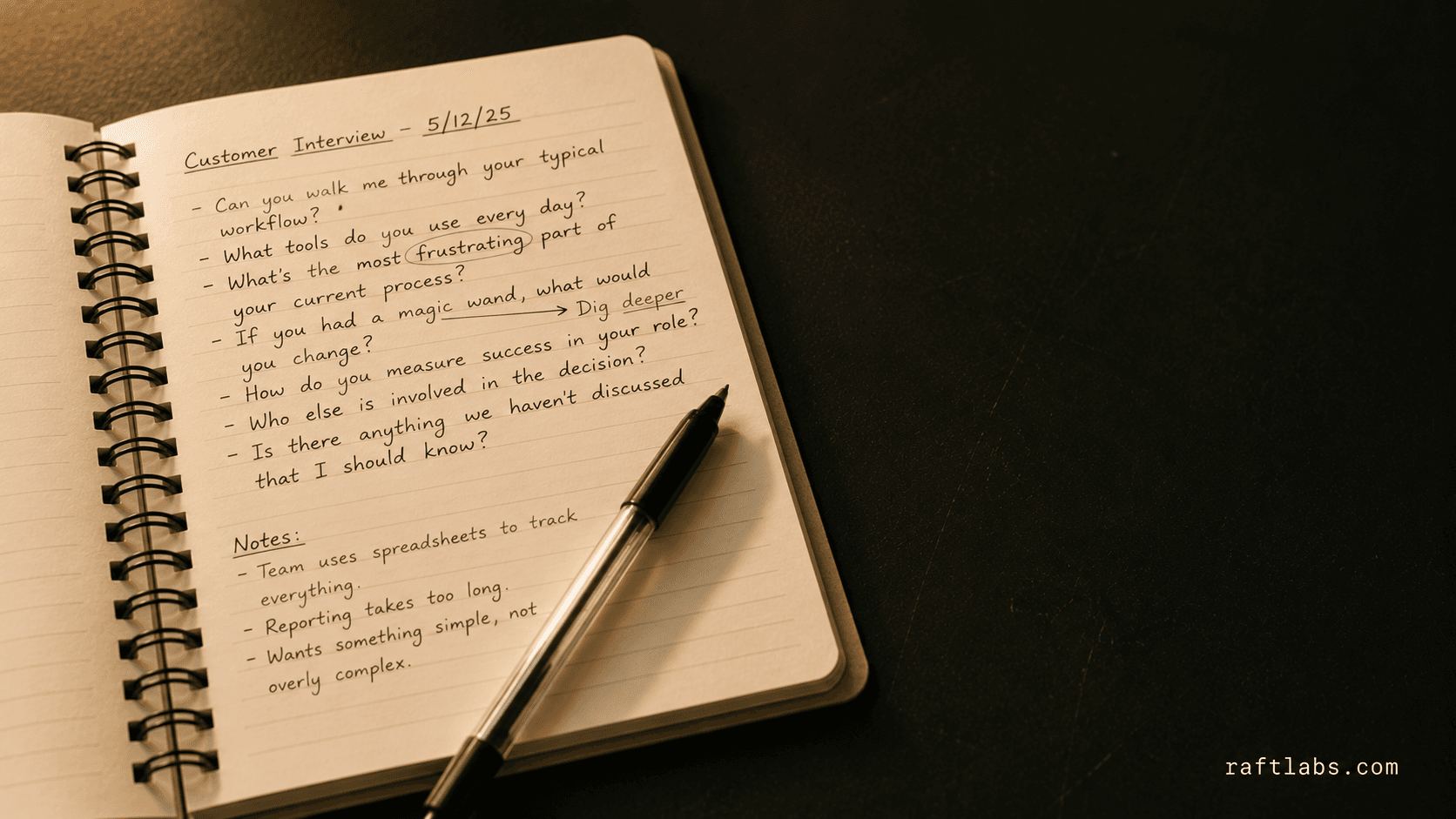
Perceptional replaces static surveys with AI-led interviews that adapt in real time
We built Perceptional, an AI interview platform for product managers that replaces static surveys with adaptive conversations and delivers structured summaries within 48 hours.
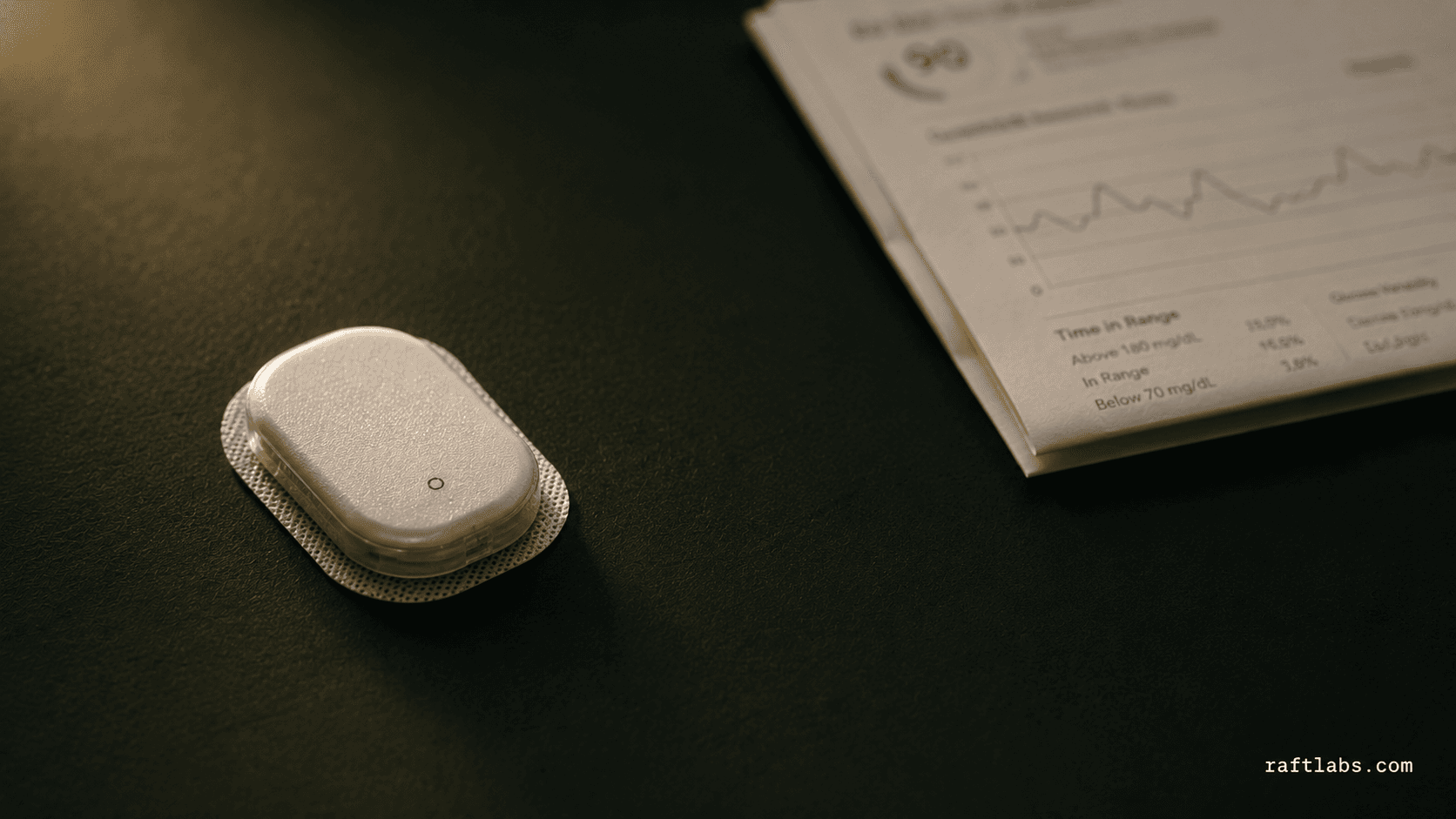
AI remote patient monitoring for chronic care
AI integration in the remote patient monitoring app lifts efficiency by automating data analysis and providing personalized insights through wearable health monitoring devices such as CGM and BPM. This advancement has cut clinical decision-making time by 20%, enabling virtual care management, particularly in chronic care scenarios.
Inspection app development by industry
Construction Software, site safety inspections, permit-to-work, quality audits, and toolbox sign-offs
Food Industry Software, HACCP walkthroughs, hygiene audits, and supplier compliance checks
PropTech Software, rental property inspections, facilities audits, and maintenance compliance
Healthcare Software, clinical audits, equipment safety checks, and infection control walkthroughs
Manufacturing Software, quality control inspections, equipment checks, and regulatory compliance audits
Work with us
How many inspection findings fall through the cracks in your current process?
Tell us your industry, team size, inspection types, and what the generic app doesn't handle. We'll scope the build.
- Scope and cost agreed before work starts. No surprises. No obligation.
- Working prototype within 3 weeks of kickoff.
- Pay by milestone. You see progress before each invoice.
- 60-day post-launch warranty. Bug fixes, UI tweaks, and deployment support. No retainer.
- All conversations are NDA-protected.
Common questions
Inspection app development is the process of building a custom mobile or web application for conducting audits, safety checks, quality inspections, or compliance walkthroughs specific to your organisation's requirements. Unlike generic platforms such as SafetyCulture or iAuditor, a custom inspection app is built around your exact workflow: your checklist structure, your conditional logic, your scoring criteria, your integrations with existing systems, and your corrective action process. The result is a tool your teams actually use rather than work around.
SafetyCulture and iAuditor cover the standard inspection use case well and are the right choice for many organisations. Building custom becomes the right decision when your inspection workflow has conditional logic the generic platform cannot express, you need the inspection output to integrate with your existing ERP or job management system, you require true offline-first capture with photo evidence that syncs on reconnection, your scoring model or compliance criteria doesn't map to the platform's template structure, or you need to white-label the tool for clients or franchise operators. If a generic platform handles your use case, we will tell you.
We build inspection apps for construction and site safety, covering safety checklists, permit-to-work, and quality audits. For food safety and restaurants: HACCP walkthroughs, hygiene audits, and supplier compliance checks. For property and facilities management: rental inspections, fire safety audits, and HVAC maintenance checks. For healthcare: clinical audits, equipment safety checks, and infection control walkthroughs. For manufacturing: quality control inspections, equipment checks, and regulatory compliance audits. The underlying architecture is the same across all of these. The inspection criteria, workflow logic, and integrations differ.
Custom inspection app projects at RaftLabs are scoped and priced individually. A focused build covers custom checklists, offline-first capture, photo evidence, and a corrective action workflow; the number of inspection types, the complexity of conditional logic, and required integrations set the scope. Projects that include real-time dashboards, multi-site reporting, or deep ERP integrations are larger engagements. Every project is fixed-price after a discovery phase. We provide the cost in writing before development starts.
Timeline depends on the number of inspection types, the complexity of conditional logic and scoring rules, and the number of integrations required. The first working version at a staging URL is available early in the build. We scope the full timeline during discovery and lock it before development starts.
The app must load the template, run every checklist item, capture photos, and hold the completed inspection on the device until the connection returns. A web form that needs a live connection to save is not a site inspection app. Photos belong on the checklist item, not the whole inspection: a photo on the item tells the fixer which guard, which door, which lanyard. Evidence-grade means unstripped EXIF, GPS-accuracy thresholds, SHA-256 hashes, immutable audit records.
The hard question: is it real automatic data collection and predictive workflow, or just digitized forms? The report-writing stage is where automation lands: PDF generation from field data. Over-claiming AI automation gets challenged. The paper-to-PDF frame: inspectors used pen, paper, and camera on site and manually entered data back at the office; generating the completed inspection form directly from field data removes that re-entry step. The workflow-fit warning: unique org workflows are the hard part, not data capture. Do not force your operations to match software templates.
The closure rule: a corrective action closes only when a verified resolution is logged, not when self-certified. Failed checks trigger automated actions with named owner, deadline, and photo evidence. The veteran warning: nobody wants to change how they fit data collection into the rest of their processes. Template edits restricted to a small named group, or results stop being comparable across sites and months. Prototype quickly and test usability plus offline sync in real pilot projects before committing to full build.
Yes. Offline-first is a core architectural decision, not a feature that's bolted on. The app stores all checklist data, form logic, and asset information locally on the device. Field teams complete inspections, capture photos, and record notes without a network connection. When the device reconnects, captured data syncs to the server automatically, with conflict resolution handling cases where multiple users updated the same record while offline. In offline-first architecture the offline state is the default, not the exception - a loss of signal leaves the workflow uninterrupted. For construction sites, remote facilities, and plant rooms where signal is unreliable, this distinction matters.