- Platform
- Web App and Desktop App
- Duration
- 16 weeks
- Industry
- Retail Tech
- Read time
- 6 min
Short answer
RaftLabs built a gas station management SaaS platform for a regional operator managing 40+ locations in the US, integrating with existing Gilbarco Passport POS systems without replacing them. The platform uses AI-based OCR to automate invoice processing, extracting product names, quantities, and vendor data from scanned documents. It processed 20,000+ transactions in a single day during real-world testing, connected 40+ stations during beta rollout, and enabled live monitoring of 10 stations simultaneously during rollout. A lightweight cloud sync utility built with Tauri and Rust runs under 10MB on each station's computer, syncing POS data to the central platform every 10 minutes and storing data locally when offline. Delivered in 16 weeks.
The client runs 40+ gas stations across multiple US cities. Every location used the Gilbarco Passport POS. None of them talked to each other.
Inventory was tracked on spreadsheets. Invoices were entered line by line. Sales data lived inside each POS terminal with no easy way to pull a consolidated report. When the owner wanted a picture of yesterday's performance across all locations, it took until mid-morning and the numbers were already stale.
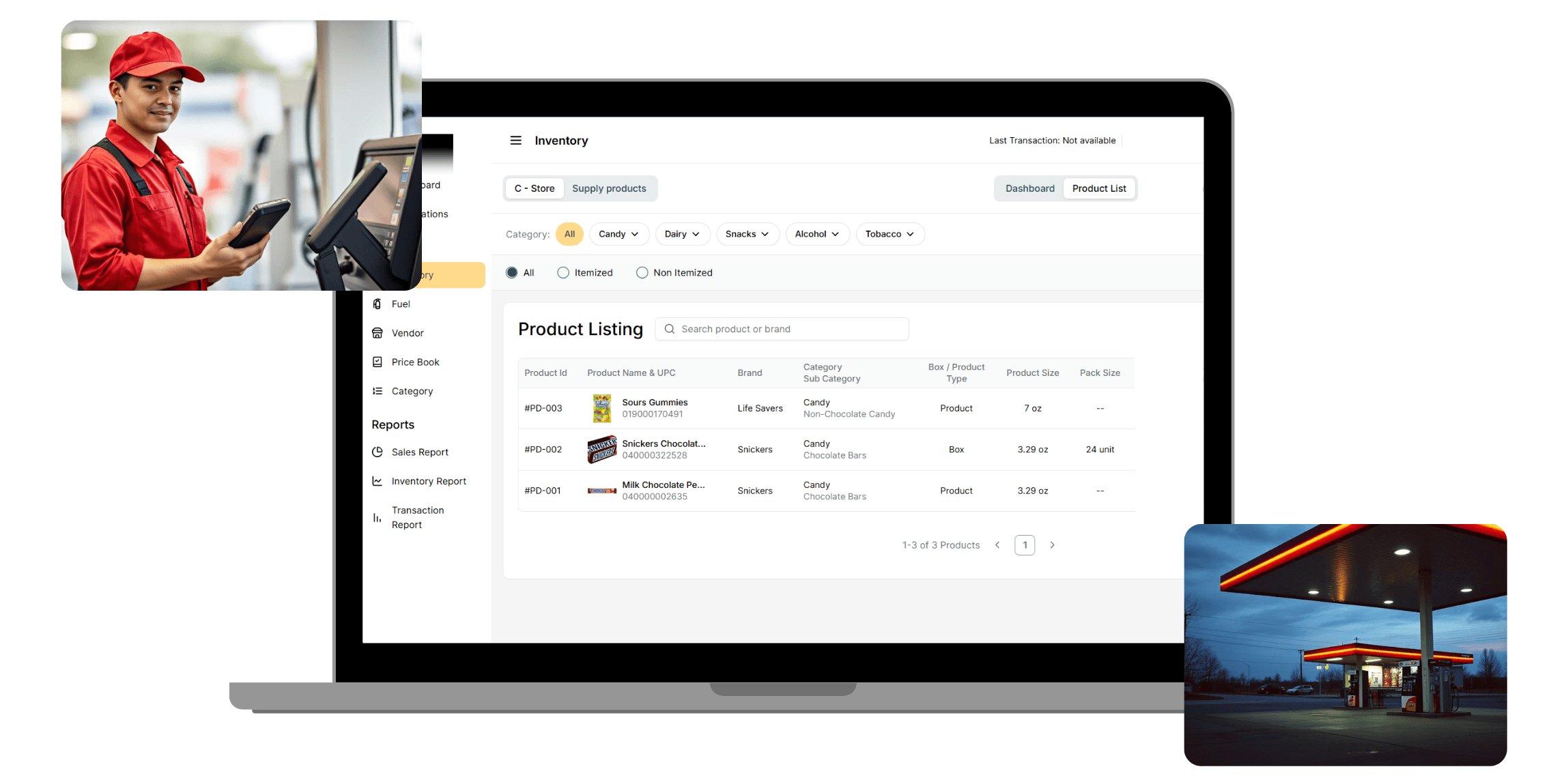
We spent six weeks in discovery before writing a line of code, mapping how data moved through the POS, how invoices flowed from vendors to stations, and what the daily workflow looked like for station staff who were not technical. Then we built: a web platform for centralized inventory, sales, and vendor management; an AI OCR layer that extracts invoice data automatically; and a desktop sync utility that connects each Gilbarco POS to the cloud without replacing it.
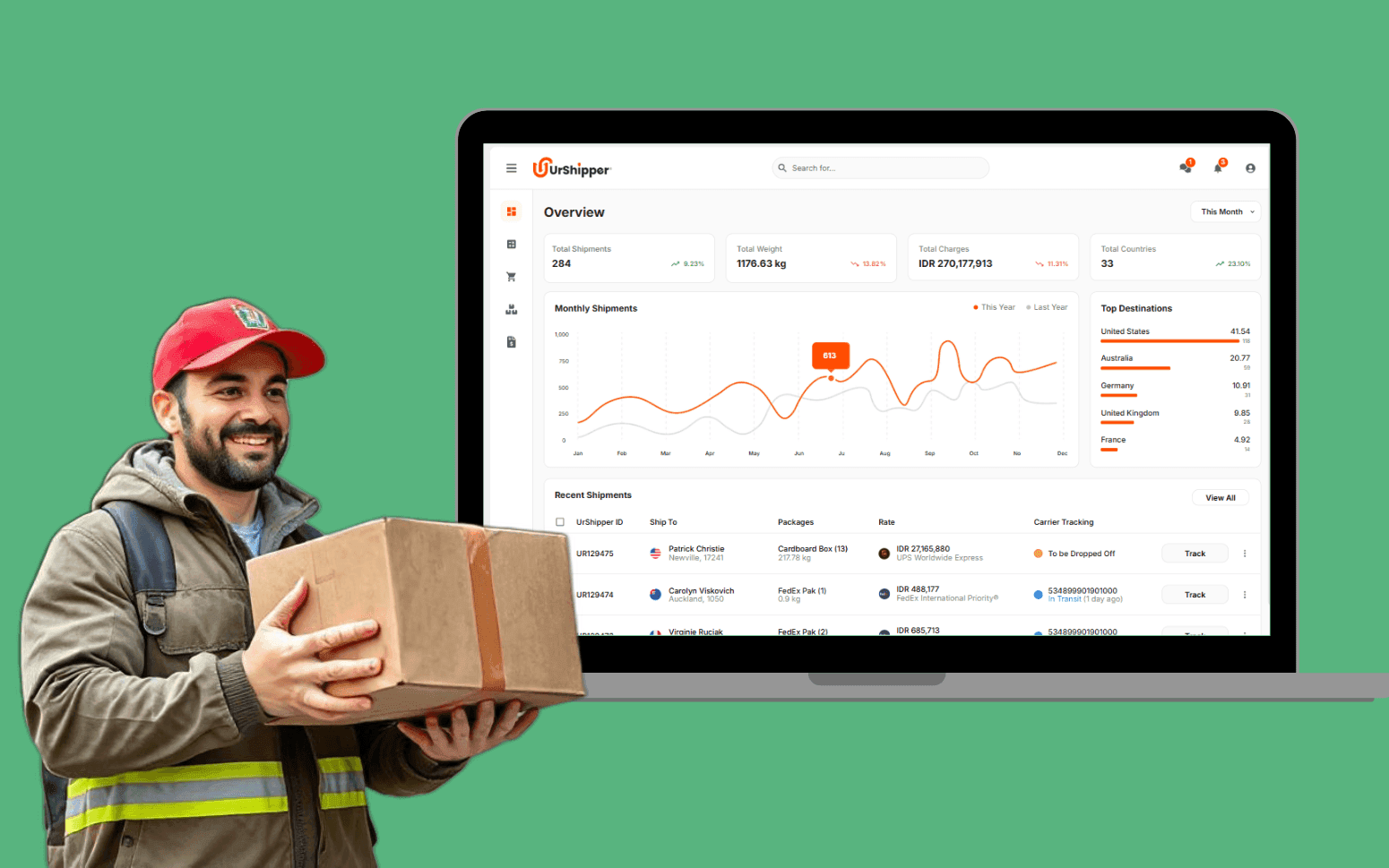
During testing, the platform processed 20,000+ transactions in a single day. Forty stations were connected in beta. The owner can now see live performance across every location from one dashboard.
What we delivered
Live in 16 weeks, including a 6-week discovery phase before development began.
- 01
Web platform
Centralized inventory, sales, and vendor management across every location.
- 02
AI OCR invoice scanner
Extracts invoice data automatically instead of line-by-line manual entry.
- 03
Cloud sync desktop utility
Connects each Gilbarco POS to the cloud without replacing it.
- 04
Real-time dashboard
Live performance across every location, not a mid-morning report.
- 05
Gilbarco POS integration
Reads directly from the existing Passport POS at every station.
before & after
What changed
- Inventory tracked manually on spreadsheets and paper slips across 40+ independent stations with no shared visibility
- Invoice data entered line by line by staff at each location, leading to delays and frequent data entry errors
- Sales and purchase data locked inside each POS terminal with no consolidated reporting across locations
- Price changes updated one by one at each station, creating inconsistencies and requiring staff time at every location
- Frequent stockouts and overstocking because no system tracked actual stock movement against purchases
- Non-technical staff struggled with existing tools and regularly needed support for basic inventory tasks
- All inventory, sales, and vendor data centralized in one platform, visible across all locations in real time
- AI OCR scans vendor invoices and extracts product names, quantities, and vendor details automatically for quick staff review
- Owners push price changes once and they propagate to all connected stations instantly
- A lightweight desktop sync utility runs silently at each station, pulling POS data to the cloud every 10 minutes
- Low stock, expiry, and sync failure alerts give managers time to act before the problem becomes a loss
- Non-technical station staff use a clean interface with guided workflows and minimal training required
What we had to solve
- 01
Syncing POS data reliably across 40+ stations without stable internet
Each gas station's Gilbarco POS stores its data locally. Getting that data to the central platform required a sync process that ran reliably on back-office computers where internet connectivity was inconsistent and the hardware ranged from older machines to newer ones. A sync utility built on standard Electron-style tooling would have been too heavy; it needed to run invisibly in the background without consuming memory or requiring staff attention. We built a desktop app in Tauri and Rust that weighs under 10MB, syncs every 10 minutes, and stores data locally when offline, pushing it to the cloud when connectivity returns. Station staff do not see or interact with it; it just works.
- 02
Making AI OCR accurate enough that non-technical staff would trust it
An invoice scanner is only useful if the extracted data is reliable enough that staff do not spend more time checking it than they would have spent typing it manually. Vendor invoices for gas stations come in dozens of formats (different layouts, different font sizes, handwritten notes, blurred fax copies). The OCR layer had to extract product names, prices, quantities, and vendor details from all of them and present the results as suggestions staff could review and confirm in seconds. Getting the extraction accuracy high enough to build staff confidence took iteration on the model's prompting and post-processing logic; the goal was suggestions that were right often enough to be worth trusting.
outcomes
What we achieved
The owner called each station for a daily report. By the time numbers were consolidated, it was mid-morning and the data was already stale.
Each of the 40 stations operated in isolation: no shared inventory, no shared visibility, no way to spot a pattern across locations.
Sync was manual and end-of-day only. Discrepancies between POS and actual stock were discovered days later, after the damage was done.
Running a multi-location operation on spreadsheets and phone calls?
the build
What we built
The platform has two parts: a web application for centralized management and a lightweight desktop sync utility that connects each POS to the cloud.
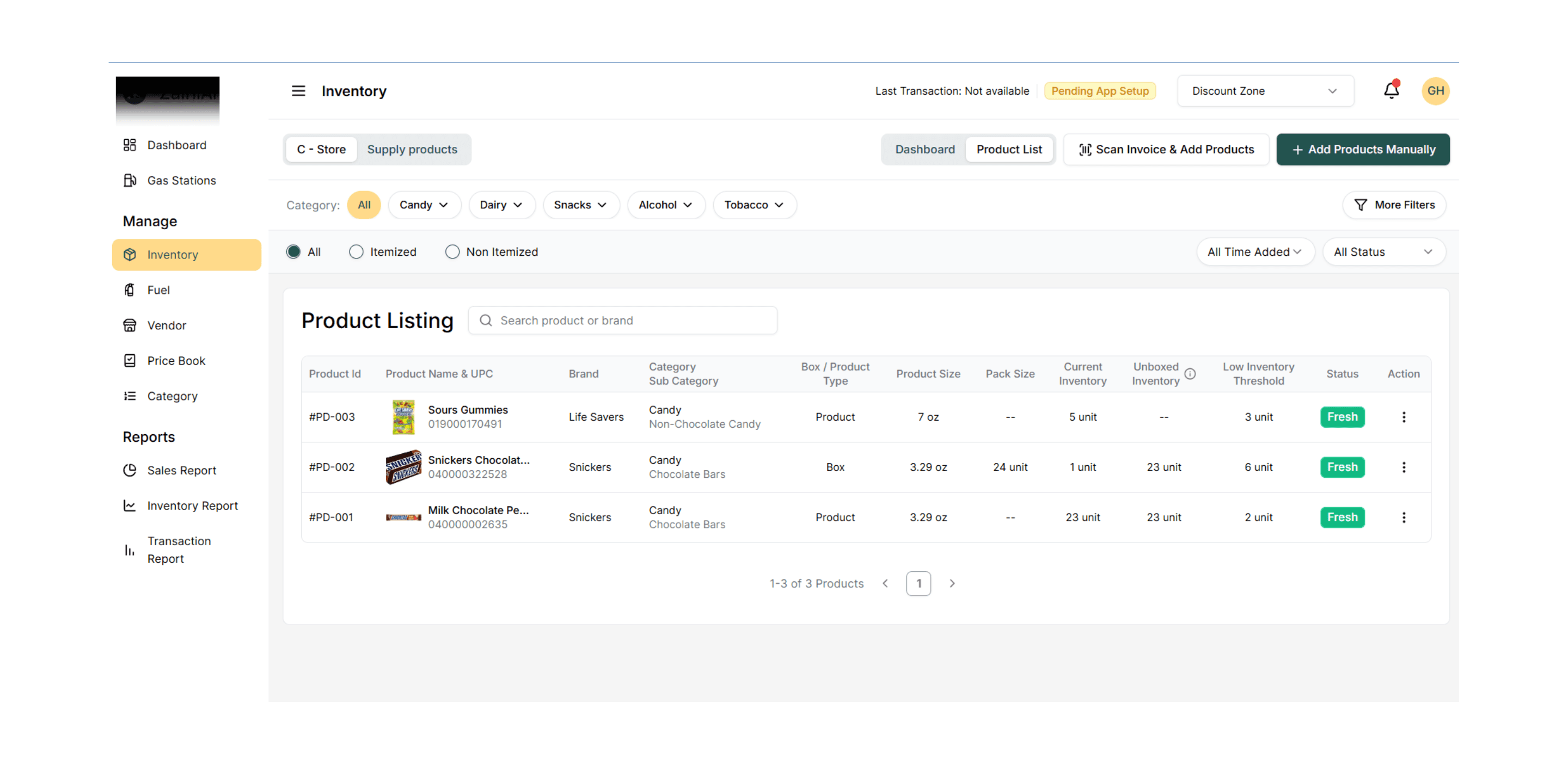
Staff scan invoices instead of retyping them line by line
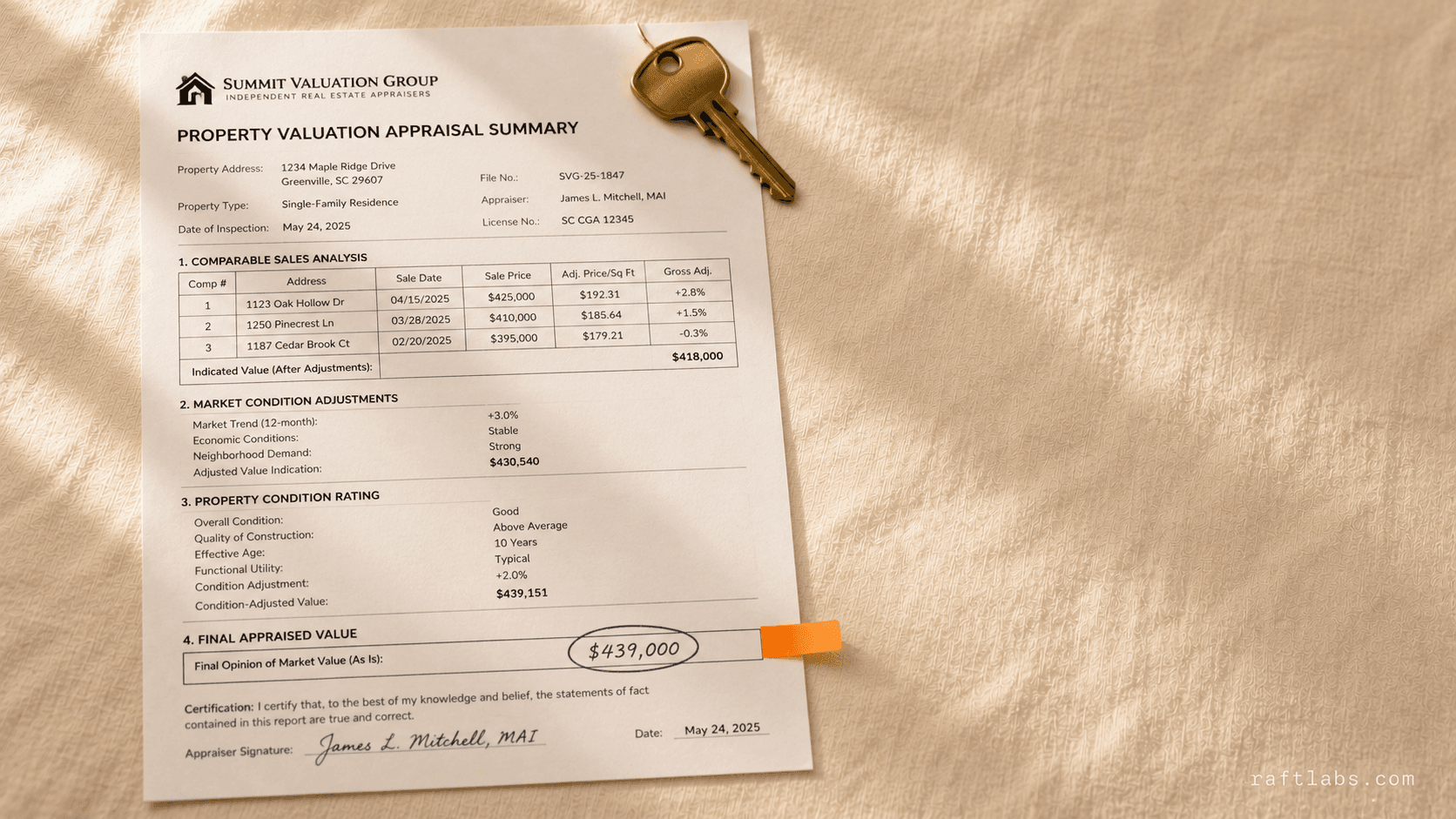
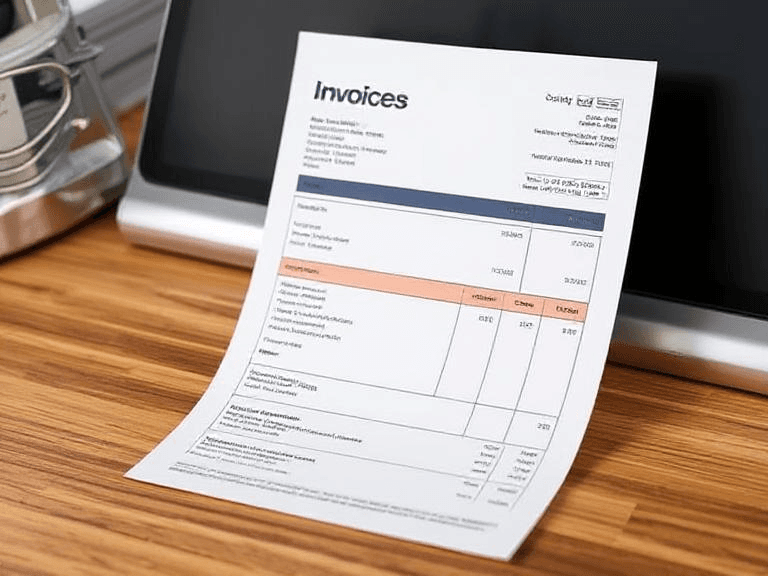
Instead of entering purchase data line by line, staff scan vendor invoices from the web interface. The AI OCR layer extracts product names, prices, quantities, and vendor information and presents them as suggestions for quick review. Staff confirm or adjust and save. No retyping required. New vendors detected on invoices trigger a suggested vendor profile for review.
POS data reaches the central platform automatically: station staff touch nothing
A Tauri and Rust desktop app runs silently on each station's back-office computer. It pulls sales and purchase data from the Gilbarco POS every 10 minutes and pushes it to the central platform. When the network drops, it stores data locally and syncs when connectivity returns. Under 10MB, no UI, no maintenance required from station staff.
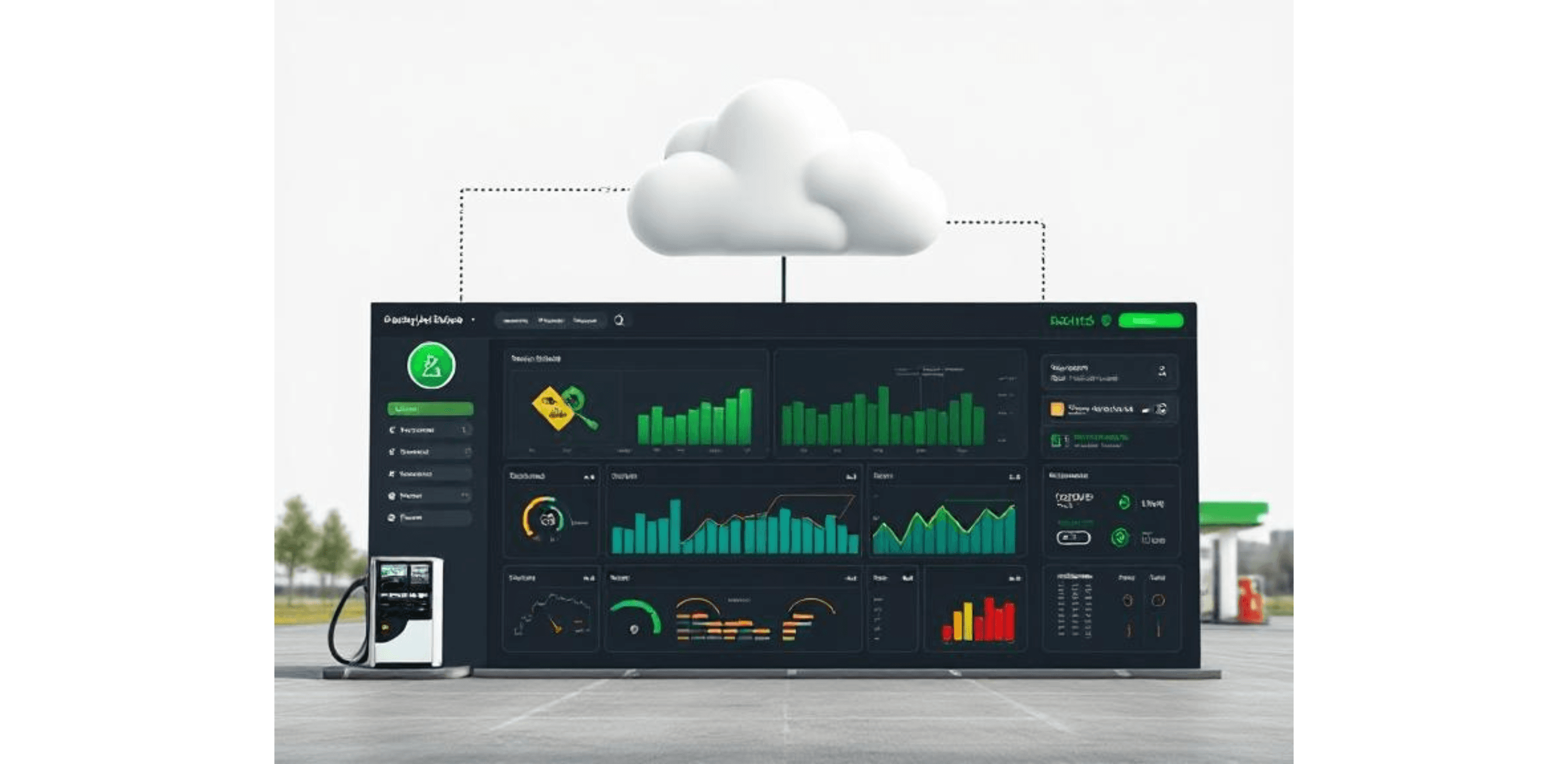
Owners see live sales and low stock across all stations from one screen
Owners and managers see live sales, profit, top-selling items, and low stock alerts across all stations from one dashboard. Filters drill down by station, vendor, category, or date range. Low stock, near-expiry, and sync failure alerts notify teams before problems become losses.
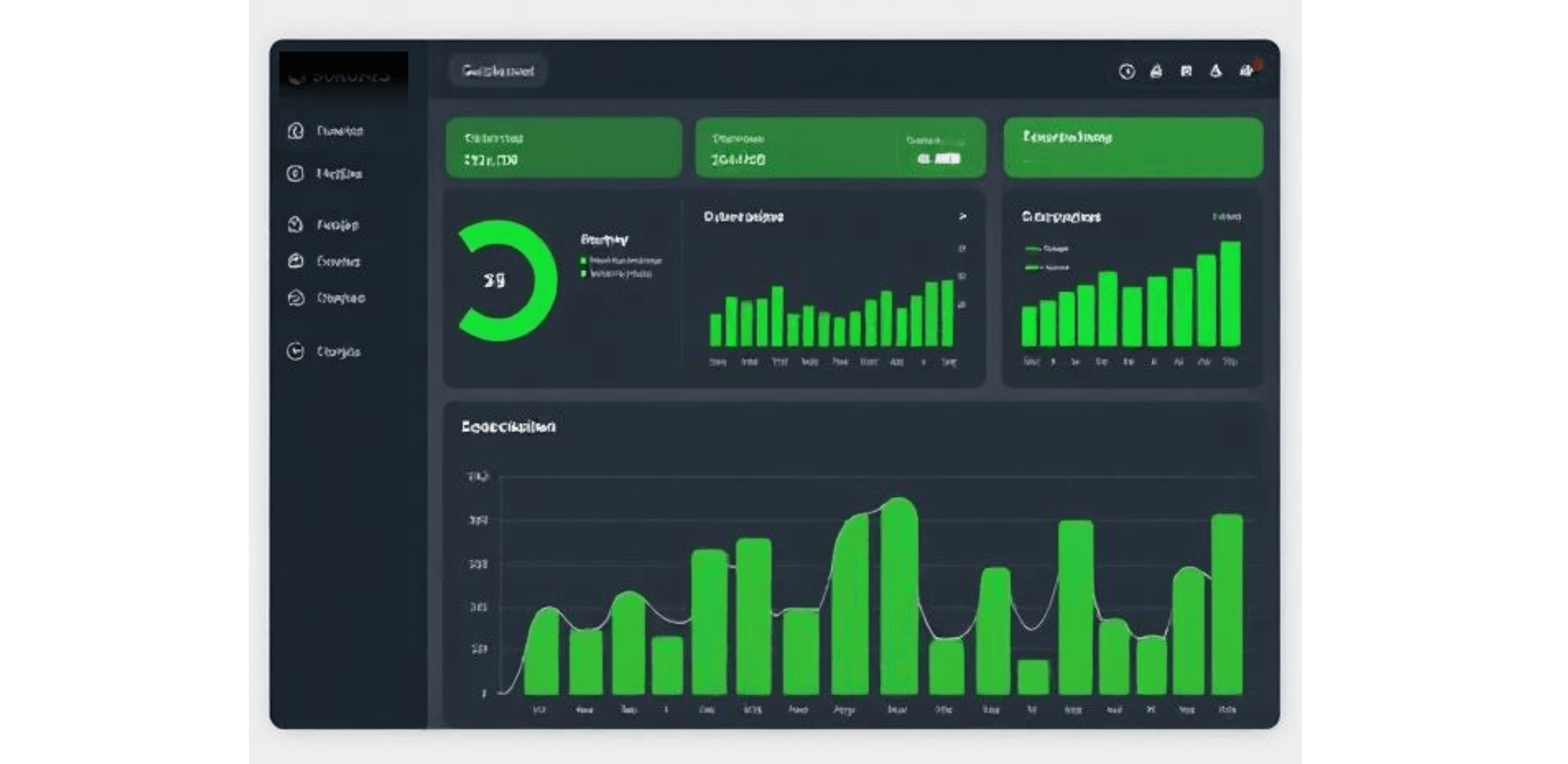
One price change pushes to every station immediately
Price changes made once in the platform push to all connected stations immediately. A full price history and retail price suggestions based on barcode data support purchasing decisions. All vendor purchases log automatically, tied to the vendor record and linked to inventory movement.
Engagement
How we worked together
- 01Weeks 1–2
Discovery and scoping
We map the problem before writing code. Two weeks of technical audit, stakeholder interviews, and prototype, so both teams align on scope and risk before sprint one. - 02Ongoing
Two-week Agile sprints
Each sprint ends with working software, not a status update. You review a real build, request changes, and approve before we move forward. No surprises at handover. - 03Ongoing
Daily async updates
Slack for daily progress, Asana for task visibility, weekly video calls for decisions. You have full visibility without needing to attend every meeting. - 04Final
Handover and warranty
Full code handover with deployment runbooks and documentation. Thirty-day warranty period for production issues at no extra cost.
stack
Why we chose this stack
- 01ReactThe web platform needed fast, interactive dashboards for inventory, sales, and vendor management that non-technical station staff could navigate without training. React's component model let us build a consistent interface across all management screens.
- 02Tauri and RustThe desktop sync utility needed to run silently on back-office computers at 40+ stations without consuming memory or requiring maintenance. Tauri with Rust compiled to under 10MB (significantly lighter than Electron-based alternatives) and handled offline data storage and retry logic natively.
- 03HasuraThe central dashboard needed to show live inventory, sync status, and sales data updating as the desktop utility pushed new records. Hasura's GraphQL subscriptions pushed those updates to the web interface in real time without polling.
- 04AWS LambdaInvoice processing, alert triggers, and cross-station data aggregation all run on Lambda. Serverless processing handles the spikes that come with 40+ stations syncing simultaneously without provisioning capacity in advance.
FAQs
Yes. The platform in this case study integrated directly with the Gilbarco Passport POS via a lightweight desktop sync utility. The POS continued operating exactly as before; the utility ran alongside it and pulled data to the central platform every 10 minutes. We supported a master POS configuration where multiple sub-terminals at a single location fed into one central record. Most major POS systems used in US fuel retail can be integrated using a similar sync approach.
Staff scan or upload a vendor invoice from the web interface. The AI layer (built on Google Gemini via Vercel's AI SDK) extracts product names, quantities, prices, and vendor details from the document. Those are presented as suggestions on screen. Staff review, adjust if needed, and confirm. No line-by-line retyping. New vendors detected on invoices trigger a suggested vendor profile for quick creation. The goal was extraction accuracy high enough that staff trusted the suggestions rather than checking every field.
The desktop sync utility is built offline-first. When the network is available, it syncs POS data to the central platform every 10 minutes. When connectivity drops, it stores the data locally on the station computer and retries when the connection returns. Station staff do not interact with the utility; it runs silently in the background. Progress and any missed sync windows resolve automatically without operator intervention.
From the central web platform, owners set a price once and push it to all connected stations instantly. The platform maintains a full price history per product and per station. Retail price suggestions based on barcode data and past entries support purchasing decisions without requiring owners to manually track market prices. Changes propagate to all locations without anyone needing to log into individual station systems.
The full platform took 16 weeks, including a 6-week discovery phase before development began. Discovery was essential: we mapped POS data structures, invoice formats, and daily staff workflows before writing code, which removed ambiguity from the build phase. Platforms with additional POS integrations, more complex pricing logic, or deeper analytics would run longer. Contact us to estimate based on your location count and feature requirements.