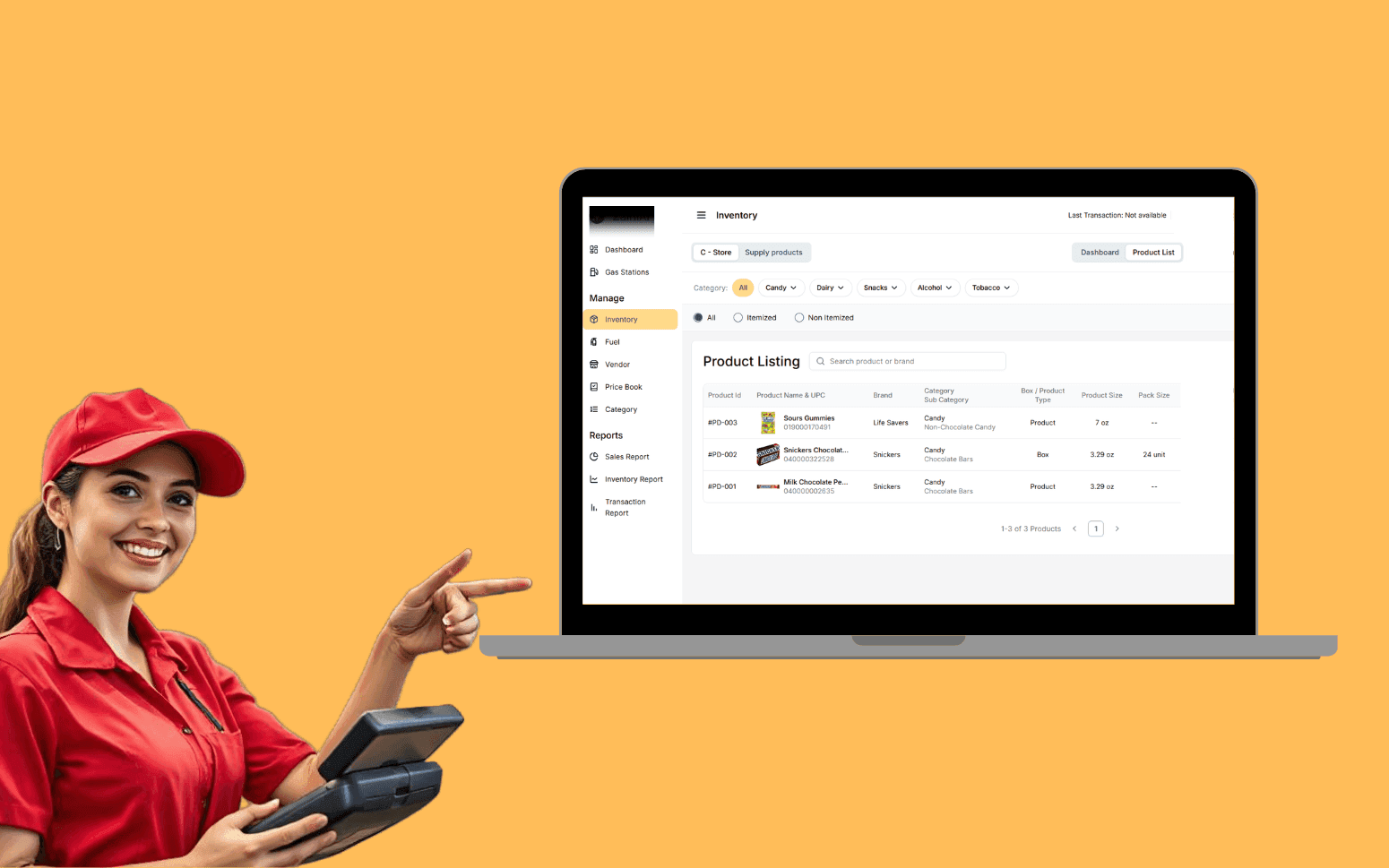
AI OCR Software Scales Gas Station Operations With 20K+ Transactions
- 20K+
- 40+
- 70%
Custom scheduling and dispatch software for plumbing companies that need real-time technician visibility, smart job assignment, and automated customer communication, built for how plumbing dispatch actually works, not how a generic platform assumes it does.
Off-the-shelf tools handle basic calendars. They don't handle skill-matched dispatch, live GPS status, emergency job insertion, or automatic ETA alerts sent the moment a plumber leaves the previous job.
Online booking and phone job intake with real-time technician availability
Dispatch board with live GPS and skill matching
Automated customer ETA notifications
Mobile app for plumbers, job details, photos, and completion notes
Recognition
Office taking bookings by phone with no real-time view of technician location or availability, jobs booked blind and rescheduled when a call runs long?
Customers calling to ask where the plumber is because there's no automated ETA notification and the office doesn't know either?
In short
Custom plumbing scheduling software combines online and phone job booking, a live dispatch board with GPS technician tracking, and a mobile app for plumbers to access job details, capture photos, and record completion notes. Automated ETA notifications keep customers informed without the office making manual calls. RaftLabs builds plumbing scheduling and dispatch software and delivers in 12-14 weeks at a fixed cost.
Companies we've built for








Most scheduling tools treat technician availability as a calendar slot. Plumbing dispatch is more complicated than that. A technician might be twenty minutes away or forty-five, depending on where the current job is, what parts they have on the van, and what skill the next job needs. Without live GPS and job status, the dispatcher is guessing.
We build dispatch systems around real operational data. The board shows each technician's current location, active job status, and estimated completion time. New jobs are matched by skill, availability, and proximity, not just the next open slot on a calendar.
Customer communication runs automatically. When a technician marks a job complete and sets off for the next, the customer receives an alert with the plumber's name, photo, and ETA. The office doesn't need to call.
Phone and online bookings captured in one system with no duplicate entry. Job type and priority set at intake, routine, urgent, or emergency. Customer address and property history pulled automatically when the address is recognised in the system, including previous job records, parts fitted, and any outstanding recommendations from past visits.
Available slot selection is based on real technician availability calculated using GPS-based travel time estimates via the Google Maps Distance Matrix API, not a generic calendar that assumes every job takes 45 minutes. When a time slot is offered, the system factors in where the nearest available technician is, what job they're currently completing, and how long travel to the new site will realistically take. Job time estimation draws on historical data by job type, a hot water unit replacement is allocated a different time window than a tap repair, based on how long those jobs have actually taken on previous visits.
New customer records are created on first booking with contact details, site address, and property notes. Booking confirmation is sent by SMS and email automatically on confirmation, with a link to the customer's job status page.
Visual board showing each technician's live GPS location, current job status, and estimated time to completion. Skill set and certification displayed per technician so emergency jobs are matched to the right person, not just the nearest available body. Nearest-technician routing uses the Google Maps Distance Matrix API to calculate travel time from each technician's current GPS position to the job site, accounting for current traffic conditions.
Drag-and-drop job assignment from the unallocated queue. Emergency job insertion is handled without breaking the existing schedule, the dispatcher sees the revised run order, affected technicians receive updated job notifications, and customers whose appointments shift receive automated ETA updates via Twilio SMS. Van stock inventory is tracked per technician: parts consumed on each job are deducted from the van's stock record, so the dispatcher can see whether the technician has the parts needed for the next job before dispatching them. When van stock falls below a reorder threshold for a commonly used fitting or valve, a parts replenishment flag is raised for the warehouse or parts supplier. End-of-day job count and hours worked per technician are recorded automatically for operational review.
Daily job list with full job details, site address, access notes, and customer history on mobile. GPS stamp on arrival and departure recorded automatically, no manual time entry. Job notes with structured fields for fault description, work done, and parts used. Parts recorded in the job are automatically deducted from the technician's van stock inventory, keeping the parts-on-hand record accurate without a separate stocktake process.
Photo capture is attached directly to the job record with before-and-after geotagged images. The geotag confirms the photo was taken at the correct site address rather than added from the camera roll, which matters for insurance documentation and warranty claims. Geotagged photos can also capture compliance evidence for works that require proof of installation location under local plumbing codes. Task checklist for jobs with multiple work items. Job completion recorded in the app updates the dispatch board in real time. Offline mode captures all job data locally and syncs when connectivity returns, which is important for sites in basement plant rooms or rural properties with poor mobile coverage.
Booking confirmation by SMS and email on job creation. Day-before reminder sent automatically for scheduled visits, reducing no-access callouts that waste a technician's time. Technician on-the-way alert is triggered automatically when the plumber marks the previous job complete and departs, the message is sent via Twilio SMS and includes the technician's name, photo, and a GPS-based ETA calculated at the moment of dispatch rather than at booking time.
This removes one of the biggest operational friction points in field service: the customer calling the office to ask where the plumber is, with the office unable to give a reliable answer. The real-time ETA is accurate because it is based on the technician's actual current location, not the schedule estimate from two hours ago.
Post-visit summary is sent with job notes and any recommendations for follow-up work, presented in plain language the customer can act on, not internal technician shorthand. Follow-up prompts are generated automatically for jobs with parts on back-order or issues that require a second visit. All customer messages are logged against the job record so the office team can see exactly what was communicated and when.
Every visit recorded against the property address, not just the customer account. This matters when rental properties change tenants or a commercial site changes its facilities manager, the job history belongs to the address, so the attending plumber always has full context regardless of who called. Fault description, work completed, parts fitted by model and serial number, and geotagged photos stored per visit.
Any plumber attending a return visit can view the full site history before arrival, including what was recommended on previous visits but declined by the customer, parts installed under warranty and the warranty expiry date, and any access or safety notes the previous technician logged. Outstanding issues and follow-up recommendations are visible on the property record so nothing falls out of the system. Historical job data is searchable by address, postcode, customer name, or job type. Property notes capture access codes, meter locations, preferred contact person for commercial sites, or known site conditions such as old pipework requiring careful handling.
Job completion triggers invoice generation automatically from the work record, pulling labour time from GPS-confirmed arrival and departure stamps, parts from the van stock deductions recorded in the mobile app, and any call-out or after-hours surcharges from the job type and time-of-day rules. Labour and parts pricing are applied from pre-loaded rate cards, no manual calculation by the technician or the office. Flat-rate pricing for standard jobs and time-and-materials billing for non-standard jobs are both supported, configurable per job type.
On-site payment is collected by card or digital wallet through the mobile app. Invoice delivery by email with an online payment link for customers not paying on site. Integration to Xero or QuickBooks pushes the invoice and marks it as paid when payment is received, so accounting reconciliation is automatic rather than a data entry task at the end of the week. Compared to platforms like ServiceTitan and Jobber, a custom-built invoicing integration gives you control over the accounting mapping, the tax handling for different job types, and the invoice format, which matters when your accountant or franchise agreement requires a specific output format.
Jobber, ServiceM8, ServiceTitan, and similar FSM (Field Service Management) platforms handle core scheduling and invoicing well for most plumbing businesses at a lower upfront cost than custom development. Custom software makes sense in specific situations. First, when your dispatch logic, multi-skill matching across large technician pools, zone-based routing rules, complex emergency prioritisation, or van stock tracking tied to dispatch decisions, is specific enough that you're working around the platform's limitations constantly and the workarounds are creating operational errors. Second, when you want a customer-facing experience under your own brand that isn't recognisably built on a generic platform. Third, when you're building a dispatch platform to white-label or sell to other plumbing or trade businesses, which no off-the-shelf tool will allow.
If a well-configured platform like Jobber or ServiceTitan would solve the problem at a fraction of the cost, we will tell you that during discovery. We don't build custom software when an existing tool is the better answer. Custom is the right answer less often than people think, but when it is the right answer, the result is a system your business controls and your competitors can't buy.
The board shows a real-time view of every technician, their GPS location updated from the mobile app, the job they're currently on, the job's confirmed start time and estimated completion based on actual job type duration data, and their remaining jobs for the day. When a new booking comes in, the system queries the Google Maps Distance Matrix API to calculate travel time from each technician's current position to the new job site, weighted by their skill match for the job type, and suggests the optimal assignment.
The dispatcher can accept the suggestion or override it with a drag-and-drop assignment if there's a reason the system's recommendation doesn't apply, a technician who carries specific parts the job needs, or a customer who has previously requested a specific plumber. Emergency jobs are flagged at the top of the unallocated queue and can be inserted into a technician's schedule with one action. Twilio SMS notifies the technician of the updated run order immediately, and affected subsequent customers receive an automated ETA update rather than a manual call from the office.
Yes. Emergency handling is a core design requirement for plumbing dispatch, not an afterthought. Emergency jobs enter a separate priority queue on the board and are visually distinct from scheduled work. The system identifies the nearest available technician with the required skill certification using live GPS positions and the Google Maps Distance Matrix API, and the dispatcher can assign and send a Twilio SMS notification to the technician in one action.
The technician's remaining scheduled jobs are automatically pushed forward in the run order, and affected customers receive automated ETA update notifications so the office doesn't need to call each one manually. If no technician can cover the emergency without breaking a time-committed appointment window, the board flags the conflict so the dispatcher can decide, whether to pull in an on-call technician, call the customer to reschedule, or reassign work between the team. The emergency priority logic is configurable: you define what counts as an emergency in your business and what the escalation path is when no technician is immediately available.
A focused scheduling and dispatch platform with a technician mobile app and customer notification system typically takes 12-14 weeks from project start to production deployment. That includes discovery and scoping, design, development, Twilio SMS and QuickBooks or Xero integration, testing with your team, and deployment. The timeline assumes the project scope is agreed before development starts and that integrations are to standard REST APIs. Twilio's Messaging API, QuickBooks Online API, and Google Maps Distance Matrix API all have well-documented integration paths that don't add timeline risk.
Complex scenarios that may add time include multi-location businesses with location-specific dispatch logic, large van stock catalogues requiring initial data migration, or custom iOS or Android apps rather than web-based progressive web apps. We agree the full scope and fixed cost before development begins. Unlike platforms like ServiceTitan that bill monthly per technician seat, a custom system has no ongoing per-seat licensing cost, the economics improve as your team grows.
What clients say
Three-year average engagement. Founders and operators describing the work in their own words. No marketing varnish.

 USA
USAAll of the sprints were completed on schedule and on budget. We highly recommend RaftLabs!
01 / 02
Tell us how your dispatch works today and what's breaking. We'll tell you what we'd build and how long it would take.