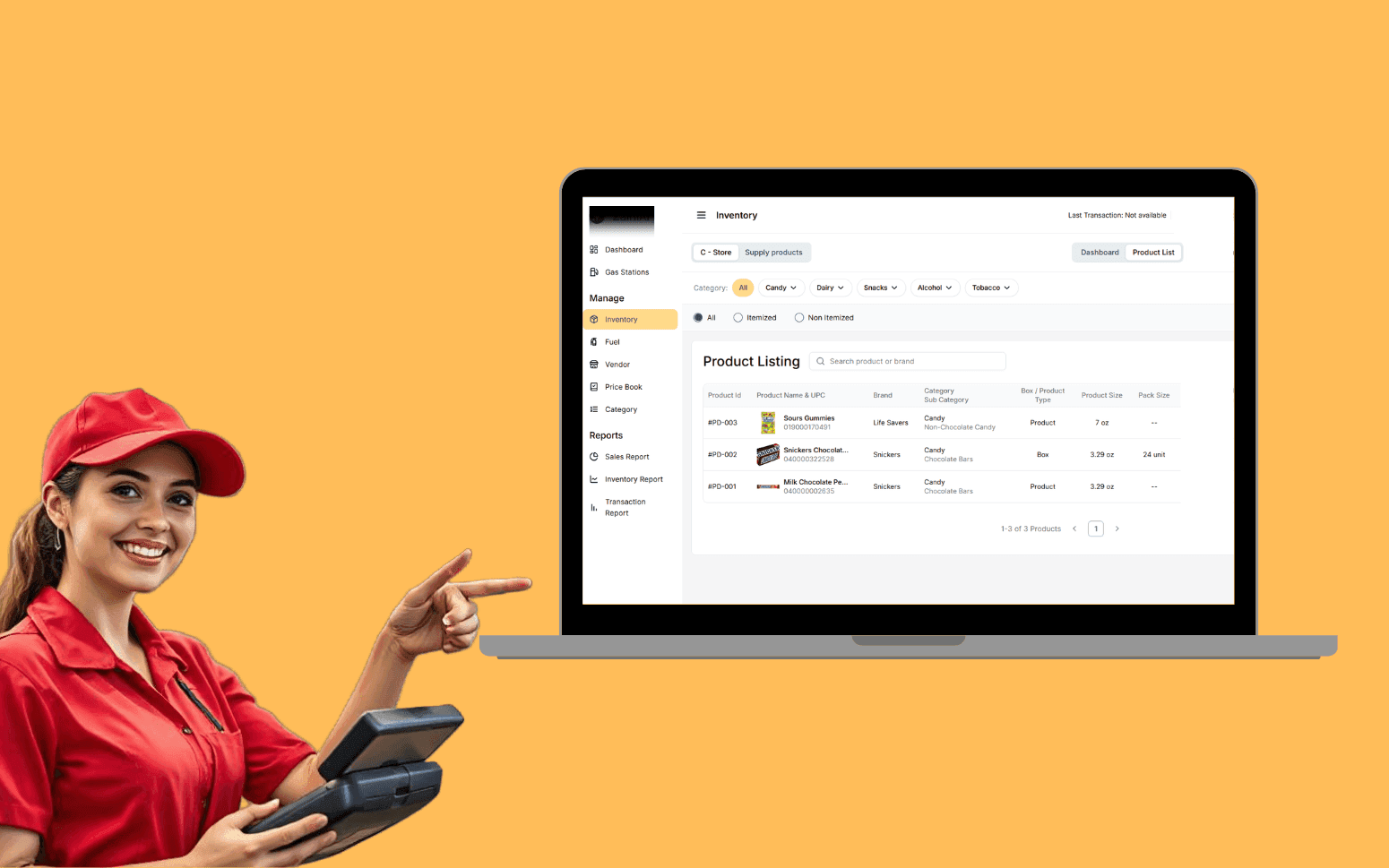
AI OCR Software Scales Gas Station Operations With 20K+ Transactions
- 20K+
- 40+
- 70%
Custom mobile apps for site supervisors, inspectors, and field crews: daily reports, safety inspections, punch lists, and photo capture that work on site without reliable connectivity and sync automatically when the device reconnects.
Built for construction sites, not offices. Simple enough for a tradesperson to use on the first day, and solid enough to handle the conditions of a working site: dust, gloves, intermittent signal, and the need to capture information quickly before moving on.
Daily site report forms completed on mobile with weather, crew, plant, and progress logged against programme activities
Safety and quality inspection checklists with mandatory fields, photo evidence, and immediate supervisor notification
Punch list and defect management with photo markup, trade assignment, and sign-off tracking
Offline-first architecture: works without signal and syncs when connectivity returns
Recognition
Site supervisors writing daily reports by hand and transcribing them at the end of the week, by which point the details are already wrong?
Safety inspection checklists on paper forms that sit in someone's truck until Friday and never make it into a central record?
In short
RaftLabs builds custom construction field service apps for site supervisors, inspectors, and field crews. The apps cover daily site reports, safety and quality inspections, punch list and defect management, photo and video capture against drawing locations, and real-time sync to the project management platform. They work without reliable site connectivity and are designed for trade workers, not software users. Most construction field apps ship in 8-12 weeks at a fixed cost with full source code ownership.
Companies we've built for








Most construction site data collection runs on paper. Daily reports are handwritten by supervisors, then typed up by someone in the office, then filed where nobody looks at them. Safety inspections are ticked on a printed form, scanned, and emailed to a shared drive that hasn't been properly organised since the project started. Defects are photographed on a personal phone and sent to a WhatsApp group where they promptly disappear.
The result is that the site record is always incomplete, always behind, and always assembled manually when you need it. The project manager asks for an update and someone makes phone calls. The safety audit arrives and someone spends a weekend finding paper records. The defect list at practical completion includes items nobody recorded properly because the process was too slow to use in real time.
Field service apps built for construction replace that process with mobile workflows that take less time to complete on site than the paper alternative, because they're designed around what a site worker actually does, not what a software designer thinks they should do.
Daily report forms completed on mobile by site supervisors and foremen: weather conditions pulled automatically from OpenWeather or NOAA API at the time of submission, crew on site by trade, plant and equipment active that day, work completed against programme activities, instructions received, and site issues logged. The weather integration removes manual weather entry and gives the report a timestamp-matched weather record that is defensible if a delay claim needs contemporaneous evidence. Photo and video attachment against specific report entries. Delivery confirmation for material deliveries: barcode scan on delivery dockets against the purchase order, with quantity received and any damage noted. Reports compiled automatically into weekly and monthly summaries for client reporting. Submitted reports locked and timestamped so the site record can't be edited after the fact. The daily report that takes five minutes to complete on site and creates a credible contemporaneous record that stands up to scrutiny when a variation or delay is disputed months later.
Configurable inspection checklists for safety walkthroughs, quality hold points, and regulatory compliance checks: toolbox talk sign-off, crane and equipment permit-to-operate checklists, excavation permits, and confined space entry logs all managed in the same app rather than on separate paper forms. Digital toolbox talk sign-off captures each worker's name, trade, and acknowledgment timestamp, creating a defensible attendance record for the safety management system. Mandatory photo evidence fields for specific inspection items. Immediate notification to supervisors and the safety manager when a safety issue is flagged, with escalation to the project manager if not closed within a defined period. Failed inspection items automatically generating corrective action tasks with assigned trade, responsible party, and due date. Inspection history by location, date, and inspector, searchable across the full project duration rather than filed in a ring binder. The audit trail that demonstrates your safety management system is operating in practice, not just documented in the project safety plan.
Punch list creation from mobile with photo capture, PDF annotation directly on the drawing at the defect location, description, deficiency category (workmanship, material, incomplete installation, damage), and responsible party assignment. Defect items tracked through raised, assigned, rectified, and signed off, with each status change timestamped and attributed to the person who made it. Re-inspection workflow where the supervising party verifies rectification before closing the item; the item cannot be self-closed by the trade who raised the defect. RFI (Request for Information) submission workflow built into the same app: field workers raise an RFI with a photo markup, it routes to the site engineer, the response is logged against the RFI and visible in the field on the same device. Contractor and subcontractor access to their assigned defect lists through a portal so the information reaches the responsible party without going through an email chain or a separate platform login. Defect register exportable by trade, location, deficiency category, and status for practical completion reporting, formatted to match the contractual handover documentation requirement.
Photo capture with GPS location tagging, timestamp, and annotation tools for marking up issues directly on photos. Drawing integration where photos are pinned against a specific location on the project drawings, so reviewers can see exactly where on the floor plan the issue was observed, without someone having to describe "the room on the left past the stairwell on level 3." The Autodesk Viewer SDK enables mobile BIM model viewing for projects where the design is maintained as a Revit or IFC model: field workers can navigate the model, view component properties, and pin observations against the model element rather than a 2D floor plan. Drawing overlays where field workers mark inspection locations and defect positions on the current drawing revision, with drawing revision control ensuring the latest issued revision is always the one in use. Calibrated PDF drawings with PDF annotation built using Bluebeam-compatible markup layers so that annotated drawings can be round-tripped back to the document control system. The photo and markup record that places every capture in its project context, tied to a drawing location, a BIM element, and a date, without someone having to remember which room they were in three weeks after the defect was raised.
Field apps built with a local data store (SQLite or Realm) hold the working dataset on the device: today's tasks, relevant drawing pages, inspection checklists, assigned punch list items, and form templates. All data entry queued locally and written to the device store immediately, synced to the server when connectivity returns via a background sync queue. Conflict resolution handles concurrent edits made by multiple field workers while offline: last-write-wins for independent fields, merge-conflict flagging for changes to the same record by different users. Geofenced attendance punch-in and punch-out records when a worker enters or leaves the site boundary, a GPS-defined polygon around the site perimeter, providing a timestamped attendance log without requiring a supervisor to manually record arrivals. Connection status is visible in the app and not disruptive to the workflow. The user experience is identical whether connected or not, with sync status shown as a background indicator. Tested under low-connectivity conditions during development using network throttling, not assumed to work because it works on the office Wi-Fi. The architecture that makes the app reliable in tunnels, basement levels, remote sites, and any environment where cellular data is intermittent.
Field data captured on site flows directly into your project management platform: daily reports posted against programme activities, defects linked to the drawing register, inspection results and corrective actions visible to the office as soon as the device syncs. Integration with Procore, Autodesk Construction Cloud (ACC), Aconex, and SafetyChain via their respective APIs, as well as custom PM platforms via REST API. Procore Field integration specifically allows field observations, inspections, and RFIs created in the mobile app to appear as native Procore items without duplication. No manual re-entry, no end-of-day upload from someone's laptop while they're already past the end of their shift. The office team sees what's happening on site as it happens. Foremen see their assigned tasks, hold point inspections, and schedule for the day pulled from the programme, so the morning briefing is based on live data, not a phone call to the site manager. The integration between field and office that removes the phone call as the primary status update mechanism and replaces it with a data record that everyone can see.
Generic mobile form tools like Google Forms or standard survey apps can collect data, but they don't connect to the project context that makes construction field data meaningful. A purpose-built construction field app integrates with the programme so daily reports are entered against specific activities, with drawing integration so photos and defects are located on the actual floor plan, with the user management model that distinguishes site supervisors, inspectors, subcontractors, and office managers, and with an offline architecture built for environments where connectivity cannot be assumed. The interface is also different, designed to be completed quickly in site conditions, not optimised for an office screen. The difference is between a tool that collects data and a tool that creates a usable project record.
Field apps built for construction use an offline-first data model. When the app launches with connectivity, it downloads the working dataset for that day: assigned tasks, relevant drawing pages, inspection templates, and the current punch list. All data captured in the field, form entries, photos, markup, and signatures, is stored locally on the device immediately, not held in a queue waiting for a connection. When the device reconnects, the locally stored data syncs to the server automatically in the background without requiring any action from the user. Conflict resolution handles situations where the same record was updated by two people while both were offline. Connection status is visible in the app. The user experience is the same with or without signal. The sync just happens later.
Yes. Field apps typically integrate in two directions: pulling task lists, programme activities, and drawing data from the PM system, and pushing field data, daily reports, inspection results, and defects, back into the same platform. Common integrations include Procore, Aconex, Autodesk Construction Cloud, and custom PM platforms. Drawing integration for photo location pinning works with PDF drawings and, where available, structured drawing data from BIM platforms. The integration scope is defined during discovery based on what your existing systems expose via API. We don't assume a straightforward integration until we've assessed the available endpoints and the data model on both sides.
A focused field app covering daily reports, inspection checklists, and photo capture typically runs $25,000 to $55,000. A more complete field platform with punch list management, drawing integration, offline sync, and PM system integration typically runs $55,000 to $110,000. Cost depends on the number of form types, the complexity of the offline sync architecture, the number of integrations, and whether the app needs to support multiple platforms (iOS and Android). We scope every project before pricing it. You get a fixed cost and a clear delivery timeline before development starts.
What clients say
Three-year average engagement. Founders and operators describing the work in their own words. No marketing varnish.

 USA
USAAll of the sprints were completed on schedule and on budget. We highly recommend RaftLabs!
01 / 02
Tell us what your site teams currently do on paper, how many sites and users are involved, and what integration you need with existing systems. We'll scope the right app and give you a fixed cost.