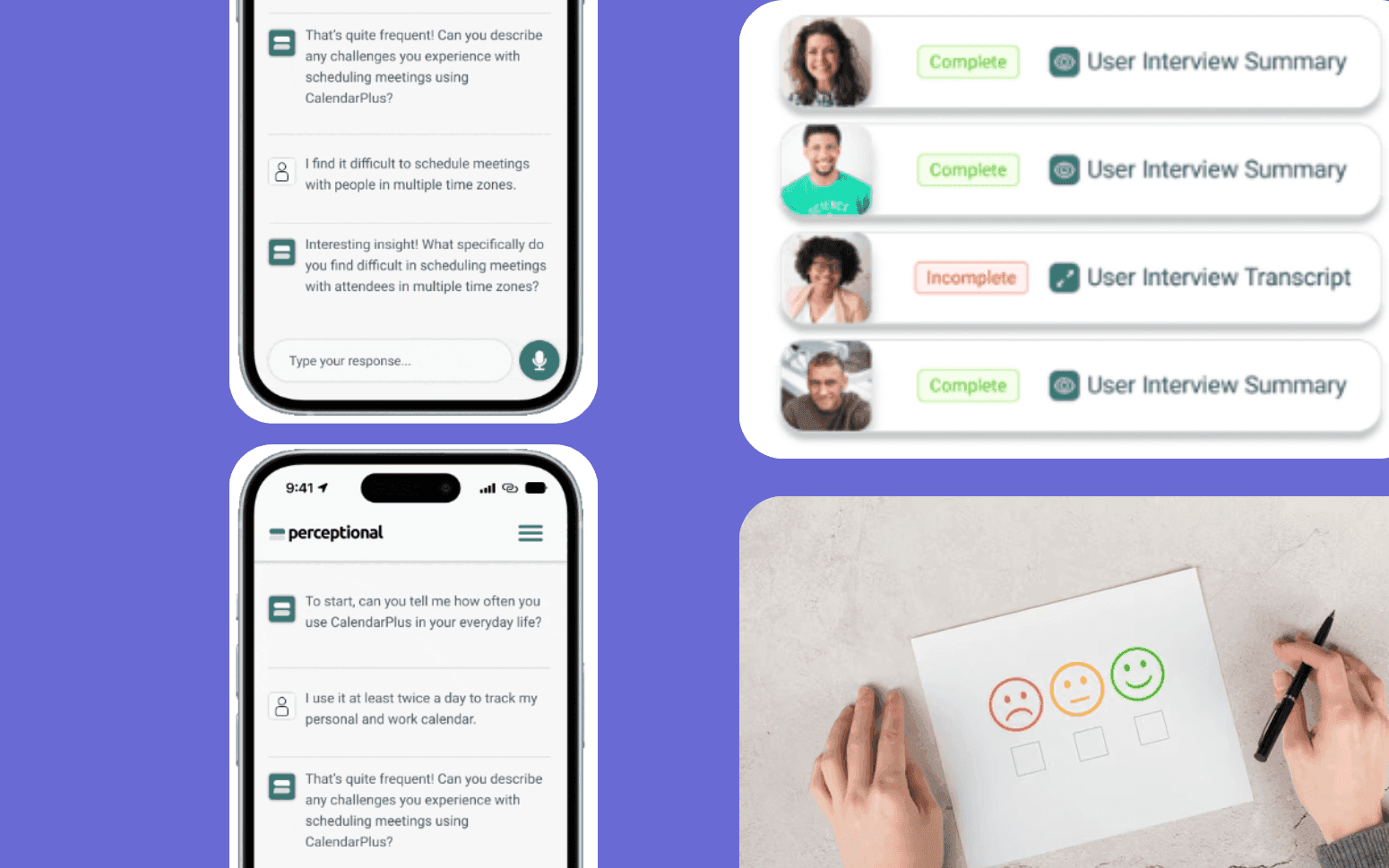
Building a Conversational AI Chatbot for a Professional Services Firm
- 40%
- 12 weeks
Custom onboarding automation software that guides new customers through setup with step-by-step task checklists, milestone tracking, and automated trigger sequences, reducing time-to-value without adding CS headcount.
Generic onboarding tools handle tooltips and in-app tours. Custom onboarding automation handles the full process, including steps that happen outside the product, integrations your team sets up, and training that requires scheduling, with the CRM and product analytics integration that keeps everything in sync.
Guided setup flows with step-by-step task checklists and completion tracking
Automated trigger sequences based on product usage milestones
CSM dashboard showing onboarding progress across all active accounts
Integration with your CRM and product analytics to trigger next steps from real usage data
Recognition
Onboarding a new customer still requires your CS team to manually send setup instructions, chase completion, and track progress in a spreadsheet rather than a system?
Time-to-first-value varies by 3x between customers depending on who their CSM is and how closely they follow the process?
In short
RaftLabs builds custom customer onboarding automation software for SaaS companies and B2B service providers. The software includes guided setup flows, task checklists, integration triggers, and milestone tracking that reduce time-to-value without increasing CS headcount. Most projects deliver in 10-14 weeks at a fixed cost.
Companies we've built for








Most SaaS churn doesn't start at renewal. It starts in the first 60 days, when a customer who paid for an outcome never gets close enough to it to believe the product will deliver. By the time the renewal conversation happens, the decision is already made: the product didn't stick, adoption was shallow, and the contract value can't be justified against results the customer can't point to.
Onboarding automation addresses the root cause directly. Every customer gets the same clear sequence of steps, in the right order, with the right prompts at the right moments, not the onboarding experience their CSM had bandwidth to deliver that month. CS team time is spent on the conversations that require human judgment. The coordination overhead, chasing setup completion, sending instructions, tracking progress across accounts, runs automatically.
Step-by-step task checklists built around your actual onboarding sequence, not a generic SaaS template. Flows are built with conditional branching so the steps a customer sees depend on their user role, product tier, and industry. An enterprise administrator onboarding to a data integration product gets a different checklist from a self-serve user in a marketing team. The branch conditions are defined during configuration, not hardcoded.
In-app delivery and email delivery work in parallel so customers receive prompts in whichever channel they respond to. Each task step includes the instruction, a completion mechanism (self-reported, product-event-driven, or CSM-confirmed), and links to supporting documentation or video walkthroughs. An in-app checklist with progress tracking, similar in structure to what Appcues and Intercom Tours provide natively, shows customers how far through the setup process they are and what remains. The visual progress indicator gives customers a sense of momentum through setup that a welcome email with a list of links can't replicate.
Product tours with contextual tooltips can be triggered by user actions: a tooltip appears the first time a user reaches a particular screen, a guided sequence launches when a user activates a feature for the first time. ITSM ticketing integration with Jira or ServiceNow handles complex setup tasks that require your team to take action on the customer's behalf. A ticket is created automatically when the customer reaches that step, and the checklist item marks complete when the ticket is resolved.
Milestone completion tracked at each meaningful progress point: first login, integration connected, first report generated, first team member added, first workflow completed. Milestones are defined around your product's actual value moments rather than arbitrary time intervals. The time-to-first-value (TTFV) metric is tracked per customer from contract signature to the milestone your team defines as "first value delivered," typically the first time the customer completes the core workflow the product was purchased to enable.
Alert configuration notifies CSMs when a customer stalls at a specific milestone for more than a defined number of days: the intervention happens while the customer is still in the setup mindset, not after they've disengaged and stopped logging in. A customer stuck at the integration step for seven days receives an automated email nudge at day four and a CSM task at day seven, rather than waiting until a human notices the stall in a spreadsheet review.
Milestone completion rates tracked by customer segment, CSM, and onboarding cohort identify where the sequence breaks down at a population level. If 40% of customers in a specific product tier stall at the same step, the data surfaces that pattern directly rather than requiring a quarterly analysis. NPS surveys triggered at day 30 and day 90 of onboarding are tied to milestone completion status so you can correlate sentiment with progress: customers who haven't reached key milestones by day 30 score consistently lower, which is useful evidence for where onboarding investment should go.
Trigger-based automation fires the next step when a product usage event occurs: first login detected, feature activated, integration connected, data imported. Milestone-based email sequences via Klaviyo, Intercom, or Customer.io send the right message at the right moment rather than on a fixed calendar schedule that's irrelevant to where the customer actually is in the setup process. A customer who connects their first integration on day two receives the "integration connected" email at day two, not the day-seven sequence that assumes they've already done it.
When a customer completes a milestone, the next step triggers immediately rather than waiting for a CSM to notice and send the follow-up. When a customer misses a trigger window, no login for three days during active onboarding, a configurable nudge sequence fires and an exception alert routes to the assigned CSM so a human can intervene before the gap widens. The nudge email content and timing are configurable per customer segment so enterprise customers receive a different re-engagement message than self-serve accounts.
Kickoff call scheduling automation removes the back-and-forth from the first CSM touchpoint. When a new customer is created, an automated sequence sends a Calendly or Chili Piper booking link within minutes of contract signature, before the CSM even sees the new account in their queue. The booked call time populates the CSM's calendar and the customer receives a confirmation with a pre-call checklist so the first conversation covers strategy rather than setup status. The automation layer moves customers through onboarding at the pace the product warrants, not the pace the CS team has bandwidth to drive manually.
A single CS team view of all accounts in active onboarding: milestone completion status, days since last product activity, days since last login, overall completion percentage, and next expected milestone. The dashboard surfaces the accounts that need attention. Customers who've been stuck at the same milestone for more than a defined number of days appear at the top of the intervention list so the CSM's first action each morning is clear without a manual review of account notes.
Portfolio view allows CSMs to distinguish between accounts moving through onboarding independently, completing steps without CSM prompting, and accounts that require direct outreach to move forward. The distinction matters because CSM time is finite: the dashboard makes it obvious where human involvement will have the most impact and where the automation is handling the progression.
Manager view shows onboarding completion rates across the team by CSM, by customer segment, and by onboarding cohort start date. Accounts that have exceeded the expected milestone duration without intervention appear as a separate alert list so managers can coach the relevant CSM before the account disengages. The TTFV metric tracked per account and aggregated by cohort gives CS leadership the data to evaluate whether onboarding process changes are reducing the time between contract and first value delivered. It's the operational visibility that replaces the weekly "where is everyone in onboarding?" update call.
A branded portal where customers track their own onboarding progress, see what they've completed, know what to do next, and access setup resources without emailing their CSM. Progress visualisation shows customers how far through the sequence they are and what specific steps remain, giving a sense of momentum that keeps customers engaged with the setup process rather than deferring it indefinitely.
A video walkthrough library attaches recorded guidance to the relevant step so customers can watch the setup for a specific feature at the moment they need it rather than searching a knowledge base. Per-step completion tracking tells the platform when a customer has watched a walkthrough video and whether they completed the associated task within a defined window, so the automation knows when to advance the sequence and when to send a follow-up prompt.
A customer data import wizard with CSV mapping and validation handles the initial data load that many B2B SaaS products require during setup. The wizard guides customers through field mapping, validates each row against defined rules (required fields, format checks, deduplication), and returns a clear error report for rows that fail validation, reducing the back-and-forth between customers and the CS team over import failures. The portal is configurable to match your product's brand and the complexity of your onboarding sequence. It reduces inbound onboarding questions while giving customers the autonomy to move at their own pace through the parts of setup that don't require CSM involvement.
CRM integration with Salesforce or HubSpot pulls account and contact data that personalises the onboarding flow: customer type, contract tier, use case, industry vertical, and primary contact, without requiring manual configuration per account when a new customer is created. When a deal closes in Salesforce, the onboarding sequence is triggered automatically with the correct flow for the customer's segment and contract tier, populated with the contact details from the CRM record.
Product analytics integration with Mixpanel, Amplitude, or Segment receives the usage events that drive milestone completion and trigger automation. Segment event streams are particularly well-suited to onboarding automation because they provide a centralised event bus. A single integration receives events from all product areas rather than requiring separate integrations per feature area. Amplitude and Mixpanel provide direct API access for event querying where real-time event stream integration isn't feasible.
Onboarding progress is written back to the CRM so renewal and expansion visibility includes onboarding status. A sales rep or CS manager reviewing an account in Salesforce can see whether onboarding is complete without accessing a separate system. Onboarding completion rate by cohort is a metric the platform tracks natively: what percentage of accounts that started onboarding in a given month completed all required steps, and how long did it take the completers versus the non-completers. This cohort view is the primary feedback loop for evaluating whether changes to the onboarding sequence are improving outcomes. Integration scope is assessed during discovery based on what your stack currently exposes and where the authoritative data for each signal lives.
In-app onboarding tools like Appcues and Intercom Tours handle tooltips and product tour sequences well for steps that happen entirely inside the product. They're the right choice when onboarding is purely about guiding users through an interface. Gainsight handles CS workflow management across the full post-sales lifecycle with a playbook engine and health scoring model that suits enterprise CS teams managing large account portfolios.
Custom onboarding automation makes sense in a different set of circumstances. First, when your onboarding involves steps that happen outside the product: integrations your team configures on the customer's behalf, data migrations, ITSM tickets in Jira or ServiceNow that need to resolve before the next step can proceed, or training sessions that require scheduling via Calendly or Chili Piper. Second, when conditional branching based on customer role, product tier, or industry is a core requirement rather than a nice-to-have. Third, when the process is specific enough that a commercial platform's configurability requires so much workaround that the result is brittle and difficult to maintain.
We give you an honest assessment of whether a commercial platform fits your process before scoping a build. If Appcues or Intercom Tours covers your requirements, we'll say so. If the process has enough complexity that a custom build makes more economic sense over a 24-month horizon, we scope and price that for comparison.
Completion can be triggered three ways: the customer marks the task complete in the checklist interface; a product usage event fires from your product analytics platform (first login detected, specific feature used, integration connected, data imported); or a CSM marks the step complete from the dashboard after a verification call. The combination of completion mechanisms per step depends on the nature of each task and the architecture of your product analytics stack.
Product-event-driven completion is the most reliable mechanism for steps that correspond to trackable product actions. Segment is the most common event source because it aggregates events from all product areas into a single stream. When the "integration_connected" event fires in Segment, the onboarding platform receives it via webhook and marks the corresponding checklist item complete without any human action. Mixpanel and Amplitude support similar event-based completion via their respective APIs.
Self-reported completion works for steps that don't have a direct product event equivalent: reading a document, watching a training video, or completing a configuration checklist outside the product. Per-step video completion tracking records whether a customer watched a walkthrough past a minimum threshold (typically 80% of runtime) before the step is marked available for self-report.
Steps that require human validation, such as a data import review, a configuration check by a CSM, or a kickoff call completion, are clearly separated from steps that complete automatically. The automation runs without manual intervention where it can and stops for CSM confirmation where the step genuinely requires it. This prevents false completions from firing the next automation step prematurely.
A platform covering guided setup flows, milestone tracking, and CSM dashboard typically takes 10 to 14 weeks. A more complete system with customer-facing portals, product analytics integration, and automated email sequences typically takes 14 to 20 weeks. The timeline depends on the complexity of the onboarding workflow, the number of customer segments with different sequences, and the depth of CRM and product analytics integration required. Fixed cost agreed before development starts, scoped after understanding your current onboarding process and where the automation should sit within it.
Yes. Integration with CRM (Salesforce, HubSpot) is a standard part of onboarding automation builds. It's where account and contact data lives that personalises the onboarding flow and where renewal visibility needs to reflect onboarding status. Product analytics integration (Mixpanel, Amplitude, Segment) provides the usage events that trigger automation and drive milestone completion. Both integrations are assessed during scoping based on what your stack currently sends and receives, what data lives where, and whether bidirectional sync or read-only event consumption is the right architecture for your setup.
What clients say
Three-year average engagement. Founders and operators describing the work in their own words. No marketing varnish.

 USA
USAAll of the sprints were completed on schedule and on budget. We highly recommend RaftLabs!
01 / 02
Tell us your current onboarding process, where customers stall, and what your CS team does manually today. We'll scope the automation and give you a fixed cost.