Native vs cross-platform mobile development: which is right for your app?
A practical guide for founders and product teams choosing between native iOS/Android and cross-platform mobile development: real costs, performance trade-offs, and which approach fits your product.

In this article
Short answer
Choose cross-platform (React Native or Flutter) when you need iOS and Android coverage without doubling your engineering budget and your app is primarily data-driven. Choose native (Swift for iOS, Kotlin for Android) when your app has demanding performance requirements, deep hardware integration, or needs to stay current with new platform features within weeks of Apple or Google releasing them. Most business apps ship faster and cheaper with cross-platform. Consumer apps with complex UI or hardware-heavy features often justify native.
Key takeaways
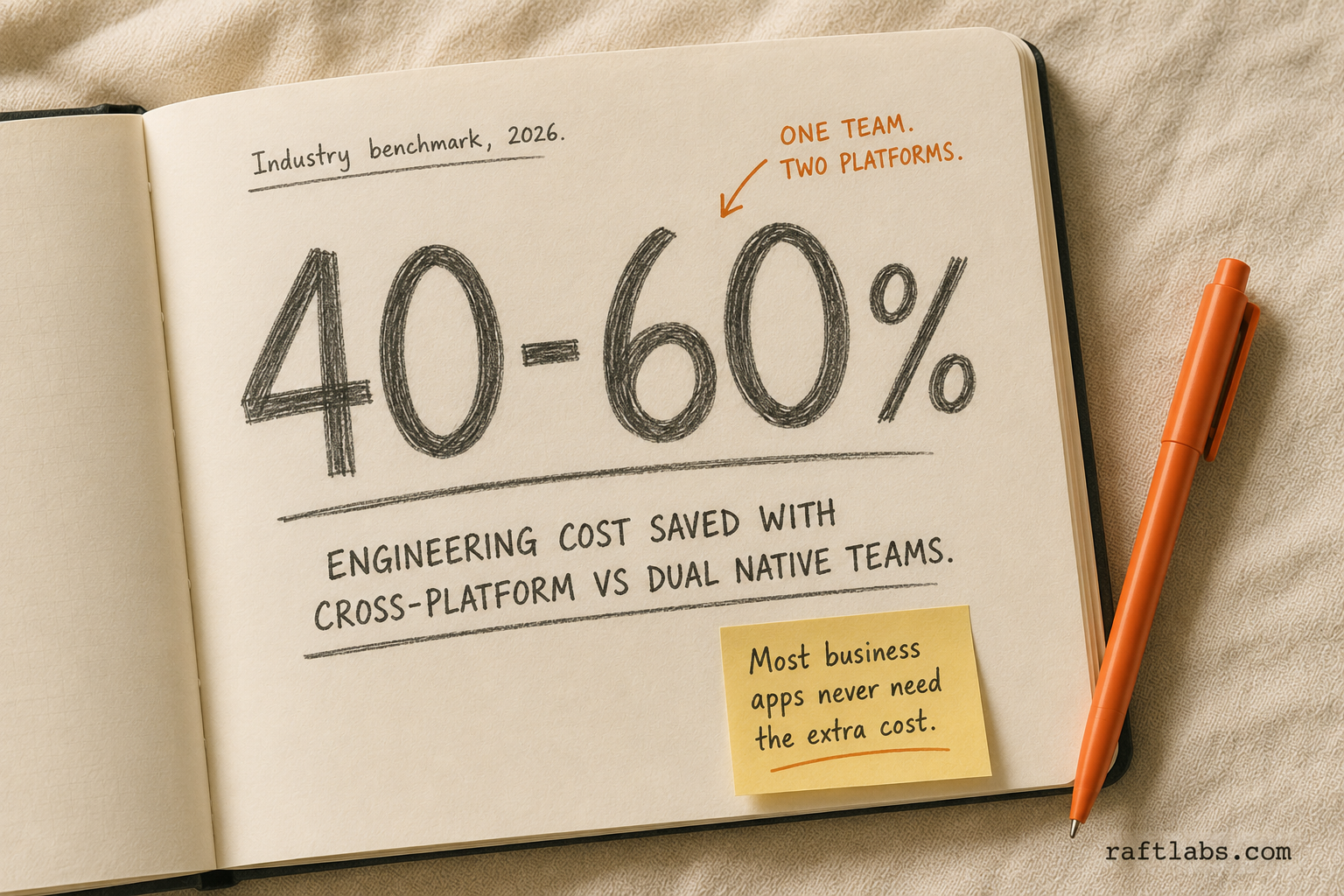
- Cross-platform (React Native, Flutter) cuts the engineering cost of dual-platform coverage by 40-60% compared to separate native teams. That saving is real and meaningful for most product budgets.
- Native development gives you the best performance ceiling, the earliest access to new platform APIs, and the most polished platform-specific feel. For consumer apps competing on polish, this matters.
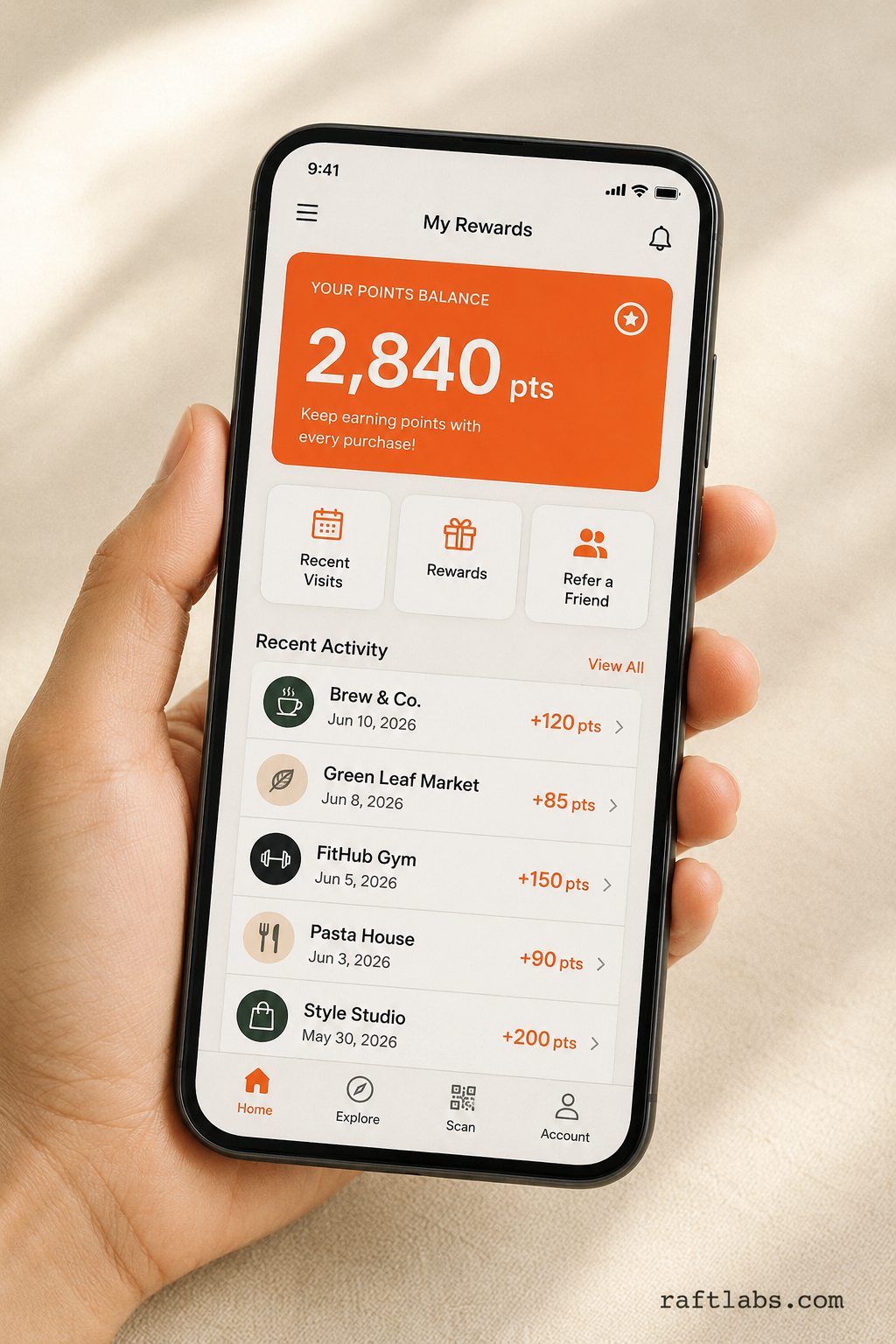
- Most business apps - employee tools, customer portals, loyalty apps, booking apps - perform well on cross-platform. The performance gap with native is imperceptible for these use cases.
- Maintaining two separate native codebases (Swift + Kotlin) requires two separate engineering teams with distinct skill sets. The total cost is significantly higher than a cross-platform team at equivalent quality.
- Cross-platform is not a compromise. React Native powers Facebook, LinkedIn, and Shopify. Flutter powers Google Pay and BMW's My BMW app. These are production-quality platforms.
Cross-platform mobile development cuts the cost of building for iOS and Android by 40-60% compared to maintaining separate native teams. Native development gives you the highest performance ceiling, the earliest access to new platform APIs, and the most precise platform-specific behaviour. For most business applications, cross-platform delivers the same outcome at meaningfully lower cost. For consumer apps competing on UI polish or with deep hardware requirements, native often justifies the additional investment.
The real difference
Native development means writing separate code for each platform in its native language: Swift (and Objective-C) for iOS, Kotlin (and Java) for Android. Each platform gets its own codebase, its own engineering team, and its own deployment pipeline. What you get: maximum performance, full access to every platform API, and behaviour that matches what the platform's own design guidelines specify.
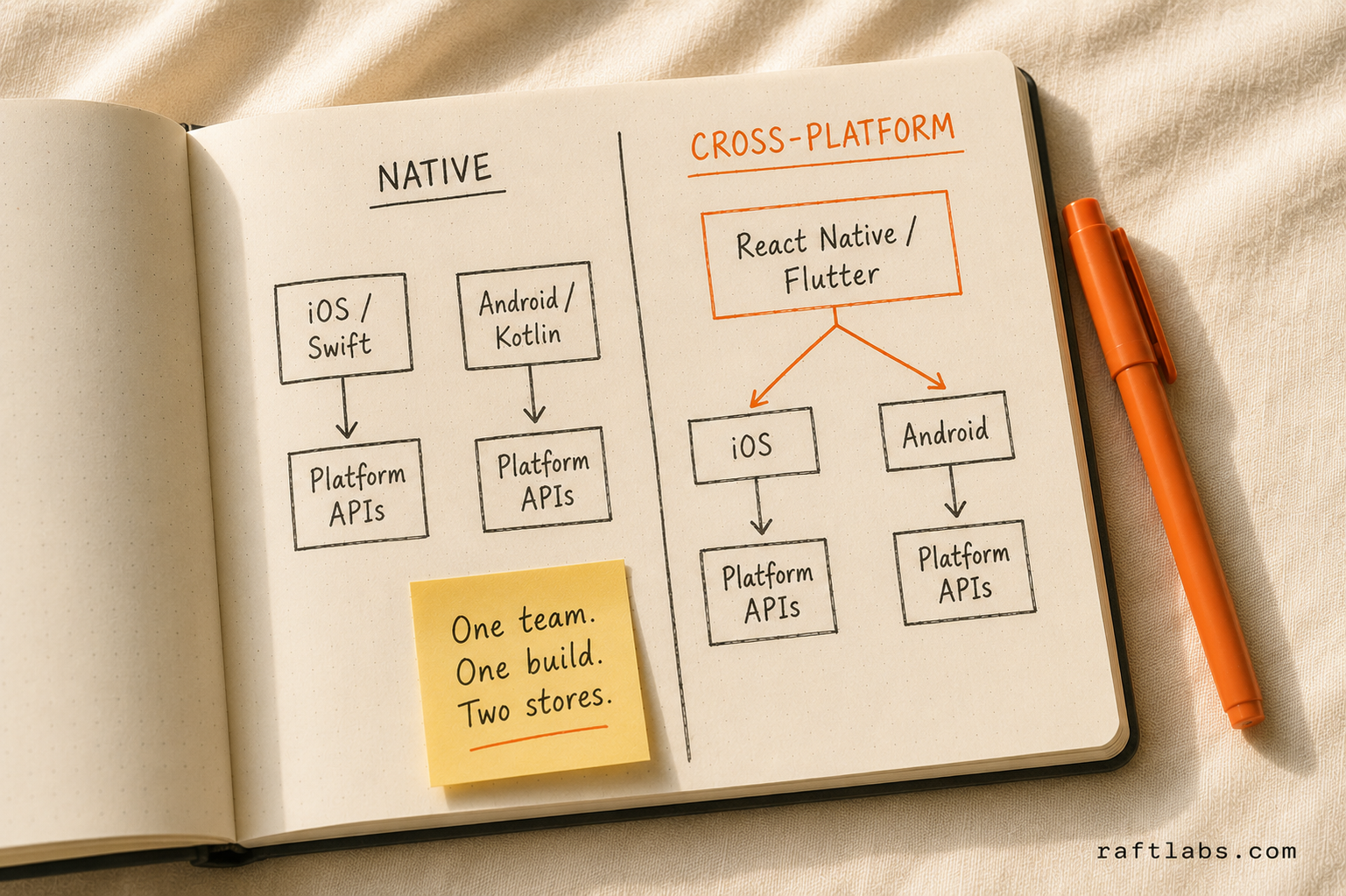
Cross-platform development means writing one codebase that runs on both iOS and Android. React Native maps JavaScript components to native platform components. Flutter renders its own UI using a custom graphics engine. Both approaches produce applications that run on both platforms from a shared codebase maintained by one team.
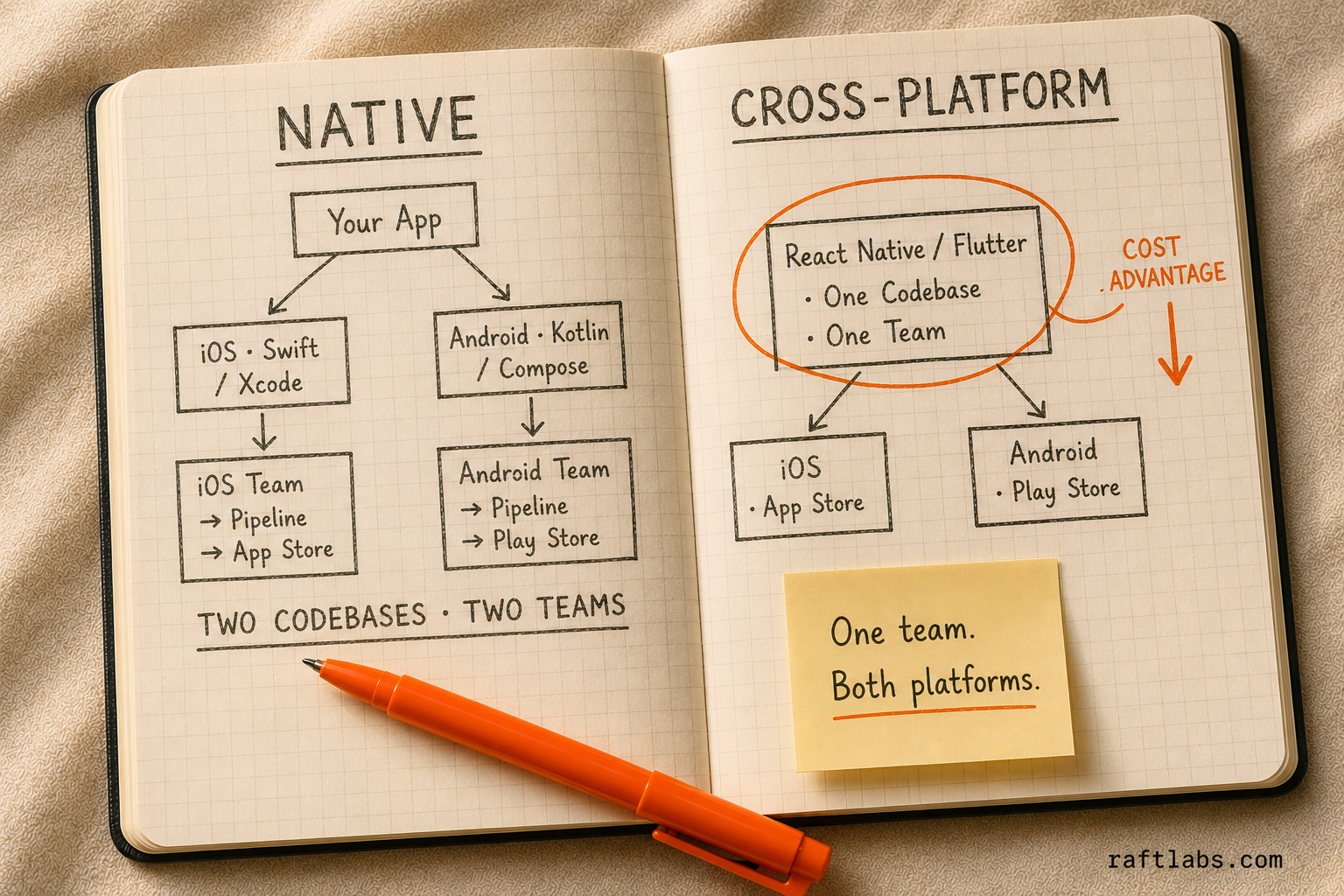
The fundamental trade-off is cost versus depth. Native costs more because you are maintaining two codebases with two teams. Cross-platform costs less because one team covers both platforms. Native goes deeper because you are writing directly to platform APIs without an abstraction layer. Cross-platform adds an abstraction layer that covers most use cases but occasionally requires dropping down to native code for edge cases.
Native mobile in practice
Native development is the right choice when performance and platform depth are the ceiling, not just the floor.
On iOS, Swift and Xcode give you direct access to every API Apple ships the day it ships it. When Apple announced Live Activities, ARKit improvements, or Vision Pro APIs, native iOS developers could implement them immediately. Cross-platform frameworks typically lag 6-12 months before stable community support reaches production quality. The Stack Overflow Blog notes this API lag as one of the key trade-offs developers weigh when choosing between native and cross-platform approaches.
On Android, Kotlin and Jetpack Compose have made native Android development significantly more enjoyable since 2020. Material 3 components, adaptive layouts for foldable phones, and Android-specific features like predictive back gestures are available natively from day one.
The performance ceiling advantage is real but context-dependent. A native app can push GPU instructions without an abstraction layer. For augmented reality, real-time camera processing, complex 3D rendering, or high-frequency sensor data (wearables, fitness tracking), native code can achieve performance levels that cross-platform frameworks cannot match.
The cost is real too. Maintaining a production-quality iOS app and a production-quality Android app requires two separate engineering skill sets. A Swift engineer cannot efficiently maintain Kotlin code, and vice versa. You need two roadmaps, two QA processes, and two teams to keep feature parity. For a product with a single development team budget, this is often not feasible.
Cross-platform in practice
React Native and Flutter have matured significantly since 2018-2019, when cross-platform development had a reputation for performance problems and inconsistent behaviour. The React Native New Architecture (stable since 0.74) eliminated the JSON serialisation bridge that caused earlier performance issues. Flutter's Impeller rendering engine produces smooth 120fps animation on modern devices. According to the Stack Overflow Developer Survey 2024, Flutter is the most popular cross-platform mobile framework among professional developers, with React Native following closely behind — together they account for the majority of cross-platform mobile projects worldwide.
The productivity advantage is substantial. One team, one codebase, one deployment pipeline for both platforms. Features ship simultaneously on iOS and Android without coordination between two separate teams. Bug fixes apply to both platforms at once. This is not a small advantage for teams with limited engineering budgets.
The depth limitation is real but narrower than most people assume. Both React Native and Flutter provide access to GPS, camera, push notifications, Bluetooth, biometrics, in-app purchases, and the vast majority of platform APIs through their library ecosystems. The gaps appear at the edges: new platform APIs that the framework hasn't abstracted yet, hardware-specific features that require vendor SDKs with no cross-platform wrapper, and highly customised animations that require direct Metal or Vulkan access.
For most business applications - booking apps, loyalty programs, customer portals, employee tools, e-commerce, news and content - the cross-platform coverage is complete. The gap with native is either imperceptible to users or solvable with a targeted native module.
Side-by-side comparison
| Factor | Native iOS + Android | Cross-Platform (React Native / Flutter) |
|---|---|---|
| Codebase count | Two separate codebases | One shared codebase |
| Team requirement | iOS engineers + Android engineers | One cross-platform team |
| Development cost (comparable output) | Highest | 40-60% lower |
| Maintenance cost | Highest | Lower |
| Performance ceiling | Best | Excellent for most use cases |
| Platform API access | Immediate on release | 6-12 month lag for new APIs |
| UI fidelity | Platform-native components | React Native: native components; Flutter: custom renderer |
| New platform features | Day one | Delayed by framework support |
| Hardware-deep features | Full access | Most covered; some require native modules |
| Hiring | Two distinct skill pools | One team (larger JS talent pool for RN) |
| Code reuse with web | None | React Native shares JS logic; Flutter limited |
| Best fit | Consumer apps, hardware-intensive, AR/VR | Business apps, B2B tools, B2C data-driven apps |
When to choose native
Native is the right choice when:
Your app's primary value is in a hardware-intensive feature: augmented reality, real-time camera processing, continuous Bluetooth sensor data, wearable integration, or complex audio processing.
You are competing in a category where UI polish is a primary differentiator - consumer games, premium lifestyle apps, or financial products where trust is built through feel.
You need to adopt new platform APIs within weeks of Apple or Google releasing them. If your product depends on keeping pace with the latest platform capabilities, native is the only way to do that reliably.
Your team already has strong Swift and Kotlin expertise. The right technology for your team's skills is more important than any abstract performance advantage.
You are building an iPad or Android tablet experience where platform-specific adaptive layouts are core to the product design.
When to choose cross-platform
Cross-platform is the right choice when:
Your product needs to be on both iOS and Android and your engineering budget cannot support two separate native teams.
Your app is primarily data-driven: displaying information, accepting form input, sending notifications, and interacting with a backend API. This describes most business applications.
Your team has JavaScript or Dart expertise and you want to use that skill set without adding a new language requirement.
You want feature parity between iOS and Android from day one. With a shared codebase, a feature shipped to one platform ships to both.
You need to share business logic with a web application. React Native allows significant code reuse of API clients, state management, and utilities with a React web codebase.
The question to ask: what specific feature does your app need that cross-platform frameworks cannot provide? If you cannot name it, cross-platform is likely the right choice.
What we use at RaftLabs
We ship cross-platform (React Native) for the majority of our mobile projects. The business case is clear for most clients: one team, one codebase, both platforms, at a cost that fits the product's stage and budget. We have shipped React Native applications at enterprise scale, and the performance and quality have been consistently production-grade.
We recommend native when a client has a specific hardware requirement - AR features, continuous wearable sensor integration, or complex camera processing - that sits outside what cross-platform can cover cleanly. We also recommend native when the client's team already has strong Swift and Kotlin engineers and would spend months learning a cross-platform framework when they could ship a native product in half the time.
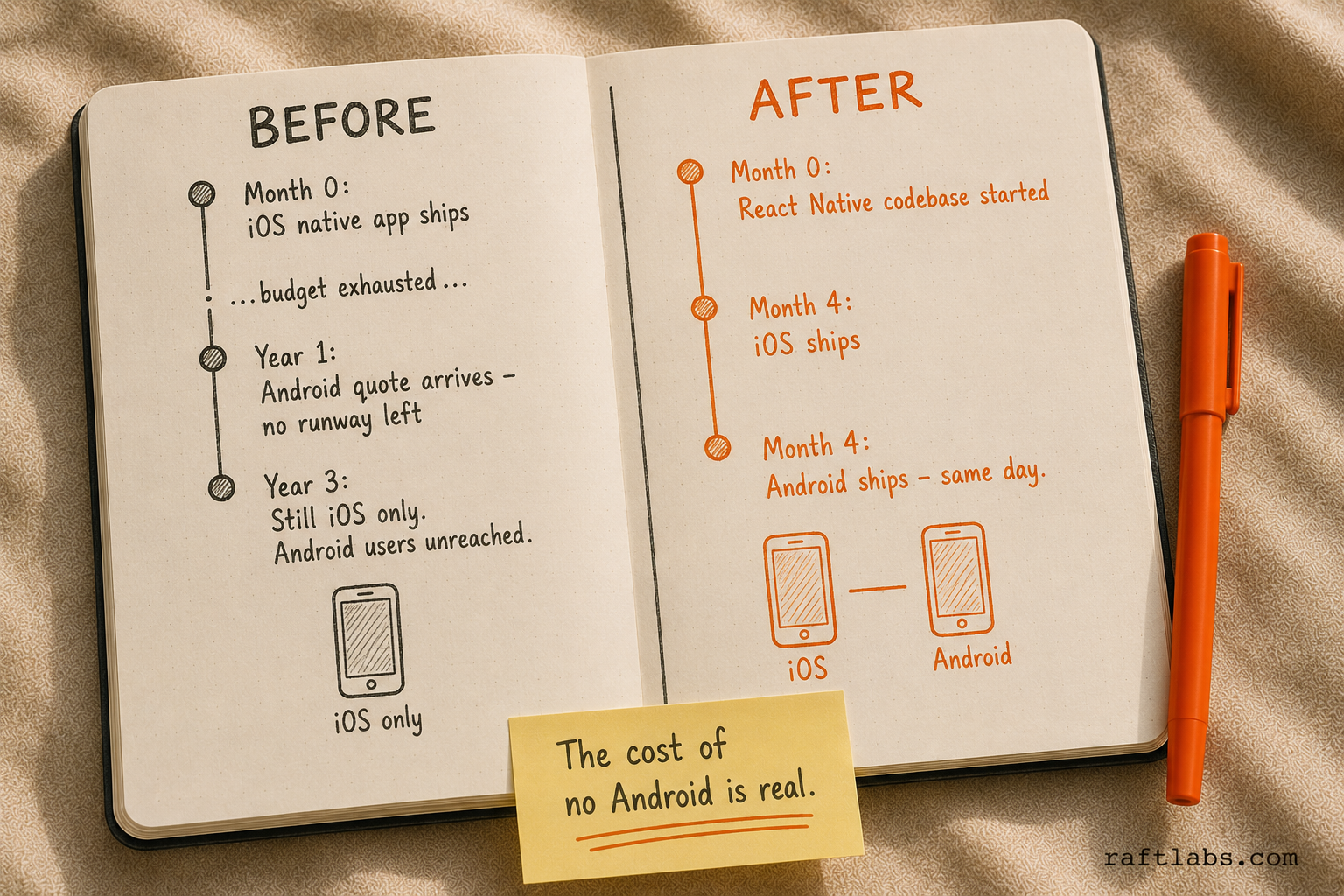
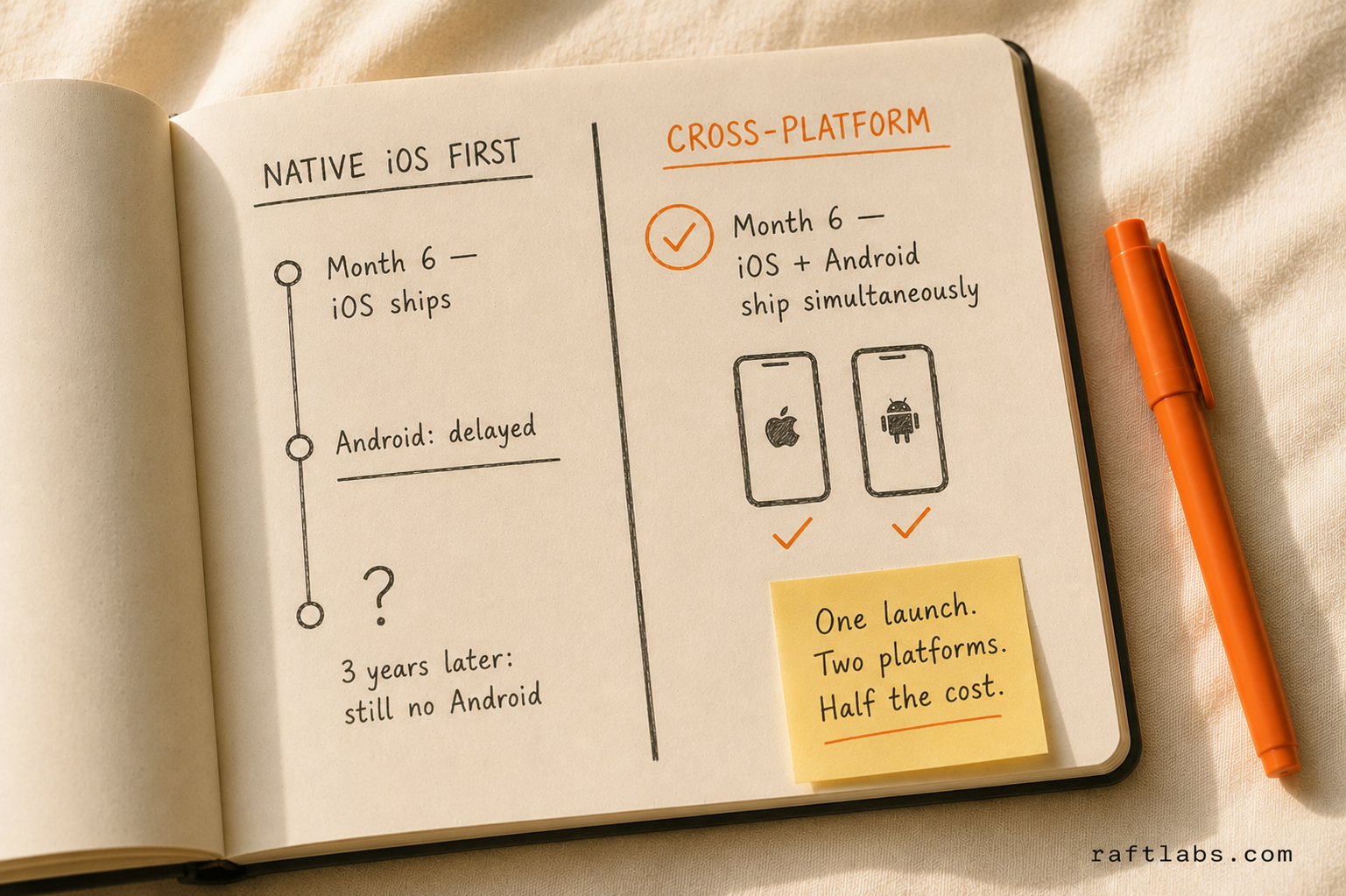
One pattern that has come up repeatedly: a client builds native iOS first, then delays Android because the cost of a second native team is prohibitive. Three years later, they have an iOS app and no Android app. If that client had started with React Native, they would have both platforms from launch. For most products, the right first question is not "native or cross-platform?" - it is "what does it cost to not have Android users?"
Common mistakes teams make
Building native to avoid perceived cross-platform risk. "We want it to feel native" is often the reason teams choose native development. This is a legitimate concern for some products and a rationalisation for others. React Native apps can feel native - they use native components. Flutter apps render their own UI, but the result can be indistinguishable from native on modern hardware. Test a well-built React Native or Flutter app with your users before concluding that native is necessary.
Underestimating the cost of maintaining two native codebases. The initial build cost is one number. The ongoing maintenance cost is a different, often larger number. Every new feature ships twice. Every bug gets reproduced and fixed twice. Every OS update may require platform-specific changes in both codebases. Model the 2-year total cost, not just the initial build.
Assuming cross-platform means compromise. This was a fair criticism in 2018. It is not accurate in 2026. React Native's New Architecture and Flutter's Impeller renderer have closed the performance gap for the vast majority of mobile use cases. The question is whether your specific use case falls within the coverage of cross-platform frameworks - for most business applications, it does. The fact that React Native is used in production by Facebook, LinkedIn, and Shopify, while Flutter powers Google Pay and BMW's My BMW app, is a reliable signal that these are production-grade platforms at scale.
Ask an AI
Get an instant summary of this post from your preferred AI assistant.
Frequently asked questions
- It depends on your product requirements. Native is better when performance ceiling, hardware depth (AR, Bluetooth, camera processing), or immediate access to new iOS/Android platform features are requirements. Cross-platform is better when you need both platforms at lower engineering cost, your app is primarily data-driven, and your team has JavaScript or Dart expertise but not Swift and Kotlin. Most business applications ship well on cross-platform.
- Building separate native iOS and Android apps typically requires two separate teams: Swift/iOS engineers and Kotlin/Android engineers. A cross-platform codebase (React Native or Flutter) can be maintained by one team covering both platforms, reducing both development and ongoing maintenance costs by 40-60% compared to dual native teams at equivalent output quality.
- Yes. Both React Native and Flutter provide access to GPS, camera, push notifications, Bluetooth, biometrics, and most platform APIs through their respective library ecosystems. Some advanced features require writing native modules (Objective-C/Swift for iOS, Kotlin/Java for Android). The coverage is extensive enough for the vast majority of business applications.
- For most business applications - data display, forms, navigation, push notifications - yes. The performance difference between a well-built React Native or Flutter app and a native equivalent is imperceptible to users. For GPU-intensive applications (3D rendering, complex animations, augmented reality), native code still has a performance ceiling advantage. Flutter performs better than React Native in animation-heavy scenarios due to its custom rendering engine.
- React Native is used in production by Facebook, Instagram, Microsoft Outlook, Shopify, and LinkedIn. Flutter is used by Google Pay, BMW's My BMW app, eBay Motors, and Alibaba's Xianyu. These are not small projects - they are large-scale consumer applications with millions of users.