Field Service Management Software Development

Equipment maintenance companies, HVAC businesses, facility managers, and utilities with field teams all hit the same ceiling: off-the-shelf FSM tools handle the generic case but not your specific service model, your parts catalog, your SLA tiers, or the way your dispatch team actually works. When the scheduling logic doesn't match how jobs are actually assigned, technicians are sent to jobs without the right parts, and customers wait on phone calls for updates that your software should send automatically.

  • Job scheduling and dispatch built around your service model: skills-based assignment, GPS routing, and real-time availability, not a generic drag-and-drop calendar

  • Mobile technician apps with offline access, work order capture, photo and signature collection, and parts lookup from the field

  • Work order management from creation to close: asset history, service checklists, SLA tracking, and automated customer notifications

  • Parts inventory tracking with van stock levels, warehouse sync, and low-stock alerts so technicians arrive prepared

Recognition

Sound familiar?

  • Dispatchers spending 10+ hours a week manually juggling technician assignments across spreadsheets and whiteboards because your scheduling tool doesn't account for skills, proximity, or parts availability?

  • Customers calling to ask where their technician is because your field team has no way to push real-time ETAs or job status from the field?

  • First-time fix rate suffering because technicians arrive on site without the right parts or the full job history of the asset they're servicing?

The short answer

RaftLabs builds custom field service management software for equipment maintenance companies, HVAC and electrical service businesses, facility management firms, and utilities with field teams. Our field service management software development covers job scheduling and dispatch, mobile technician apps, work order management, parts inventory tracking, and customer portals. Most projects deliver in 10 to 16 weeks at a fixed, agreed cost.

What is field service management software?

Field service management software is a platform that coordinates the end-to-end workflow of deploying technicians to job sites: scheduling, dispatch, mobile work order capture, parts tracking, and customer communication. It connects the back office to the field so dispatchers, technicians, and customers all work from the same job data in real time. Custom field service management software development builds that platform around the specific service model, asset types, SLA structure, and integration requirements of a given business rather than forcing it into the constraints of an off-the-shelf tool.

01 Diagnosis

Problems we solve for field service businesses

  1. 01
    Problem

    Your scheduling runs on spreadsheets and verbal updates

    Solution

    When jobs are assigned by calling or texting technicians individually and tracked on a whiteboard or shared spreadsheet, the dispatch process creates a daily administrative burden. Managers report spending 10 to 12 hours a week resolving scheduling conflicts and chasing job status updates. Double bookings, missed SLA windows, and technicians travelling past each other on the same street are symptoms of a scheduling system that can't see the full picture. A scheduling engine that accounts for technician skill sets, location, parts availability, and current job load assigns the right person to each job automatically, so your dispatcher spends their time on exceptions, not on routine allocation. According to Fieldpoint, poor field service coordination can cost service businesses up to 30% of potential revenue through missed appointments, repeat visits, and avoidable admin time.

  2. 02
    Problem

    Technicians arrive on site without the right parts or job context

    Solution

    When a technician reaches a job site and discovers the part they need is not on their van, or that the asset they're servicing has a failure history they weren't told about, the job either gets closed as a revisit or the technician improvises a fix that doesn't hold. First-time fix rate drops, customer satisfaction drops, and the cost of a second dispatch is pure waste. The root cause is almost always the same: the work order system and the inventory system are not connected, or the asset history is locked in a database nobody checks before sending a tech. A mobile app that surfaces full asset history, previous service notes, and van stock levels before the technician leaves the depot changes first-time fix rate immediately.

  3. 03
    Problem

    Customers have no visibility into when their technician will arrive

    Solution

    Customers expecting a technician in a 4-hour window who then call to find out where they are generate inbound call volume that costs your office staff time and still doesn't solve the underlying problem. When there's no automated notification at each job milestone, when there's no live map link the customer can open, and when your dispatcher has to look up a job manually to answer the question, the experience feels unprofessional regardless of how good the actual service work is. Automated ETA notifications triggered by technician GPS position, combined with a customer-facing tracking view, cut inbound status calls without requiring dispatcher effort.

  4. 04
    Problem

    Job history and asset records live in separate systems nobody keeps in sync

    Solution

    Equipment maintenance companies and facility managers often carry asset records in one system, service history in another, warranty and SLA terms in a third, and invoicing in a fourth. When a technician needs to know whether an asset is still under warranty before they bill for a part, or a manager needs to produce a service history report for a client contract review, assembling that picture takes hours of manual lookup. A single platform that ties asset records to work orders to parts usage to invoices means every stakeholder gets the data they need from one place, and audit-ready service histories are generated automatically.

02 What we ship

Field service software we build

  1. Job scheduling and dispatch

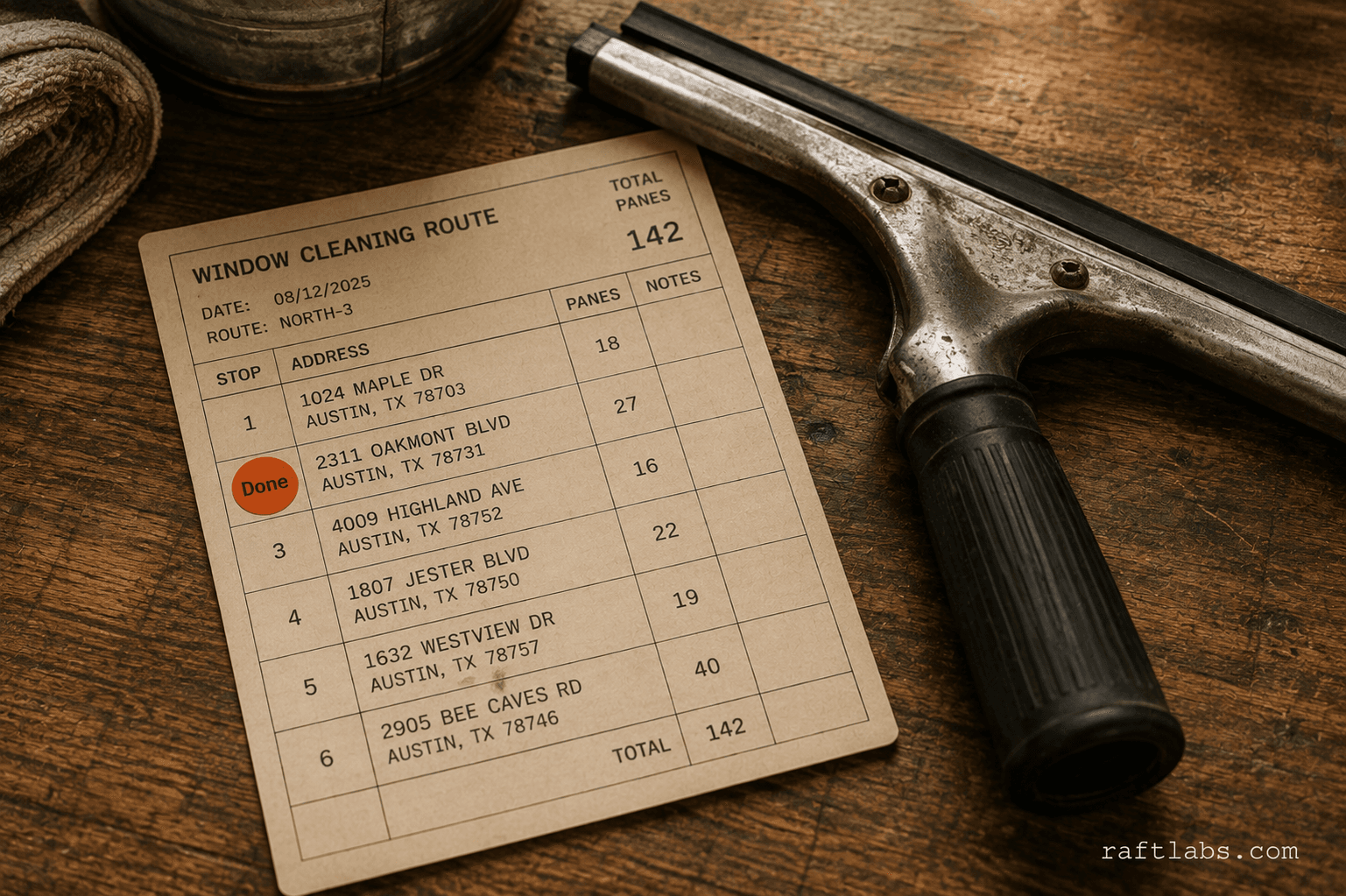
    We build scheduling engines that assign jobs based on technician skills, certifications, current location, availability, and the parts stocked on each van. Drag-and-drop dispatch boards with real-time technician position feeds give dispatchers a live operational picture rather than a guess. Automated job routing cuts drive time and improves the number of jobs a technician can complete in a day.

    The scheduling logic is configurable to your service model: emergency SLA windows get priority routing, recurring maintenance jobs get calendar slots protected from override, and multi-technician jobs get coordinated assignments that account for all team members. Rules you define in configuration, not rules hard-coded into a platform you can't change.

    Built for HVAC and electrical service companies where job type determines which certification is required, equipment maintenance businesses with large technician pools covering wide geographic areas, and facility management firms running both reactive and planned maintenance programs.

  2. Mobile technician apps

    Technician-facing iOS and Android apps give field staff everything they need without a desk or a signal. Job details, asset history, service checklists, and parts lists load before the technician leaves the depot. On site, they complete work order forms, capture photos, scan barcodes to log parts used, and collect customer signatures, all in the app. The record is in the system before they get back in the van.

    Offline-first architecture means the app works in basements, industrial sites, and rural areas where connectivity drops. Data syncs automatically when the connection returns. Conflict resolution logic handles cases where a dispatcher updates the same job the technician is working on simultaneously, so neither version is lost.

    Built for field technicians at utilities, telecoms, and infrastructure businesses who cover sites where connectivity cannot be assumed, and for equipment maintenance teams where photographic evidence of the condition found and the work done is part of the service contract.


  3. Work order management

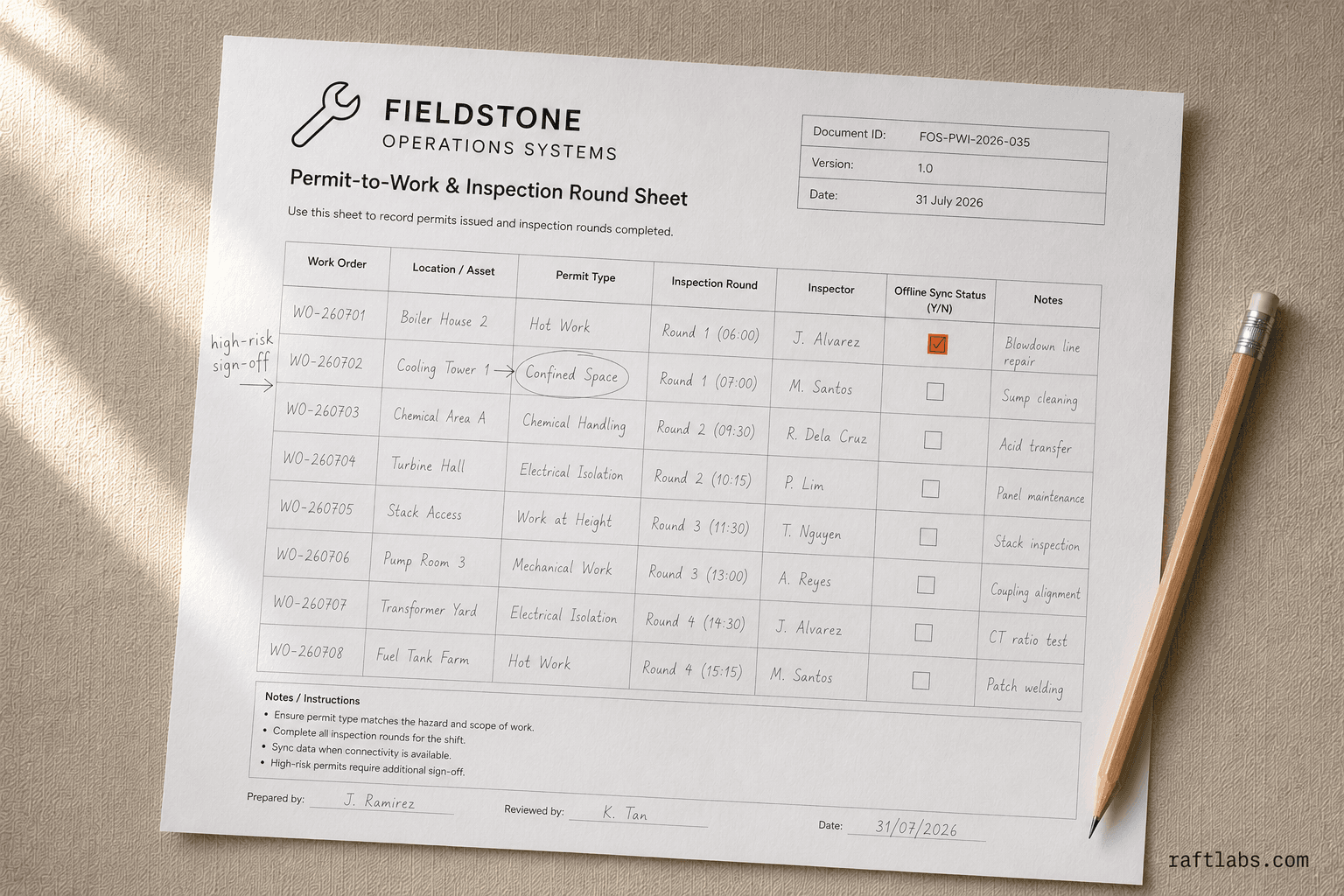
    Work orders created from customer requests, asset maintenance schedules, or IoT sensor alerts flow through a single system from creation to close. Each work order carries asset reference, job type, required skills, estimated duration, parts required, and SLA deadline. Status updates flow automatically as the technician progresses through the job so the back office has a live picture without calling the field.

    SLA tracking flags jobs approaching their deadline before a breach occurs, not after. Service completion triggers automated customer notifications and, where integrated with your billing system, invoice generation without a manual step. Historical work orders build the asset service record that informs future maintenance decisions.

    Built for facility management companies running hundreds of concurrent work orders across multiple sites, utilities with regulatory obligations to document every field intervention, and equipment maintenance businesses whose service contracts require audit-ready job histories.

  4. Parts inventory and van stock tracking

    Parts inventory management connects warehouse stock levels to individual technician van inventories so dispatchers know before assigning a job whether the right parts are available. Technicians log parts used on each job via barcode scan in the mobile app. Van stock levels update in real time. Low-stock alerts trigger replenishment requests before a technician runs out in the field.

    Purchase order generation for reorder points, supplier integration for lead time awareness, and cost tracking per job give operations managers the visibility to reduce both overstock and stockout. For businesses where parts cost is a significant portion of job margin, this level of inventory control is the difference between knowing your margin per job and guessing it.

    Built for HVAC businesses where refrigerant, compressor, and control board availability determines whether a job closes on the first visit, and for equipment maintenance companies where parts cost is tracked against service contract profitability.

  5. Customer portals and job history

    Customer-facing portals let facility managers, property owners, and maintenance contract holders book jobs, view the full history of every asset and service visit, access invoices, and track their technician on a live map. Self-serve booking reduces inbound call volume. Automated notifications at each job milestone, sent by the system rather than by your dispatcher, keep customers informed without adding to your office workload.

    For businesses with maintenance contracts, the portal shows customers what scheduled visits are coming, what was found on previous visits, and what work was completed. That transparency builds contract renewal confidence and reduces the back-and-forth queries that cost your account managers time. Portals are built alongside the core dispatch system so the data customers see is always current.

    Built for facility management companies whose clients expect a professional self-service experience, HVAC and mechanical service businesses running annual maintenance contracts, and utilities delivering planned inspection programs to asset-owning customers.

  6. Asset management and service history

    Every piece of equipment a business maintains, from HVAC units and electrical switchgear to industrial machinery and utility infrastructure, carries a digital record that links its specification, installation date, warranty terms, and full service history. When a technician is dispatched to a site, they arrive knowing what's been done, what parts have been replaced, and what the asset's failure patterns are.

    Planned maintenance schedules tied to asset records generate work orders automatically based on calendar intervals or meter readings. IoT sensor integration, using platforms such as AWS IoT or Azure IoT Hub, lets connected assets trigger work orders when readings pass defined thresholds without waiting for a customer to report a fault. The result is a shift from reactive to preventive maintenance that reduces emergency callouts and extends equipment life.

    Built for utilities and infrastructure operators managing thousands of assets across dispersed geographic areas, and for equipment maintenance companies whose service contracts include planned preventive maintenance obligations.

03 How we work

How we build field service software

  1. 01

    Discovery

    We spend two to three weeks with your dispatch team, technicians, and operations managers to map how jobs actually flow, from the first customer request through dispatch, field completion, and invoicing. We identify where the current process creates bottlenecks, where data lives in disconnected systems, and where technicians work around the tools they've been given rather than with them. The integration landscape, your ERP, accounting system, and any existing asset databases, is mapped during this phase. Scope is agreed and a fixed-price specification is produced before development begins.
  2. 02

    Design

    We design the dispatch board, mobile technician app, and customer portal interfaces with the people who will use them daily. Dispatchers review scheduling logic before it's built. Technicians review the mobile workflow so we catch usability problems in wireframes rather than in code. For field service software, the gap between what a system can do and what a technician will actually do under pressure in the field is a real risk. We close it during design, not after launch.
  3. 03

    Build

    Two-week sprints, working software at each checkpoint. The core scheduling and dispatch engine ships in the first sprint so dispatchers can see real job data flowing through the system early. Mobile technician app features follow in subsequent sprints. Parts inventory, customer portal, and ERP integration layers are built and tested in parallel. Every sprint ends with a demo against real scenarios from the discovery phase, not synthetic test cases.
  4. 04

    Launch and rollout

    Field service software rollout is phased. A pilot cohort of technicians runs the new system alongside the existing process for the first two to three weeks. Issues caught in the pilot are resolved before the full team migrates. We provide dispatcher and technician training, documentation for your operations team, and post-launch support through the first busy period so the transition doesn't create a service disruption.

Companies we've built for

Vodafone
Nike
Microsoft
Cisco
T-Mobile
Aldi
Heineken
GE

04 Track record

What field service businesses get when they work with us

Week delivery for field service management software platforms
10-16
Software products shipped across operations and field service industries
100+
Reduction in dispatch admin time reported by field service clients
30%
Cost delivery agreed before development starts
Fixed

06 Client voices

What our clients say

Three-year average engagement. Founders and operators describing the work in their own words. No marketing varnish.

D
Daniel Reeves
USA flagUSA
CEO

RaftLabs nailed what other agencies couldn't — they started with our business problem and worked backwards to the right product. We were live in 14 weeks.

07 Why us

Why choose us?

  1. 01

    We've seen your problem before

    The industry changes. The broken process usually looks the same. Across 14+ industries and 100+ products, we recognise your problem fast, and we frame the fix around your margin and your operations.

  2. 02

    We own the number, not the ticket

    We measure success the way you do: hours saved, revenue earned, margin recovered. We stay through launch and growth, so the result is ours to own.

  3. 03

    Serious businesses trust us

    Vodafone, T-Mobile, Cisco, Energia, Aldi, Nike. Six years, 100+ products in production, 4.9 on Clutch. Serious businesses keep coming back because we stay accountable long after launch.

08 Questions

Frequently asked questions

Off-the-shelf FSM platforms handle generic scheduling, basic dispatching, and simple work orders well. Custom software becomes the right choice when your dispatch logic depends on technician certifications, equipment-specific skills, or multi-site SLA tiers that the platform's configuration can't model. It also makes sense when you need deep integration with your existing ERP, asset management, or billing system, or when the platform charges per-technician fees that become prohibitive as your team scales. The decision usually comes at the point where workarounds cost more than a build.

Yes. ERP and accounting integration is one of the most common requirements on field service projects. We integrate with NetSuite, SAP, Microsoft Dynamics, QuickBooks, Xero, and other financial systems. The integration scope covers work order cost capture, invoice generation, parts cost reconciliation, and payroll data export. We scope the integration during discovery because it determines the data model and the API architecture for the whole system.

A core job scheduling and dispatch system with a mobile technician app typically delivers in 10 to 14 weeks and costs $35,000 to $65,000. A full-platform build covering scheduling, dispatch, work order management, parts inventory, customer portal, and ERP integration runs 16 to 24 weeks and costs $70,000 to $150,000 depending on integration complexity and the number of technician-facing mobile features. Fixed cost is agreed before development starts.

Yes. Offline-first mobile apps are standard for field service projects. Technicians can view assigned jobs, access asset history, complete work order checklists, capture photos and customer signatures, and log parts used, all without a signal. Data syncs automatically when connectivity resumes. We build the sync logic to handle conflict resolution when multiple technicians update the same job record offline.

Yes. Customer portals for field service businesses cover self-serve job booking, historical service records, invoice access, and real-time technician tracking with map-based ETA views. Automated SMS and email notifications at each job milestone, sent without dispatcher intervention, reduce inbound call volume significantly. The portal is built alongside the core dispatch system so customer-facing data and back-office data stay in sync.

Ready to build your field service management software?

Tell us how your dispatch team works today, where the process breaks down, and how many technicians you're coordinating. We will scope the build.

  • Scope and cost agreed before work starts. No surprises. No obligation.
  • Working prototype within 3 weeks of kickoff.
  • Pay by milestone. You see progress before each invoice.
  • 60-day post-launch warranty. Bug fixes, UI tweaks, and deployment support. No retainer.
  • All conversations are NDA-protected.