




















Event management software

If your attendees come from your own site, your newsletter, and your regulars, you're paying a marketplace fee for a marketplace you don't use. And every person who clicks your link is pushed through a registration flow designed to grow the platform's user base, not yours.

  • Attendee registration built for your ticket types, session structure, and capacity rules: no workarounds

  • Speaker and abstract management with a full CFP portal, reviewer workflow, and acceptance communications

  • Exhibitor and sponsor portals, badge printing, offline-capable check-in, and post-event analytics in one system

The problem

Sound familiar?

  • Per-ticket fees eating real margin on every sale, and payouts landing on the platform's schedule instead of yours, right when you need the funds most?

  • Half your attendees dropping off before completing registration, because the platform's signup flow was designed for the platform, not for your event?

Short answer

RaftLabs builds event management software for conference organizers, trade associations, professional congress organizers, and corporate event teams. We build attendee registration, multi-track session scheduling, speaker and abstract portals, exhibitor and sponsor portals, badge printing, and post-event analytics. A first module launches as a validated v1 in 12 to 16 weeks, then grows into a full platform.

Trusted by

Perceptional logo
Musgrave Group
UrShipper logo
Brux Dental Solutions
Bella Skin Institute Logo
Energia Rewards
Draftly logo
TuneClub Logo
Sekou LMS logo
Logo of food order management app gula
SnelwegDeals
Grubly logo
PSi logo
Instantor Rewards logo
logo of Mobile app for events, membership clubs, and communities
AldiFest retail campaign logo
Vidmattic logo
EMS Connect logo
Worx Squad logo
logo of Online Web App For Making Intro
logo of Referral and Viral Marketing Platform
Concurrences logo
GE logo
Ticketstop logo

01 Diagnosis

Where events actually break

  1. 01
    Problem

    Paying a marketplace fee for a marketplace you don't use

    Solution

    A $5 ticket with a 99-cent fee plus card processing is nearly 20% gone before you see it. And that's when your attendees came from your own site, your newsletter, your regulars. If most buyers don't find you through the platform, you're paying for a marketplace you don't use. Then payouts land on the platform's schedule, not yours, and you end up covering vendor bills from your own funds while waiting.A registration system that is yours charges what you decide, settles on your timeline, and pushes every registration through your flow, not one designed to grow someone else's user base. The outcome is revenue that arrives when you need it.

  2. 02
    Problem

    A QR code is not a registration process

    Solution

    Events are controlled by the peak flow. The venue Wi-Fi that worked fine during setup becomes unreliable the moment a crowd arrives, and the check-in process grinds down to manual clipboard verification, which is what the ticket QR was supposed to replace. One complicated question at the registration desk can hold up an entire queue.Offline-first check-in scans and validates on the device, then syncs when the connection returns. Volunteers get scan-only access: they can scan tickets without seeing registration data, phone numbers, or the organizer dashboard. The outcome is a desk that keeps moving when the hall fills.

  3. 03
    Problem

    The gap between a badge scan and a qualified meeting

    Solution

    That is where most exhibitors' trade show ROI disappears. Badge scans wait days or weeks before sales teams receive anything usable, per-user lead-scanning fees discourage booth staff from scanning at all, and the pipeline is lost in the gap between collection and follow-up.A self-serve exhibitor portal covers booth selection, staff registration, and lead capture in one place. Scans land in the portal in real time, sync to Salesforce or HubSpot the same day, and the post-event lead report is formatted to each sponsor's package entitlement by the next morning. The outcome is leads that arrive before they go cold.

  4. 04
    Problem

    Every free registration costs nothing to make and nothing to break

    Solution

    The room is set for 200, catering is paid for 200, and 120 walk in. That is the maths every organizer of free events knows. The problem is signup friction running in both directions: too easy and no-shows spike; too hard and real attendees drop off before completing registration.Our registration flow is built around your actual ticket model: tiered types, session-level capacity and waitlists, and reminders that recover drop-offs before the event. The organizer dashboard gives a live view of registrations by ticket type, revenue, and capacity against each session. The outcome is a headcount you can plan against.

02 What we ship

Event management software we build

  1. Attendee registration and multi-ticket-type management

    We model your actual ticket structure: early bird, full conference, single-day, speaker, VIP, group, and exhibitor staff passes. Each ticket type can unlock different session access levels, and each session can carry its own capacity cap and waitlist. Discount codes, group invoicing, and payment gateway integration with Stripe or your preferred processor are built in. The registration confirmation and reminder email flows are configurable by your team, not locked to a template.

    The organizer dashboard gives your team a live view of registrations by ticket type, revenue, and capacity against each session. Bulk imports handle last-minute group registrations. Badge data is generated from registration records so there's no manual export step before the event.

    Built for conference companies, trade associations, and corporate event teams whose current platform forces workarounds the moment the ticket structure goes beyond a single type.

  2. Session scheduling and multi-track program builder

    The program builder gives your operations team a visual grid of tracks and time slots. Sessions are assigned to slots by drag-and-drop, with conflict detection that flags scheduling collisions: a speaker booked into two simultaneous slots, or a session that overruns its room allocation. Each session carries its own capacity and waitlist, so attendees who register for a popular session are queued rather than simply blocked.

    Attendees can build a personal agenda from the full program and export it to Google Calendar or Outlook. The schedule is served as a mobile-responsive web page and as data for the event app. Updates made in the program builder propagate immediately, so a room change on the morning of the event is reflected in every attendee's schedule before they reach the venue.

    Built for multi-track conferences, academic congresses, and corporate events running parallel content streams across multiple rooms or venues.

  3. Speaker and abstract submission management

    The call-for-papers portal gives submitters a structured form that collects title, abstract, co-authors, presentation type, and topic category. Submission guidelines and word limits are enforced at the point of entry, so every abstract arrives in a consistent format. Duplicate detection flags submissions that share an author email or title with an existing entry.

    The review workflow assigns abstracts to reviewers based on topic category, with a scoring interface, comment field, and conflict-of-interest declaration. The program committee sees a ranked list of submissions with aggregate scores and reviewer notes. Acceptance and rejection communications go out from the platform, not from your email client, and accepted speakers move directly into the session scheduling queue with their presentation details pre-populated.

    Built for academic conferences, professional associations, and industry events with a formal review process.

  4. Exhibitor and sponsor portal

    Exhibitors log in to an account that covers everything from contract signature to post-event lead download. Booth selection from an interactive floor plan, staff pass registration, profile and logo upload, product catalog entry, and asset submission for the event guide all happen without your team as the intermediary. Contract status and invoice history are visible in the portal.

    The lead scanning app, installed on exhibitor staff phones, captures attendee badge QR codes and appends notes against each scan. Leads are visible in the portal in real time and delivered as a formatted export at event close. Sponsor packages with defined lead entitlements are tracked against the portal, so sponsors can see their lead count against their contracted volume. CRM sync pushes leads to Salesforce or HubSpot at the exhibitor's request.

    Built for trade shows, B2B expos, and conferences with a commercial exhibitor and sponsor program.

  5. Badge design, check-in, and on-site operations

    Badges are generated from registration data, formatted to your template, and printed on-demand at check-in or in bulk the day before. QR codes on badges encode the attendee's session access level, so session scanners at room entrances enforce capacity without requiring a list check. The check-in app runs on tablets at the registration desk and on phones for roving staff, offline-first so a dead venue network doesn't stop the queue. Walk-in registrations and on-site badge updates are handled without requiring a laptop or a connection to the main platform.

    Session scanning at room doors records attendance by session, giving you the per-session attendance data that feeds the post-event analytics and sponsor reports. The operations dashboard shows your team a live view of check-in volume, session fill rates, and any access issues as the event runs.

    Built for conference teams managing on-site operations for events of 200 to 10,000+ attendees.

  6. Post-event analytics and reporting

    The analytics dashboard aggregates registration data, check-in records, session attendance scans, and exhibitor lead activity into a single view. Attendance by session shows you which content drew the most interest. Drop-off analysis identifies where attendees left the program early. Exhibitor lead reports are generated automatically at event close, formatted to each sponsor's package entitlement and ready for download by the next morning.

    The organizer summary report covers registration revenue, attendance rate, session fill rates, and year-on-year comparisons for repeat events. Data exports for your finance team, CRM team, and sponsor account managers are generated from the same source, so the numbers are consistent across every report. For clients running multiple events per year, the platform retains historical data so trends are visible across the full calendar.

    Built for event companies, associations, and corporate event teams that need to prove ROI and justify their event program with data.

03 Buy, build, or wait

The event software question is really about who your attendees belong to.

Stay on the platform

  • Eventbrite/Cvent, while it fits

    Single-track events with simple registration, where the platform's discovery brings you buyers you wouldn't reach yourself.

  • Stitched tools, as a pilot

    Before the event model is proven, forms plus spreadsheets can validate demand without engineering.

Build custom

  • When you're sharecropping

    Your attendees arrive through your channels, but the platform's fees, data, and payout schedule rule the event.

  • When the gaps need spreadsheets

    Multi-track sessions, CFP, exhibitor portals: the parts the platform can't do are where your team lives.

  • When the event has to work offline

    Peak-flow check-in and dead venue Wi-Fi need an offline-first design, not a QR code and hope.

Bottom line

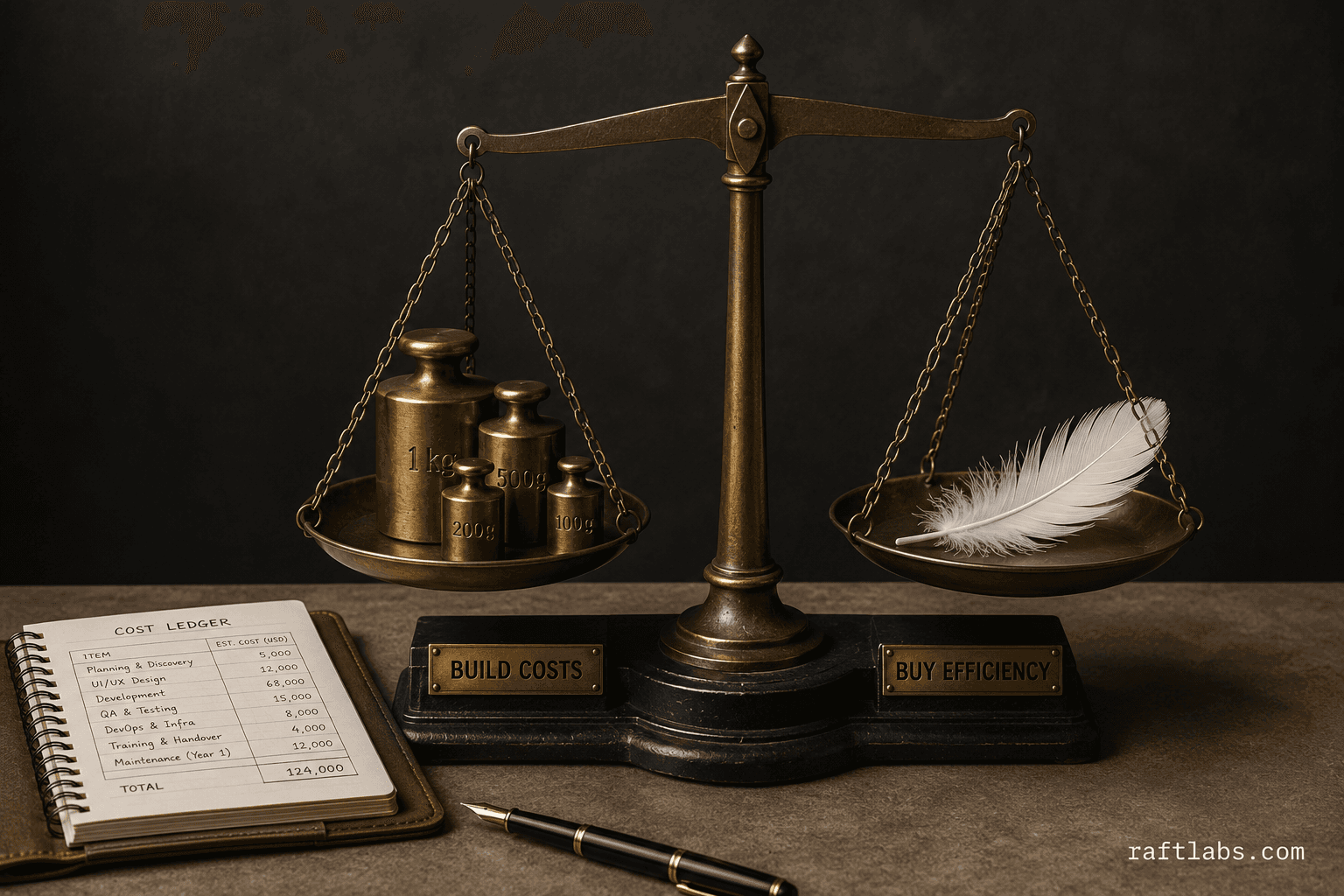
Stay on the platform while it brings you buyers. Build when the fees, the data, and the workarounds cost more than the system.

04 How we work

How we build event management software

  1. 01

    Discovery: map the event lifecycle

    We work through your full event lifecycle: ticket types and access rules, session structure and track model, the CFP process if you run one, exhibitor and sponsor onboarding, on-site operations, and the reports your team needs after the event. We map every integration point, including payment gateways, CRM systems, email platforms, and any existing tools your team uses. The output is a fixed-price specification covering every feature before development begins. The risk this retires: the gap discovered at the venue.
  2. 02

    Design and prototype: registration flow and organizer dashboard

    We design the attendee registration flow, the organizer dashboard, the exhibitor portal, and the mobile check-in app. You see working prototypes of the key user journeys before any production code is written. The registration flow is tested against your actual ticket types and session structure. The organizer dashboard is designed around the decisions your team makes in the weeks before and during the event, not around a generic admin template. The risk this retires: the friction discovered by attendees.
  3. 03

    Build and integrate: platform plus CRM and payment connections

    Two-week sprints deliver working software at each checkpoint. The core registration and session scheduling system ships first. The exhibitor portal, CFP module, and CRM integrations follow in subsequent sprints. Payment gateway integration and badge generation are completed before the first test event. Every integration is tested against the live system, not a sandbox, before sign-off. The risk this retires: the blind-bet delivery.
  4. 04

    Go-live and iterate: first event supported, V2 roadmap set

    We support your team through the first live event on the new platform. Post-event, we review the analytics together: what worked, where the system was stretched, and what the feedback from attendees, speakers, and exhibitors surfaced. The V2 roadmap comes from that review, so the second event runs on a platform that's already been tuned by real-world use. The risk this retires: the launch that scales the wrong thing.

05 Track record

What event teams get when they work with us

Shipping production software for B2B teams
Since 2015
To a validated v1 you can run a real event on
12-16 wk
Cost, agreed before development starts
Fixed

08 Why us

Why choose us?

  • 01

    We've seen your problem before

    Across dozens of industries, we recognise your situation fast, then frame the fix around your margin and your operations, not a generic template.
  • 02

    We own the number, not the ticket

    We measure success the way you do: hours saved, revenue earned, margin recovered. We stay through launch and growth, so the result is ours to own.
  • 03

    Serious businesses trust us

    Vodafone, T-Mobile, Cisco, Energia, Aldi, Nike. Building since 2015. Serious businesses keep coming back because we stay accountable long after launch.

09 Questions

Common questions

Off-the-shelf platforms work well for single-track events with a straightforward registration flow. The gaps appear when your event has multiple ticket types (early bird, speaker, VIP, group), session-level capacity limits, a call-for-papers process, an exhibitor portal, and sponsors who expect lead-capture reports specific to their booth. When you're paying per-ticket fees on attendees you sourced yourself and still running parallel spreadsheets for the parts the platform can't handle, the cost of the workarounds exceeds the cost of building a system that covers your full event lifecycle.

Yes. CRM integration is one of the most common requirements for B2B event software. Attendee registration data, exhibitor lead scans, and session attendance records can be pushed to Salesforce, HubSpot, or your CRM of choice in real time or as a post-event batch. Exhibitors typically want leads in their own CRM by the end of the day, so we build the sync as part of the exhibitor portal rather than as a post-event manual export.

The session scheduler models each track as an independent capacity container. Attendees register for specific sessions (or for the full conference with session preferences), and the system enforces per-session caps and waitlists. The program builder gives your operations team a drag-and-drop interface to assign speakers to slots, move sessions between tracks, and detect scheduling conflicts: two sessions requiring the same speaker, or a session clashing with a keynote. A calendar export lets attendees add their personal session plan to Google Calendar or Outlook.

We scope every project before pricing. Fixed cost, agreed before work starts.

That is exactly what it has to handle, because events are controlled by the peak flow, not the average one. Our check-in is built offline-first: badges scan and validate on the device, then sync when the connection returns. Volunteers get scan-only access so they can scan tickets without seeing registration data, phone numbers, or the organizer dashboard. One complicated question at the registration desk can hold up the entire queue, so the check-in flow is designed for speed at the desk first.

The honest risk. Bloated event apps with dozens of unused features end up dizzying and get ignored. We build the app around the three things attendees actually open it for: their personal schedule with reminders, venue and room information, and exhibitor listings. Schedule updates from the organizer reflect immediately. Networking features stay optional and light. The web platform carries everything; the app carries what the attendee needs in hand.

Get a build-vs-platform plan for your event

Tell us your event model: ticket types, session structure, exhibitor program, and what your current platform can't handle. We'll tell you what we'd build, what it costs, and what stays where it is.

  • Scope and cost agreed before work starts. No surprises. No obligation.
  • Working prototype within 3 weeks of kickoff.
  • Pay by milestone. You see progress before each invoice.
  • 60-day post-launch warranty. Bug fixes, UI tweaks, and deployment support. No retainer.
  • All conversations are NDA-protected.
Useful next steps

More on custom software