Dental practice software, built for your practice model
Custom dental practice software for independent practices, dental service organisations, and dental tech companies that need patient management, billing, and engagement systems built for their specific practice model.
Off-the-shelf practice management software handles standard scheduling and billing. We build the integrations, loyalty mechanics, multi-location infrastructure, and patient engagement workflows that standard platforms don't cover.
Patient scheduling with provider availability, treatment duration, and operatory assignment
Insurance billing and claims management integrated with your practice management workflow
Patient records with dental charting, treatment notes, and imaging, secured with HIPAA-grade access controls
Automated recall, reminder, and re-engagement workflows that bring patients back on schedule
3+ years Retention·Week 1 First milestone·Fixed price Pricing
The problem
Sound familiar?
Patients complete their treatment plan and don't return for their 6-month recall because the reminder system sends a generic postcard three months too late?
Managing insurance claims, patient billing, and recall scheduling across multiple locations with no shared patient view or centralised reporting?
Short answer
RaftLabs builds custom dental practice software for independent practices and DSOs. A focused healthcare v1 costs $40,000-$90,000 over 16-20 weeks; a full platform with charting, claims, access controls, and multi-location workflows costs $90,000-$160,000 over 20-26 weeks.
Who this is for
Dental teams we build for
Independent practices
Scheduling, recall, and communication that work the way your front desk already runs.
DSOs and group practices
Consolidated patient views, group reporting, and centralised contracts across locations.
Cosmetic and specialty practices
Consultation workflows with smile previews, consent, and treatment-plan presentation.
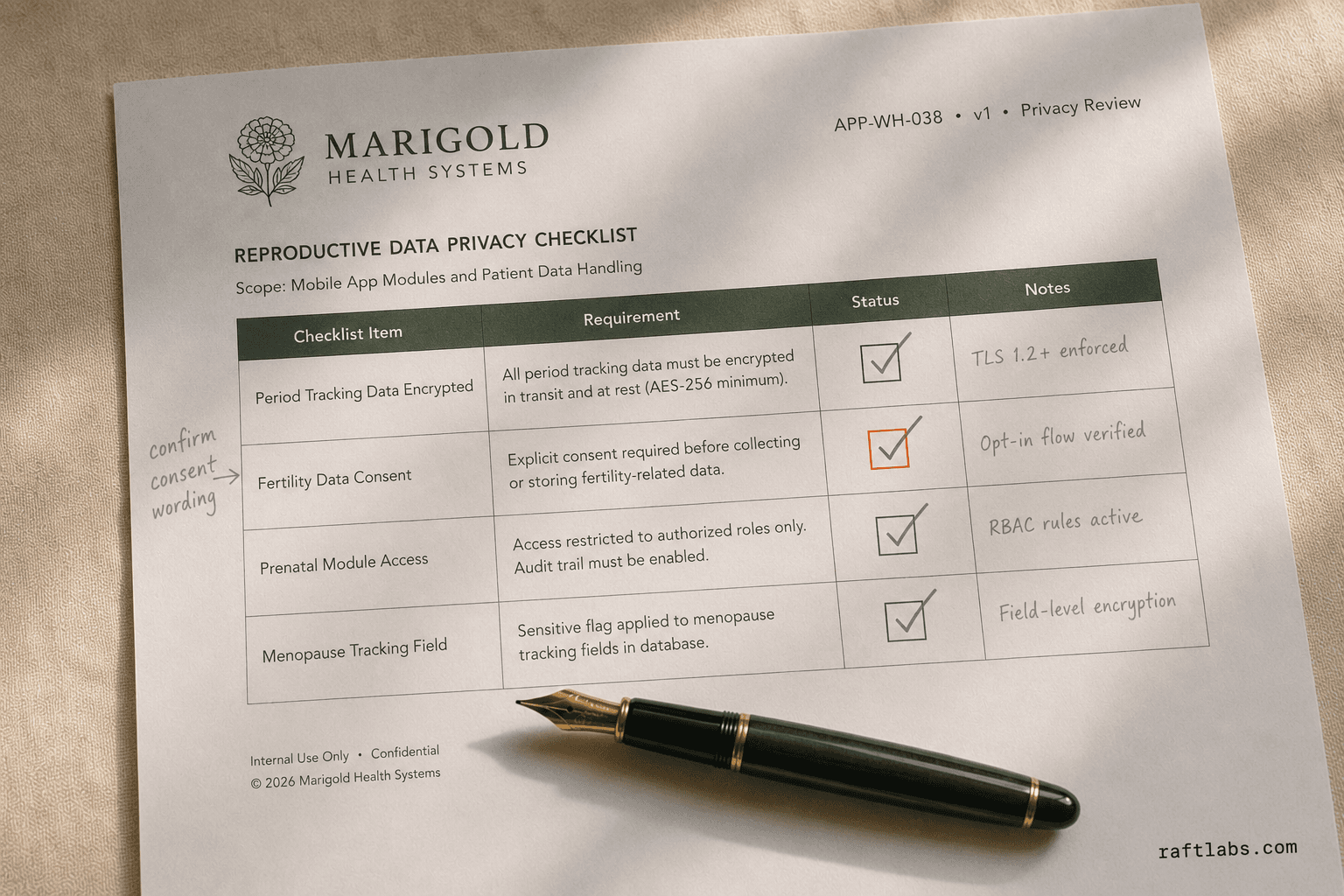
Front-desk teams
Systems built around the front desk workflow, not billing software the staff avoids.
Dental practice software built for your practice model and patient retention
Dental practices run on scheduled recall. A patient who returns every six months for hygiene is worth far more than a patient who completes a treatment plan and disappears. The software you use for scheduling, recall automation, patient communication, and loyalty mechanics decides which outcome you get.
We build the patient management systems, billing integrations, and engagement tools that dental practices and dental groups need when standard practice management software hits its limits.
01 Diagnosis
Where dental practice software usually breaks
01
Problem
Patients slip through the cracks
Solution
They cancel. They postpone. They fail to show. And then they don't reschedule. A patient who completes a crown and doesn't return for their 6-month hygiene recall costs the practice far more than the treatment was worth. When recall runs on postcards or a manual call list, it doesn't scale: overdue patients accumulate unnoticed until a whole cohort has already moved to another practice. Automated recall workflows that trigger by appointment type and last visit date, with text confirmations and easy rescheduling, bring patients back before they drift. Recalls book themselves into gaps before the schedule leaks revenue.
02
Problem
Diagnosed treatment goes unscheduled because the conversation never completes
Solution
Quoted treatment sits "unresolved" because often, the conversation simply did not complete. Commitments get made with no owner and no due date, and the treatment plan dies at the front desk, not in the operatory. The number one reason patients decline treatment is price, but the holdup is usually how they have to pay for it, not the fee itself. We build treatment-plan workflows with an owner on every follow-up, payment plan options presented at quote time, and automated nudges when a plan sits unresolved. Smile previews and consent turn quotes into confirmed treatment plans.
03
Problem
Claims denials nobody can explain, and receivables that age in the dark
Solution
Manual claim submission introduces coding errors. Follow-up on unpaid claims requires staff to chase each carrier individually, often with no clear explanation of why a claim wasn't approved. Aged receivables grow and revenue recognition lags weeks behind the work performed. A claims management system that automates submission, tracks status, and surfaces unpaid claims for follow-up turns the manual chase into a managed workflow. Claims submit on time and payments stop lagging behind the month.
04
Problem
Your data can't get out, so you can't leave
Solution
The hassle of changing software is real: conversions that don't transfer 100% of records, practices running two systems for months, legacy software with no open API. Buyers are right to ask whether the data comes out. We build with documented exports from day one: your patient records, treatment history, and billing data, in formats you can take with you. You can leave with your records, so the vendor earns the renewal.
02 What we ship
Dental software we build
01
Patient scheduling systems
Multi-provider scheduling with operatory assignment, treatment duration management, and provider qualification matching. Patients self-book online with real-time availability and automated confirmation. Family booking handles multiple household members under one account. Pre-appointment forms, medical history updates, insurance verification requests, and consent forms go out automatically and come back completed before arrival. Patient details enter the record once and follow the patient everywhere.
02
Insurance billing and claims
Insurance eligibility verification runs during scheduling so coverage is confirmed before the appointment, not at the front desk when the patient arrives. Claims go to major dental insurance carriers with real-time status tracking. EOB processing and patient balance calculation happen automatically. Pre-authorisation management covers high-value treatment plans. Aged receivables reporting breaks down by carrier and by patient. Clean claims flow to payers without the front desk chasing each one.
03
Secure patient records
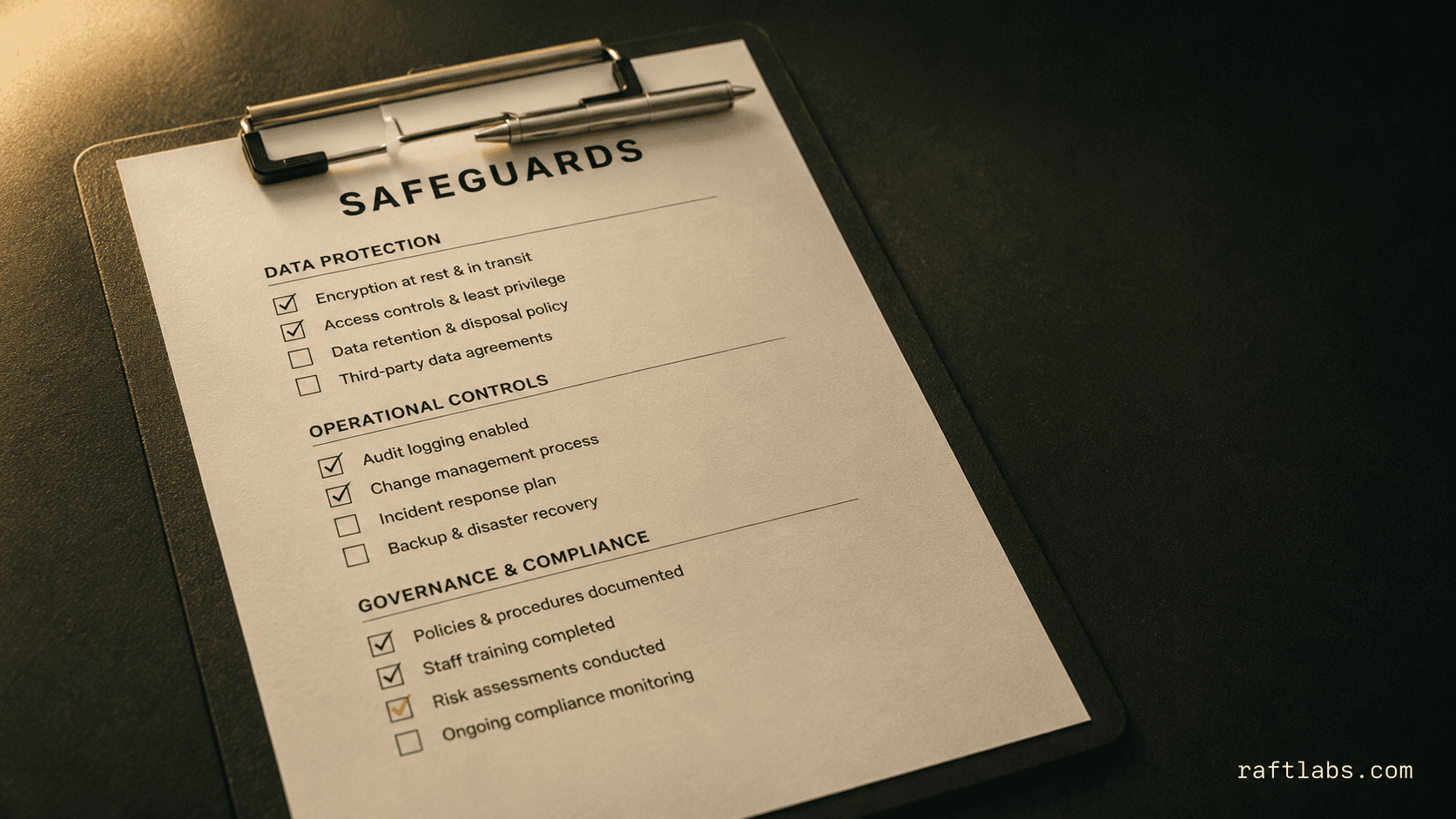
Patient records built with HIPAA-grade controls: encrypted storage, role-based access controls, audit logging, and BAA-covered infrastructure. Dental charting uses tooth-level notation for existing conditions, planned treatments, and completed work. Clinical notes use structured templates by appointment type. Digital imaging integration connects major dental imaging systems for X-ray and intraoral camera management. Access controls and an audit trail make compliance review uneventful.
04
Recall and patient communication
Automated recall workflows trigger by appointment type and last visit date: 6-month hygiene recall, annual X-ray recall, and post-treatment follow-up. Delivery runs across SMS, email, and in-app notification with patient-level preference management. Appointment confirmation and 48-hour reminder sequences include one-click confirmation or rescheduling links. Reactivation campaigns target patients who haven't attended in 12+ months. Recall automation brings patients back at the right interval, not when they remember.
05
Loyalty and referral programs
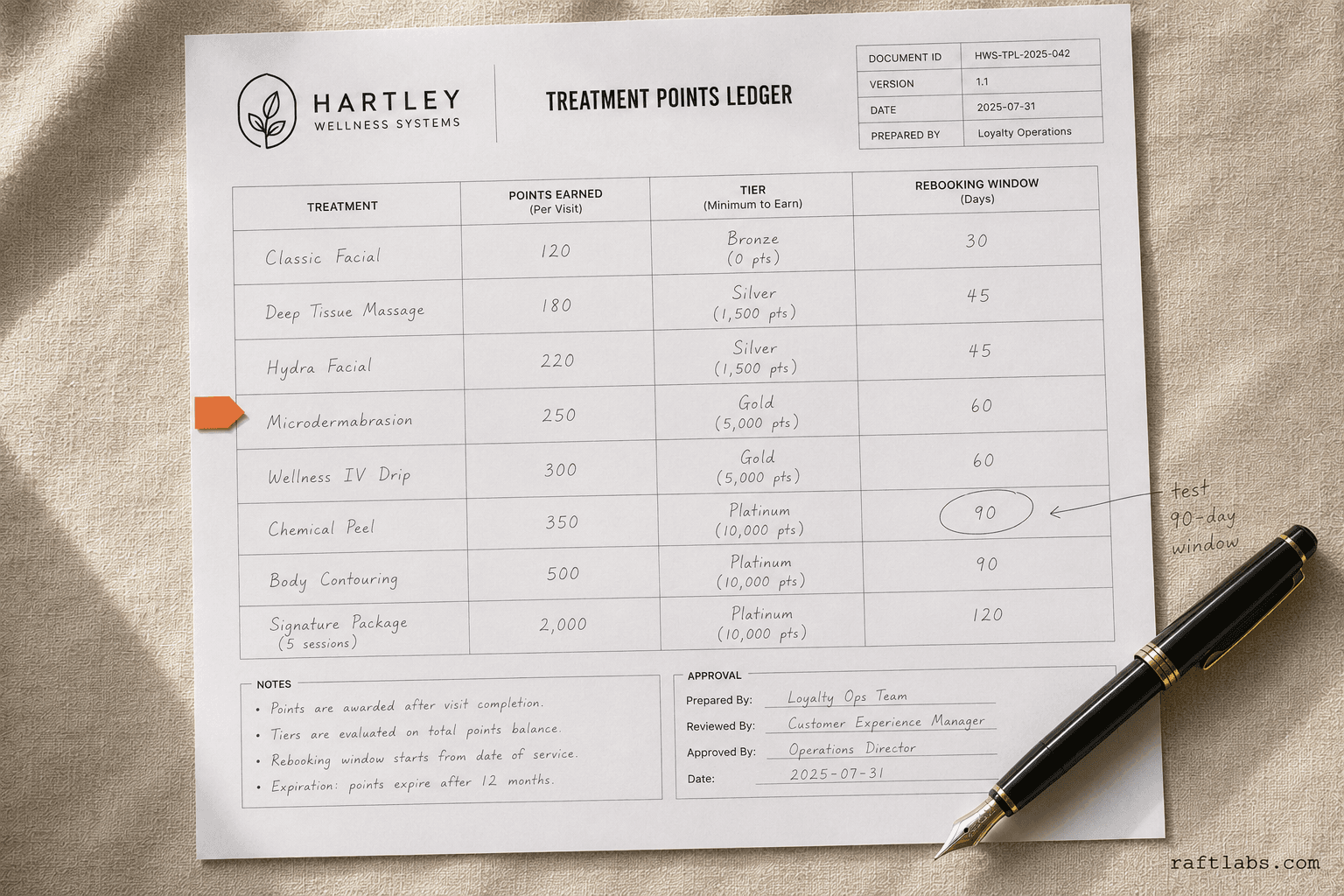
Patient loyalty programmes built for the dental model: rewards for appointment attendance, treatment plan completion, hygiene recall adherence, and referrals. Referral tracking handles reward fulfilment for both the referring patient and the new patient they bring. Membership plan management covers uninsured patients on a fixed monthly or annual fee for preventive care and treatment discounts. A smooth visit becomes a review, and reviews bring the next new patient.
06
Cosmetic consultation and smile preview workflows
Cosmetic dentistry needs a different consultation flow from routine care. Patient photos, proposed treatments, smile previews, consent, and follow-up need to stay connected to one consultation record. RaftLabs built the Brux Smile Makeover platform to generate an AI smile preview in 30 to 40 seconds, accept photos from four capture channels, and sync each result into the practice CRM. Enquiries stop falling through the cracks between the phone call and the plan.
07
Multi-location and group management
DSO and dental group management with shared patient records, centralised reporting, and per-location drill-down. Provider credentialing and privilege management run across locations. Centralised insurance contract management handles location-level fee schedules. Group-level financial reporting includes practice performance benchmarking. Patient transfers between locations within the group work without manual record migration. Every location reports into one view, with no spreadsheet stitching at month end.
Integrations
Works alongside the systems you already run
Custom software works beside your existing practice systems instead of creating a second patient database.
Imaging
Digital imaging systems · X-rays connected to the patient record
Practice management
Existing practice management systems · Patient communication touchpoints
Operations
Claims workflows · Recall automation
Integration scope and migration needs are scoped before pricing, since they can extend the build range.
03 Buy, build, or wait
Stay on the platform while it fits.
Most practices don't need to choose between Dentrix and custom. They need to decide whether the platform's limits are costing more than a build.
Stay on the platform
Dentrix, Eaglesoft, Open Dental
For most single-location practices, the established platforms are the right answer. Core scheduling, charting, and billing are handled well.
Build custom
When you're a DSO
Multi-location requirements the platform doesn't support: consolidated patient view, group reporting, centralised contracts.
When recall and engagement fall short
Patient engagement and recall automation beyond the platform's built-in tools.
When the data must come out
Documented exports from day one. Your records in formats you can take with you.
Bottom line
Stay on the platform while it fits. Build when the platform's limits cost more than the build.
04 How we work
How we build dental software
01
Discovery with the front desk
We spend the first two weeks mapping your current scheduling workflow, recall process, billing cycle, and patient communication touchpoints. We interview the practice manager, the front desk lead, and at least one clinical team member. The output is a documented requirements list and a gap analysis against any systems you already use. The risk this retires: the requirements nobody stated because everyone assumed them.
02
Architecture around the patient record
We design the data model around your patient records, appointment types, and insurance billing logic before writing any application code. This step defines how HIPAA-grade storage is structured, how recall schedules generate, how insurance eligibility checks connect, and which external systems integrate. The risk this retires: the data model that can't express your billing reality.
03
Build with real data in every sprint
Development runs in two-week sprints with a working demo at the end of every sprint. We start with the scheduling and patient record layer, then build the billing and insurance workflow, then the patient communication and recall automation. You test with real data as each module completes, not at the end of the project when changes are expensive. The risk this retires: the integration failure discovered after launch.
04
Phased go-live with migration
Go-live is phased: a small group of providers runs on the new system alongside the existing process for the first week. When data integrity is confirmed, the full practice cuts over. We monitor the first month actively, fix any production issues, and hand over documentation and training materials. The risk this retires: the migration where records don't transfer and two systems run forever.
Designed with the front desk, not for the spreadsheet
Discovery starts by mapping your scheduling, recall, and billing workflows with the people who run them, so staff use the system instead of routing around it.
02
Your records come out with you
Documented exports from day one. Your records in formats you can take with you, so software is a choice, not a trap.
03
Fixed cost, scoped before build
Every project is scoped and priced before development starts, including integration, migration, and payer testing.
09 Questions
Common questions
Established dental practice management platforms handle core scheduling, charting, and billing well for most practices. Custom software is the right choice in five cases. A DSO with multi-location requirements the platform doesn't support well. Patient engagement and recall automation needs that exceed the platform's built-in tools. Integrations the platform doesn't offer. A patient loyalty or membership programme connected to your clinical and billing data. Or a dental technology product you're building to sell to other practices. For most single-location practices, the established platforms are the right answer. For groups and DSOs with integration and automation requirements, custom development often pays for itself in staff time savings and patient retention improvement.
HIPAA compliance requires technical, physical, and administrative safeguards across the software and the organisation using it. On the technical side, we build on HIPAA-eligible infrastructure, implement role-based access controls, maintain full audit logs, enforce encryption for data in transit and at rest, and design data retention and deletion workflows that meet HIPAA requirements. We're not a HIPAA compliance consultant. Your legal and compliance team should review the full requirements for your operation. Our software architecture provides the technical foundation; your policies and staff training complete the compliance programme.
Yes, where APIs exist. We integrate with Open Dental (open source, full API access), Dentrix (via Dentrix Enterprise API), and Eaglesoft where integration points are available. Dental imaging system integration depends on the system: most modern digital imaging systems support standard DICOM or have vendor APIs. The integration scope is always defined during discovery because the complexity varies significantly by system and the specific data flows required. We don't guarantee integrations for systems without documented APIs. We evaluate feasibility before committing to scope.
Yes. Cosmetic dentistry software can connect patient photo capture, AI smile previews, proposed treatments, consent, consultation notes, and follow-up inside one workflow. RaftLabs built Brux Smile Makeover to generate a patient preview in 30 to 40 seconds and send the result into the practice CRM. It works alongside the practice management system instead of creating a second patient database.
A focused healthcare v1 with scheduling, recall, communication, and controlled patient records typically costs $40,000-$90,000 over 16-20 weeks. A full platform with charting, claims, access controls, and multi-location workflows typically costs $90,000-$160,000 over 20-26 weeks. Integration, migration, and payer testing can extend both ranges. Every project is scoped and priced before development starts.
Yes. Most modern digital imaging systems, including major intraoral camera and digital X-ray platforms, support DICOM or have vendor-provided integration APIs. Integration connects the imaging system to the patient record so images captured during an appointment attach automatically to the correct visit record, visible to clinical staff without switching systems. Where a vendor exposes a file-based output rather than an API, we build the ingestion pipeline that imports images into the patient record with the correct metadata. The imaging integration scope is defined during discovery because the approach depends on the specific imaging system and the version in use at the practice.
This is the constraint that matters most. The non-technical front desk is where dental software succeeds or fails. We design for the least technical person on your team: scheduling and intake flows that follow how the front desk already works, one-click confirmations and recalls, and interfaces tested with real front-desk staff during the build. One dentist who switched systems put it well: the transition was a little hard, but when he's happy, his patients are happy. The system ships when your front desk can run a full day on it without calling for help.