Tree Service Management Software Development

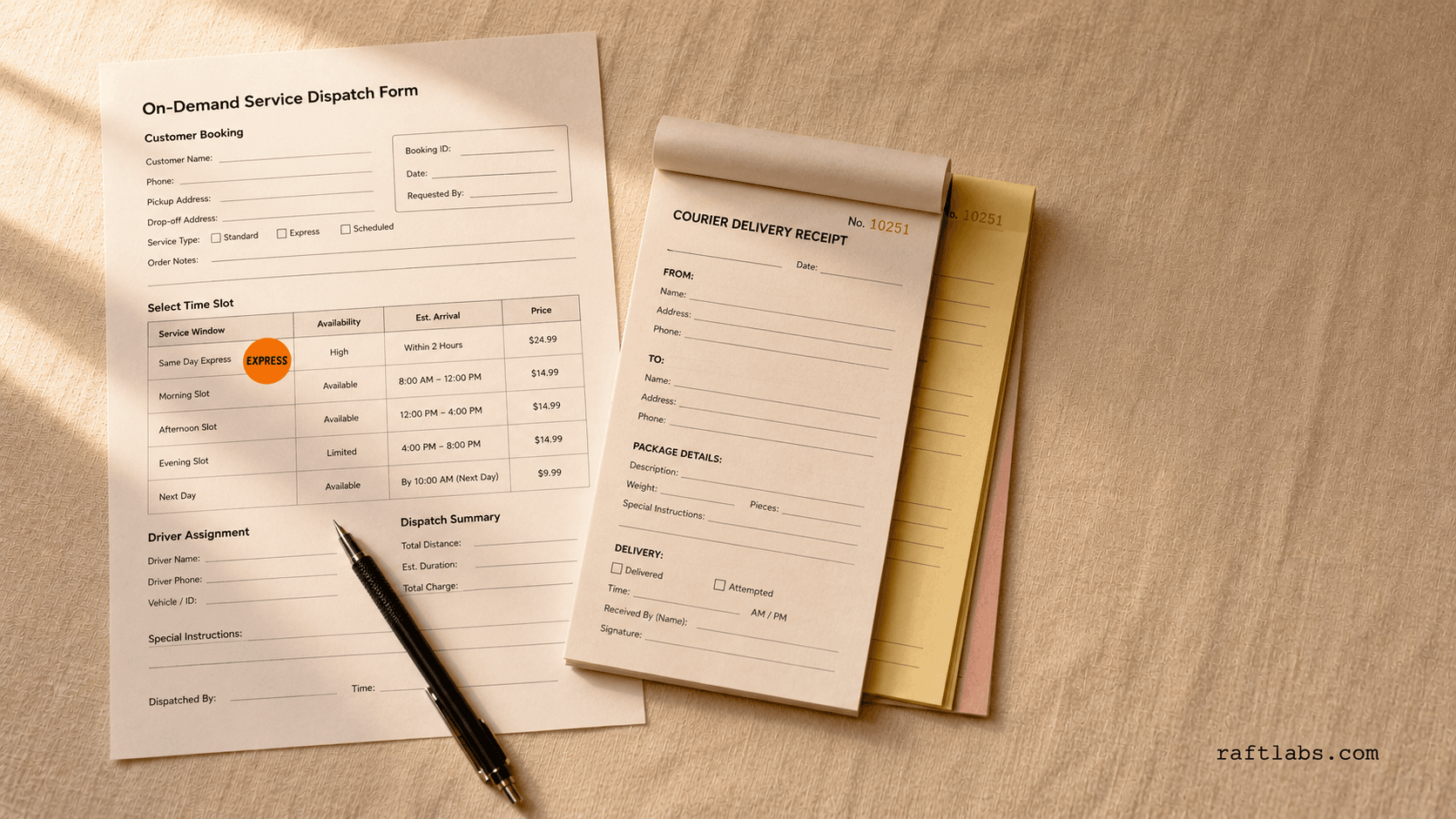
Tree work runs on estimates, crews, and invoices. When the estimate lives in a notebook, the schedule lives in group chats, and the invoice goes out late, the business leaks time on every job. We build the system that carries one job from the first site visit to the paid invoice.

  • Tree-by-tree estimates put together on site, on a phone, while the estimator stands in front of the tree

  • Crew scheduling and dispatch in one view, so the office and the crew read the same day

  • An offline field app with photos that syncs when signal returns, so field work never waits for coverage

  • Estimate to invoice without retyping, with the invoice landing in your accounting system on its own

  • A record of every tree and every visit, so repeat work starts from history instead of from scratch

3+ years RetentionWeek 1 First milestoneFixed price Pricing

The problem

Sound familiar?

  • Estimates scribbled in a notebook and retyped at night, while the client waits days for a number?

  • Crew schedule spread across group chats, so nobody can say for sure who is where tomorrow?

Short answer

RaftLabs builds custom software for tree service companies: on-site tree-by-tree estimates, crew scheduling and dispatch, an offline field app with photo capture, and invoicing that syncs with your accounting system. The system follows one job from the estimate visit to the paid invoice, so nothing is retyped, and the office always sees the same job status as the crew.

Who this is for

Tree service teams this is for

Tree service owners

One record per job, from the estimate visit to the paid invoice, instead of a notebook, three chats, and a spreadsheet.

Office and dispatch staff

A single view of crews, jobs, and invoices, so the phone can be answered with a real status.

Crew leads

A field app that works without signal, with the day's jobs, the property map, and photo capture in one place.

Multi-crew companies

Scheduling that holds up when several crews, trucks, and jobs have to line up on the same day.

01 Diagnosis

Problems we solve in tree service software

  1. 01
    Problem

    The estimate lives in a notebook

    Solution

    The estimator walks the property, talks to the homeowner, and writes down each tree in a notebook: which tree, how big, how the crew gets to it, what else the job needs. Back at the office, someone retypes all of it into an estimate document, and the client waits days for a number. Every retyping is a chance to get something wrong. A tree left off the list means the crew arrives short on time, short on equipment, or short on price. A number copied wrong means the job loses money or the client loses trust. And while the client waits, they call two other companies. The estimate is the first thing a tree service sells, and a notebook makes it the slowest thing it does.

  2. 02
    Problem

    The crew schedule lives in group chats

    Solution

    Ask who is where tomorrow and the answer sits across three group chats, a whiteboard, and someone's memory. A crew gets double-booked. A truck goes to the wrong property. A job that needs a crane gets a crew without one. The office spends the morning untangling messages instead of booking work, and when a customer calls to ask when their crew arrives, nobody can give a straight answer. A schedule that only exists as chat history cannot be searched, cannot be checked for clashes, and cannot be handed to a new dispatcher without a week of explanation. The day runs on memory, and memory is the first thing that fails on a busy week.

  3. 03
    Problem

    Invoices go out late, or not at all

    Solution

    The job is done, the crew is home, and the invoice still does not exist. The signed estimate has to be retyped into an invoice, the line items copied over, the totals checked, and the document sent. On a busy week that retyping slides to next week, and some invoices slide off the list entirely. Every late invoice is cash the business has already earned and cannot use, and every forgotten invoice is work done for free. The gap between finished work and sent invoice is where a tree service quietly bleeds, because the crew did the hard part and the paperwork undid it.

  4. 04
    Problem

    The office goes blind when crews leave signal

    Solution

    Tree work happens where signal does not: rural properties, wooded lots, valleys between hills. The crew takes photos on personal phones, writes notes on paper, and the office hears nothing until the crew is back in range. A customer calls to ask if the job is done, and the office guesses. A problem on site, a tree in worse shape than quoted, a gate the truck cannot fit through, waits hours to reach the person who could decide. The office is supposed to run the business, but for half the day it cannot see the business at all.

02 What the system covers

What tree service companies get

  1. On-site estimates, tree by tree

    The estimator marks each tree on a simple map of the property and adds a priced line item for it: the species, the height, how the crew reaches it, and extras such as stump grinding or hauling away debris. The homeowner sees a clear estimate with each tree listed separately, instead of one lump number they cannot question or compare. The estimate is ready before the estimator leaves the driveway, and it is already in the system, so nobody retypes it later. When a job changes on site, the estimator updates the same record and the price follows.

  2. Crew scheduling and dispatch in one view

    Dispatch means assigning crews and trucks to jobs. One calendar shows every crew, every job, and every truck for the week, with clashes visible before they happen. A job that needs a crane, a bucket truck, or a certified arborist only goes to a crew that has it, because the system checks the requirement against the crew before the assignment sticks. Drag a job onto a crew and a day, and the crew sees it on their phone. The office, the crew lead, and the customer record all read the same day, so the group-chat archaeology ends.

  3. A field app that works without signal

    The crew opens the day's jobs on a phone, even with no bars. They record photos of each tree before and after the work, note problems on site, and mark jobs complete, all saved on the phone itself. The moment signal returns, everything syncs to the office system on its own: photos, notes, and job status, in the right job file. No more photos stranded on personal phones, no more end-of-day paperwork sessions, and no more office guessing about what happened on site.

  4. From signed estimate to invoice without retyping

    One tap turns an approved estimate into an invoice with the same line items, the same prices, and the same property record. The invoice goes to the customer the same day the job is done, and it is sent to your accounting system, the software that holds your books, such as QuickBooks or Xero, so finance never enters it twice. The gap between finished work and money in the bank closes from weeks to a day, and the forgotten invoice stops happening, because there is no retyping step left to forget.

  5. A record of every tree and every visit

    Every property keeps its history: which trees were pruned, which were removed, what condition each tree was in, and what treatments were applied and when. On a repeat visit, the crew opens the property and sees the last visit's trees, notes, and photos instead of starting from scratch. That history is what turns a one-off removal into a pruning customer who comes back every season, and it is what lets the office answer a returning customer without digging through old paperwork.

  6. Storm work without losing a call

    After a storm, the phones do not stop, and normal intake cannot keep up. The system opens a surge mode that captures every request in a queue with the caller's details and the job location, so no call is lost while the office is overwhelmed. Your team works the queue in priority order, hazards that block a road or threaten a house first, routine cleanup after. Every request stays visible until it is scheduled, done, or deliberately closed, so the storm week ends with a cleared queue instead of a pile of missed calls.

Integrations

Connected to the tools you already run

Accounting, maps, and crew messaging connect into one workflow, because the system has to fit the business around it.

Accounting
QuickBooks · Xero
Field data
Property maps · Photo capture and storage
Crew communication
SMS crew notifications
A discovery phase scopes the connections first; they drive most of the cost variance.

03 How we work

How we work on tree service software

  1. 01

    Discovery on the crew day

    We start by mapping how a job actually runs in your company: the estimate visit, how crews are assigned, what happens on site, and how the invoice gets out. That means talking to the estimator, the dispatcher, and a crew lead, not just the owner, because each of them holds a different part of the day. This step surfaces the real breakage, the retyping, the double-booking, the lost invoice, before anything is designed.
  2. 02

    A data model shaped like your jobs

    We organise the system around the objects your business actually works in: properties, trees, jobs, crews, and invoices. A data model is simply how the system organises information, and getting it right here is what makes tree-by-tree estimating, crew checks, and job history work later without workarounds. The riskiest connection, usually the accounting link, is tested early, because it is the most common cause of a timeline slip.
  3. 03

    Working software every two weeks

    You review working software every two weeks, not mockups. Each review covers a usable slice: the estimate visit first, then scheduling, then the field app, then invoicing. Scope is fixed and priced before the work starts, so the number does not move unless you change what you are building.
  4. 04

    Tested in the field, then handed over

    We test the field app the way crews will use it: weak signal, real phones, photos taken on a real job, not just in an office. You get a documented, tested system, your data in your control, and a handover so your team or ours can run it.

04 Why us

Why choose us?

  • 01

    The estimate stops being retyped

    One record runs from the site visit to the invoice, so the notebook, the retyping, and the copy errors all leave with it.
  • 02

    The crew day has one view

    Office and crew read the same schedule and the same job status, so the group chats stop being the system of record.
  • 03

    You own the system and the data

    Scope is agreed and priced before work starts, and the handover leaves your team able to run what was built.

05 Questions

Common questions

It means each tree on a property gets its own line on the estimate, with its own price, instead of one lump number for the whole job. The homeowner can see what the oak removal costs, what the maple pruning costs, and what the stump grinding adds, and can approve part of the job without haggling over the whole. For the business, it means the crew knows exactly which trees are in scope when they arrive, and a change on site updates one line instead of rewriting the quote.

No. The field app is built for the phones crews already carry. It saves jobs, photos, and notes on the phone itself and sends them to the office system when signal returns, so no special hardware and no new device budget is part of the system.

Yes. We often build alongside a tool you keep, adding the workflow it handles badly, connecting the systems it does not, or replacing only the part that is costing you. If a full replacement is the right call, we scope it honestly, but the default is to fit what you already run rather than force a rip-and-replace.

The crew updates the job from the field: an extra tree, an access problem, a tree in worse shape than quoted. The change lands in the same job record the office sees, the estimate line updates, and the customer record stays consistent. Nobody waits until the end of the day for a phone call, and nobody retypes the change from a paper note.

The office sees each job's status as crews complete and sync their work: which jobs are done, which are in progress, and the photos and notes from each site. Where signal is absent, the status updates the moment the crew's phone finds coverage again, so the office is never more than one sync behind the field.

Get a plan for your crew day.

Tell us how estimates, scheduling, and invoicing run today, and where the day breaks down. We will tell you how we would approach it.

  • Scope and cost agreed before work starts. No surprises. No obligation.
  • Working prototype within 3 weeks of kickoff.
  • Pay by milestone. You see progress before each invoice.
  • 60-day post-launch warranty. Bug fixes, UI tweaks, and deployment support. No retainer.
  • All conversations are NDA-protected.
Useful next steps

More on field service & trades