Radon Result Checker
Enter the result from your lab report and the action level printed on that same report or in your state guidance. The checker shows both numbers side by side and says only whether your figure sits below the level you entered, or at or above it. It ships with no level of its own and makes no statement about what any result means. Nothing you enter here ever leaves your browser.
- No signup required
- 100% free
- Your report, your level
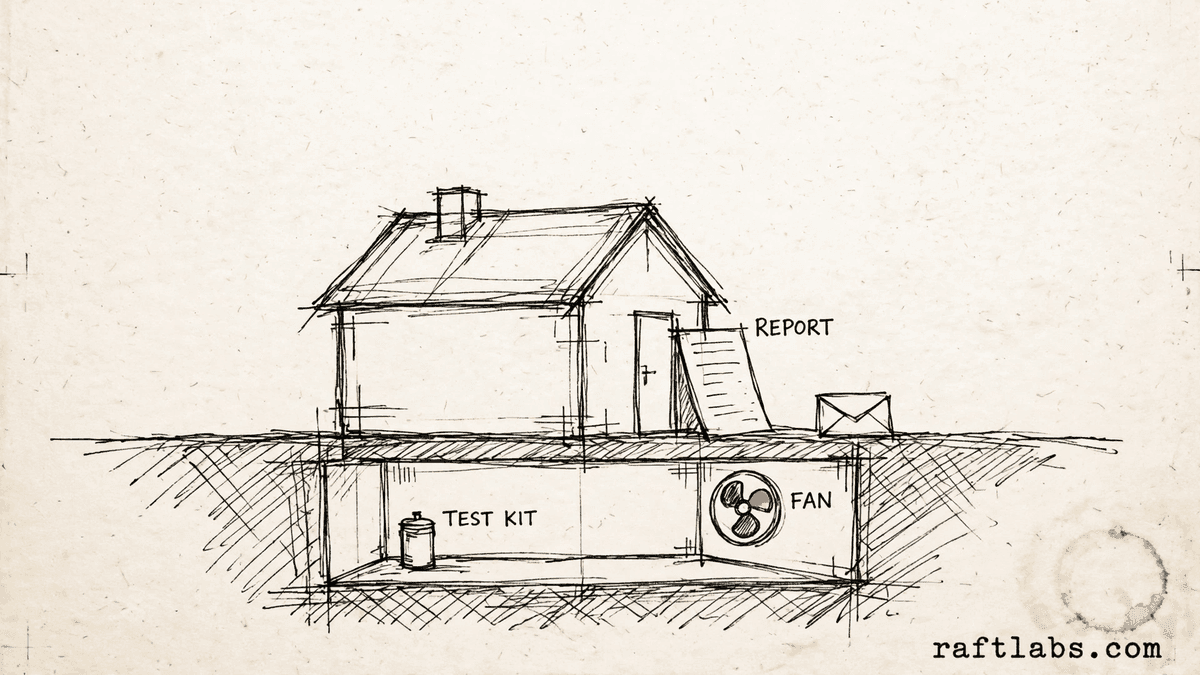
A comparison, and nothing more
Your lab result
Enter your result and the level from your own report
This checker ships with no action level of its own. Type in the result from your lab report, and the action level printed on that same report or in your state guidance. The checker puts the two numbers side by side and says only whether your figure sits below the level you entered, or at or above it. It says nothing more than that. Nothing you enter here ever leaves your browser.
When two results are entered, the checker compares the average of the two.
Copy this figure from your own paperwork. The checker holds no figure of its own.
From your lab instructions
Your lab instructions set how the test was run. Tick each one once you have checked it against those instructions. The checker records your confirmations only.
Ownership view, if you want it
If you already hold a quote for a mitigation system, enter it here. The results panel shows it back to you, with a running cost line worked out from the fan figures and the electricity price you enter. Every figure in this panel is yours.
Results
Your two numbers, side by side
Loading your saved entries.
What to do next: the decision about your result, and any questions about it, belong with your state radon program and a certified mitigator. Consult a qualified professional and follow the guidance of the relevant authority.
Every number on this page was entered by you: your lab result, and the action level from your own lab report or state guidance. This checker ships with no level of its own and makes no statement about what any result means.
Handling radon test records and follow-ups by hand?
Software can hold each property, its test results, and its paperwork in one place, so nothing rests on memory. Tell us how your team handles radon testing and mitigation work today.
A radon test result checker compares your lab result with the action level printed on your own lab report or state guidance, which you enter yourself. It averages two short-term results when you add both, shows both numbers side by side, and leaves every decision with your state radon program and a certified mitigator.
01 The arithmetic
How the comparison is made
Three plain parts: your result, the level you entered, and one of two wordings.
Your result
The figure from your lab report, typed in by you. A second short-term result is optional. When both are entered, the checker compares their average. When only one is entered, it compares that one.
The level you entered
The action level printed on your lab report or set out in your state guidance, typed in by you. The checker ships with no level of its own, so the comparison cannot run until you enter yours.
Two wordings only
The output is one of two sentences: your figure is below the level you entered, or your figure is at or above the level you entered. Both numbers stay on screen beside the wording, so the comparison is open to check.
The checker holds no level of its own and keeps no view on any result. It cannot tell you what a figure means or what should happen next. Those questions belong with your state radon program and a certified mitigator. What the checker does is place two numbers you entered side by side and state, in plain words, which side of the entered level your figure sits on.
02 The record
Keeping the record straight
Four plain habits keep each result tied to the paperwork behind it.
- 01
Result and report kept together
The result and the lab report it came from belong in the same record. The level you entered comes off that report, so keeping them together keeps the comparison tied to its source. - 02
Duration and conditions noted
The test duration and the closed-house conditions from your lab instructions, noted alongside the result, so the record shows how the test was run as your instructions set it. - 03
Second result in the same record
Where a second short-term test was run, its result sits in the same record as the first, so the average the checker shows can be traced back to the two figures behind it. - 04
Questions routed to the right people
Any question about a result goes to your state radon program or a certified mitigator, and the record notes who it went to, so the answer lands in the same place as the numbers.
How it works
The comparison uses only figures the user enters. With one result entered, that result is compared. With two short-term results entered, their mean is compared. The figure is set against the action level the user enters from their own lab report or state guidance. The output is one of two wordings: below the level you entered, or at or above the level you entered. The fan running line multiplies the wattage the user enters by the hours per day they enter and by the electricity price per kWh they enter. This tool ships with no action level of its own and makes no statement about what any result means. The decision about a result belongs with the user's state radon program and a certified mitigator.
Related tools
- 01
Entertainment venues
Rink Party Pricing Calculator
Package, extra guests, rentals, room, and add-ons, added up line by line. - 02
Property preservation
Work Order Readiness Checker
Readiness by group, gaps named before you dispatch, counted only from the items you confirm yourself. - 03
Auto glass
ADAS Calibration Checker
Pre-job planning list grouped by system, with the calibration categories to plan for and any prep still missing.
Frequently asked questions
Straight answers to what buyers ask before they scope. Still stuck? .
- From your own paperwork. The action level is printed on your lab report or set out in your state guidance, and you type that figure in yourself. This checker ships with no action level of its own, holds no figure in reserve, and never fills the field in for you.
- When you enter two short-term results, the checker adds them together and divides by two, then compares that average with the level you entered. When you enter one result, that result is the figure compared. Both numbers are shown on the results panel, so you can check the arithmetic yourself.
- One plain thing, in one of two wordings: your figure is below the level you entered, or your figure is at or above the level you entered. That is the whole output. The checker does not go further, and it makes no statement about what any result means.
- Because your lab instructions set both, and the record of a test sits better with them noted. You check the duration and the closed-house conditions against your own lab instructions and tick each one yourself. The checker records your confirmations as you left them and draws nothing from them.
- Your own figures, shown back to you. The quoted system price you enter appears as you entered it. If you also enter the fan wattage, the hours per day you plan to run it, and your electricity price per kWh from your own bill, the panel works out the yearly energy the fan would use at those figures. It then shows what that energy costs. No figure in the panel comes from the checker.
- Your state radon program and a certified mitigator. The decision about your result, and any questions about it, belong with them. Consult a qualified professional and follow the guidance of the relevant authority. This checker is a comparison of two numbers you entered, and nothing more.
Stay on topic
More for radon mitigation teams
The tools give you a range. A call gives you a number.
30-minute scoping call. We will walk through how your team handles radon test records, mitigation jobs, and follow-up paperwork today, and you leave with a clear plan for the software that runs it.