Party drink calculator
Turn your guest count, event hours, and drink mix into a clear shopping list: beer cans and cases, wine bottles, spirit bottles, and ice. Every figure is your own.
- Beer, wine, and spirits
- Pours and bottle sizes
- Ice included
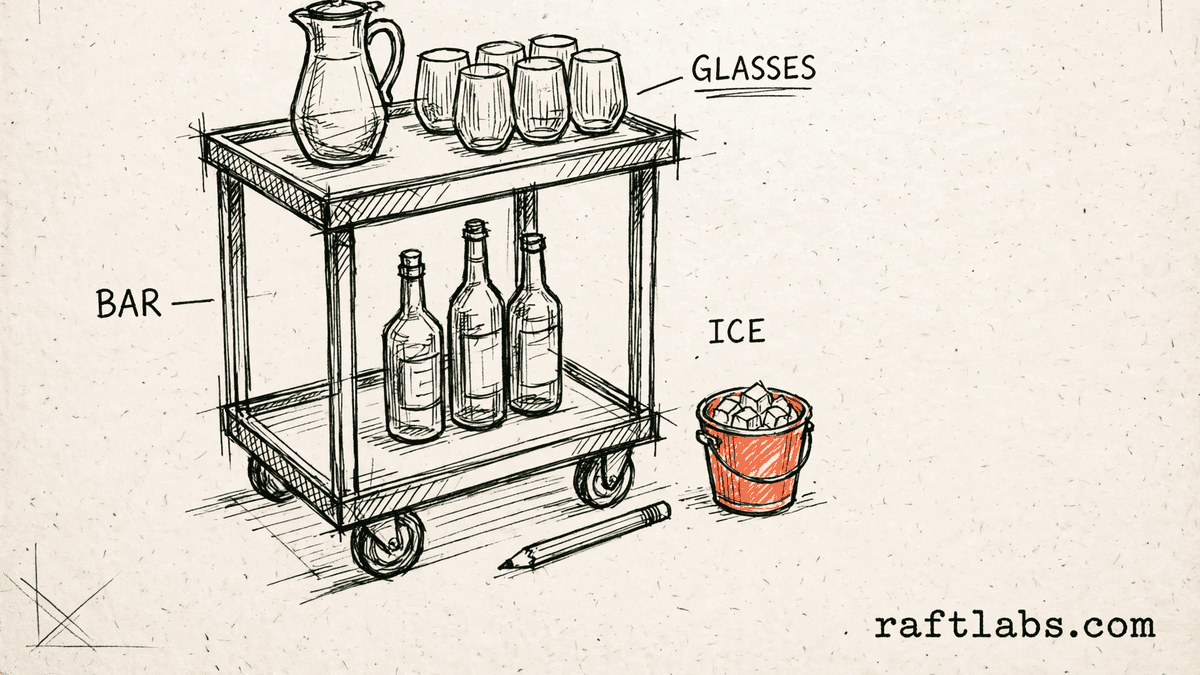
Before you run the numbers
One list, every item visible
Planning drinks for a party means answering a simple question: how much of each drink do you need to buy? Guessing leads to a fridge full of leftovers, or a bar that runs dry partway through the event.
This calculator does the counting for you. You enter the guest count, the hours, how many drinks per guest per hour you plan for, and your mix of beer, wine, and spirits. It does not assert a planning figure for you. The result is a shopping list built only from your figures.
Your numbers
1. Guests and timing
This is your planning figure for how many drinks each guest has in one hour. The tool does not set this figure for you.
2. Your drink mix
Warning: your mix adds up to 0 percent, not 100 percent. Adjust the three shares so they add up to 100 before you rely on this list.
3. Your pours and bottle sizes
4. Ice
Result
Shopping list
Enter your own figures on the left to see the shopping list.
Short answer
A party drink calculator works out how much to buy for an event from figures you enter: guest count, event hours, drinks per guest per hour, and your split between beer, wine, and spirits. It turns those into cans, bottles, and ice, so your shopping list matches your own plan.
What the plan covers
What goes into a party drink plan?
A drink plan covers four kinds of item. The first is beer, counted in cans and then grouped into cases using the case size you enter. The second is wine, counted in bottles. The third is spirits, also counted in bottles. The fourth is ice, counted in pounds.
Behind those items sit your own choices. You set how many drinks each guest has per hour. You set the mix between beer, wine, and spirits. You set the pour for wine and for spirits, and the bottle sizes you will buy. Change any one of those, and the list changes with it.
That is why this calculator asks you for each figure instead of filling one in for you. Your guests, your event, and your serving style decide the plan. The tool only does the arithmetic and rounds cans, cases, and bottles up to whole items you can buy.
| Shopping list item | What it covers | Set by |
|---|---|---|
| Beer | Cans for the beer share of your total drinks, grouped into cases | Your beer share and your case size |
| Wine | Bottles for the wine share, using your pour size and bottle size | Your wine share, pour, and bottle size |
| Spirits | Bottles for the spirits share, using your pour size and bottle size | Your spirits share, pour, and bottle size |
| Ice | Total pounds of ice for the event | Your ice per guest and your guest count |
| Total drinks | The full drink count the shopping list is built from | Your guests, hours, and drinks per guest per hour |
The math
How the shopping list is worked out
First, the tool works out the total drinks: guests times hours times drinks per guest per hour. Then it splits that total by your mix. Beer drinks become cans. Wine drinks times your wine pour, divided by your wine bottle size, become wine bottles. Spirit drinks are worked out the same way. Ice is guests times your ice per guest.
Total drinks = Guests x Hours x Drinks per guest per hour
Example, using example inputs only: 50 guests, 4 hours, and an example figure of 1 drink per guest per hour gives 200 total drinks. With an example mix of 50 percent beer, 30 percent wine, and 20 percent spirits, that is 100 beer drinks, 60 wine drinks, and 40 spirit drinks.
The 100 beer drinks are 100 cans. At an example case size of 24 cans, that is 5 cases when rounded up. The 60 wine drinks at an example pour of 150 ml make 9,000 ml. At an example bottle size of 750 ml, that is 12 wine bottles. The 40 spirit drinks at an example pour of 50 ml make 2,000 ml. At an example bottle size of 750 ml, that is 3 spirit bottles when rounded up. Ice at an example 1 lb per guest for 50 guests is 50 lbs.
50 x 4 x 1 = 200 drinks; 100 cans = 5 cases; 60 x 150 / 750 = 12 wine bottles; 40 x 50 / 750 = 3 spirit bottles; 50 x 1 = 50 lbs of ice
Every figure in this example is a made-up input chosen to show the math. Your list will use the figures you enter.
Getting it right
How to get an accurate drink plan
The list is only as good as the figures behind it. Four checks keep a drink plan accurate and free of surprises on the day.
- 01
Start with the guest count you trust
The whole list grows or shrinks with the guest count. Use the count from your invites or your booking, not a rough guess. If the count may change, run the calculator again with the new count and compare the two lists before you buy.
- 02
Set a mix that adds up to 100
Your beer, wine, and spirits shares should add up to 100 percent. The calculator warns you when they do not. A split that adds up to less leaves drinks unplanned, and a split above 100 plans for more drinks than your total.
- 03
Use the pours and bottles you will really serve
Bottle counts depend on the pour you enter and the bottle size you enter. If you pour a larger glass of wine, you need more bottles for the same number of drinks. Enter the sizes from the bottles you plan to buy, not sizes from a different product.
- 04
Check the list before you buy
Read the list line by line: cans and cases, wine bottles, spirit bottles, and ice. If one line looks off, check the input behind it first. One wrong figure, such as hours or case size, moves the whole list.
Frequently asked questions
Straight answers to what buyers ask before they scope. Still stuck? .
- It starts with the total number of drinks. That is your guest count times the event hours times the drinks per guest per hour you enter. It then splits that total by the mix you set for beer, wine, and spirits, and turns each share into cans, cases, or bottles using the pour and bottle sizes you enter.
- Enter the share of drinks you expect to be beer, the share to be wine, and the share to be spirits. The three shares should add up to 100 percent. If they do not, the calculator shows a warning so you can fix the split before you rely on the shopping list. The split is your call, based on your guests and your event.
- Enter the pour you plan to serve. For wine, that is the amount you pour into each glass, in millilitres. For spirits, that is the amount you pour into each drink, in millilitres. The calculator uses your pour sizes with your bottle sizes to work out how many bottles those drinks need.
- It first works out the number of beer drinks from your total and your beer share, and rounds that up to whole cans. It then divides the cans by the case size you enter, and rounds the result up again, because you buy whole cases. Both the can count and the case count appear on the shopping list.
- Enter the ice per guest you want to allow, in pounds. The calculator multiplies that figure by your guest count to give the total ice on the shopping list. Ice melts and gets used in buckets as well as in glasses, so set the per guest figure to cover how you plan to serve and chill drinks at your event.
- Yes. A mobile bar service can enter the guest count and hours for a booking, set the mix the client has chosen, and use its own pour and bottle sizes. The result is a clear shopping list for that event: beer cans and cases, wine bottles, spirit bottles, and ice, all in one place.
Stay on topic
More for mobile bar teams
The tools give you a range. A call gives you a number.
30-minute scoping call. We will walk through how your team handles bookings, drink planning, and event schedules today, and you leave with a clear plan for the software that runs it.