Thrift Store Markdown Schedule Generator
Type your own tag colors and the discount you take in each week of the cycle, then pick the week the first color rotates in. See the full price weeks, the markdown weeks, and every pull date in one printable table. Nothing you enter here ever leaves your browser.
- No signup required
- 100% free
- Your colors, your discounts
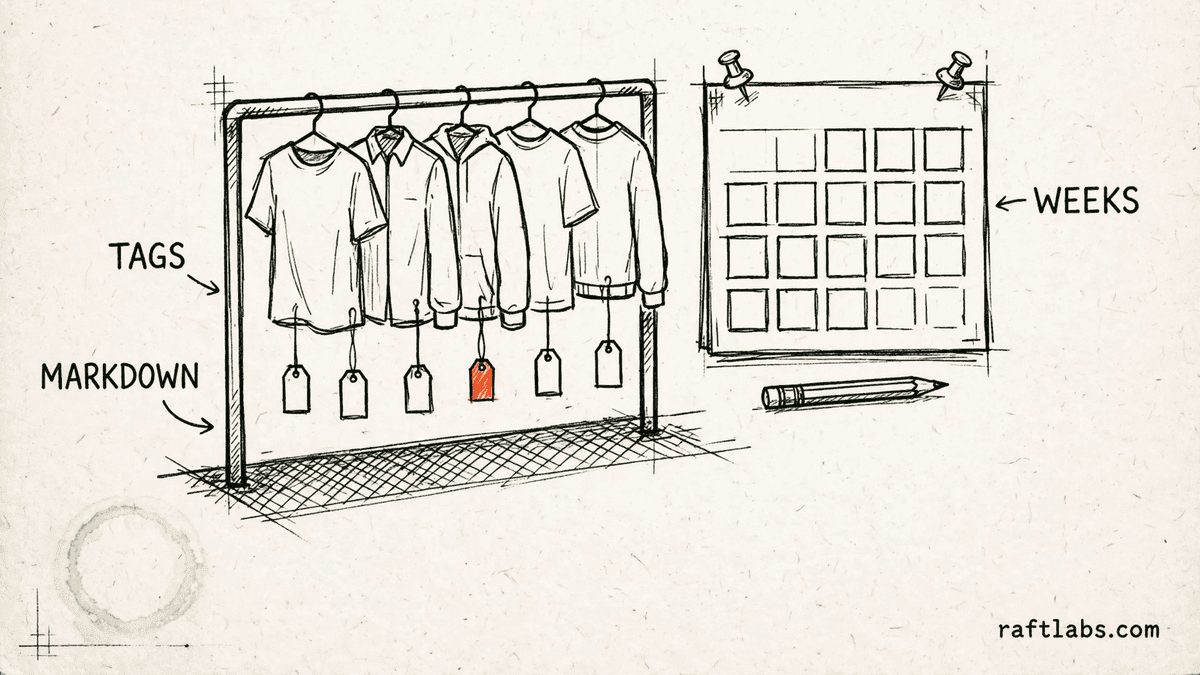
Your scheme, not a standard one
Your rotation
Set up your colors and discounts
Type your own tag colors, the discount you take in each week of the cycle, and the week the first color rotates in. This generator presets no color rotation and no discount figure. Every percentage in the schedule is one you entered here.
How many weeks one color stays on the rail. Leave it blank and it follows your color list. Type a number to run a longer or shorter cycle.
Your tag colors
One row per color, in the order they rotate onto the rail. The first color starts on your start date and each next color starts one week later.
Your discount for each week of the cycle
Week 1 is the week a color first goes on the rail. Enter the percentage you take off in each week. Leave a week at 0 and that week sells at full price.
Results
Your week by week markdown schedule
Loading your saved entries.
Every color, percentage, and date in this schedule comes from your own entries above. This generator ships no standard rotation and no preset discount.
Running markdowns across a whole store by hand?
Software can hold your color rotation, your markdown weeks, and your pull dates in one place, so the schedule runs itself each week. Tell us how your team runs the rotation today.
A thrift store markdown schedule generator lays out your color tag rotation week by week. You enter your own tag colors, the discount for each week of the cycle, and a start date. It then shows each color's full price week, its markdown weeks, and its pull date in one printable table.
01 The arithmetic
How the schedule is laid out
Three plain steps turn your color list, your weekly discounts, and your start date into a week by week table.
Rotation
Colors rotate in one per week from your start date, in the order you list them. The first color starts in week one, the second a week later, and each color then runs its own full cycle while the next colors join the rail behind it.
Markdown weeks
Each week of a color's cycle takes the discount you entered for that week. A week left at 0 sells at full price. A week with a percentage sells at that percentage off. The table shows every color on the rail each week with its discount for that week.
Pull date
When a color finishes its last scheduled week, its pull date lands on the first day after that week. Stock still carrying that color comes off the rail on or before the pull date, which keeps old stock from drifting past the scheme.
The generator holds no scheme of its own. Change a color, a percentage, or the cycle length and the whole table moves with the figures you entered. That is deliberate: the markdown scheme belongs to your store, not to this tool.
02 On the floor
Running the rotation week to week
Four plain habits keep the printed schedule and the rail saying the same thing.
- 01
Tag new stock in the week's incoming color
Donations priced this week get the color that rotates in this week, so every item starts its cycle on the same day and ages together. - 02
Hang by color, not by arrival pile
Keeping each color together on the rail makes the weekly markdown a single pass per section instead of a hunt through mixed stock. - 03
Work the markdowns from the printed table
On the first day of each week, move every color to the discount the table shows for that week. One table, one pass, no figures remembered or guessed. - 04
Pull the finished color on its pull date
Take the color that finished its cycle off the rail on its pull date, before the floor fills with stock the scheme has already run through.
How it works
For each color, the generator counts forward in whole weeks from the start date the user enters. Colors rotate in one per week in the order the user lists them. Each color runs for the cycle length in weeks, which starts at the number of colors the user lists and can be changed by the user, and it takes the user's own discount percentage for each week of that cycle. The pull date for a color is the first day after its final scheduled week. The tool ships no color rotation, no discount figure, and no cycle length of its own: every color, percentage, and date in the table comes from the user's entries.
Related tools
- 01
Sports and recreation
Archery Lane Capacity Calculator
Sessions per lane, public capacity, and revenue at your own fill rate. - 02
Sports and recreation
Batting Cage Utilization Calculator
Booked vs rentable cage hours, plus lessons and memberships in one monthly total. - 03
Legal services
Deposition Cost Calculator
Appearance fee, transcript, copies, and extras, added up line by line.
Frequently asked questions
Straight answers to what buyers ask before they scope. Still stuck? .
- Each color takes its turn on the rail. The first color starts in the week you pick, the next color starts one week later, and so on down your list. Every color then runs for the full cycle length you set, moving through your discount for each week of its cycle, until its pull date arrives and that color comes off the rail.
- From you. This generator presets no discount and presents no rotation as a standard scheme. You type the percentage for each week of the cycle, from full price in the first week to whatever clearance figure you use in the last week, and the schedule is built from those figures alone.
- The pull date is the first day after a color's final scheduled week. Say a color starts on January 5 and your cycle runs three weeks: its last week ends on January 25 and the pull date is January 26. Stock still carrying that color comes off the rail on or before that date, ready for the next round.
- The cycle length is how many weeks one color stays on the rail, from its full price week to its last markdown week. It starts out matching the number of colors on your list, which suits a steady one color per week rotation. You can change it if your store runs a longer or shorter cycle.
- Yes. The results panel has a print button that lays the week by week table out cleanly on paper. Most stores print one copy for the pricing station and one for the rail, so the person tagging and the person marking down are working from the same dates.
- Yes, in your own browser. Your start date, colors, percentages, and cycle length are stored on this device only, so the schedule is still here when you come back to adjust it. Nothing you enter is sent anywhere. Clear your browser data and the entries clear with it.
Stay on topic
More for thrift store teams
The tools give you a range. A call gives you a number.
30-minute scoping call. We will walk through how your team handles color rotations, markdown weeks, and stock records today, and you leave with a clear plan for the software that runs it.