Feed conversion ratio calculator
Work out the ratio from your own records: feed fed divided by biomass gained. Add mortalities, a feed price, days, or your own target only if you want them counted.
- Ratio from your records only
- Mortality panel included
- Compared with your own target only
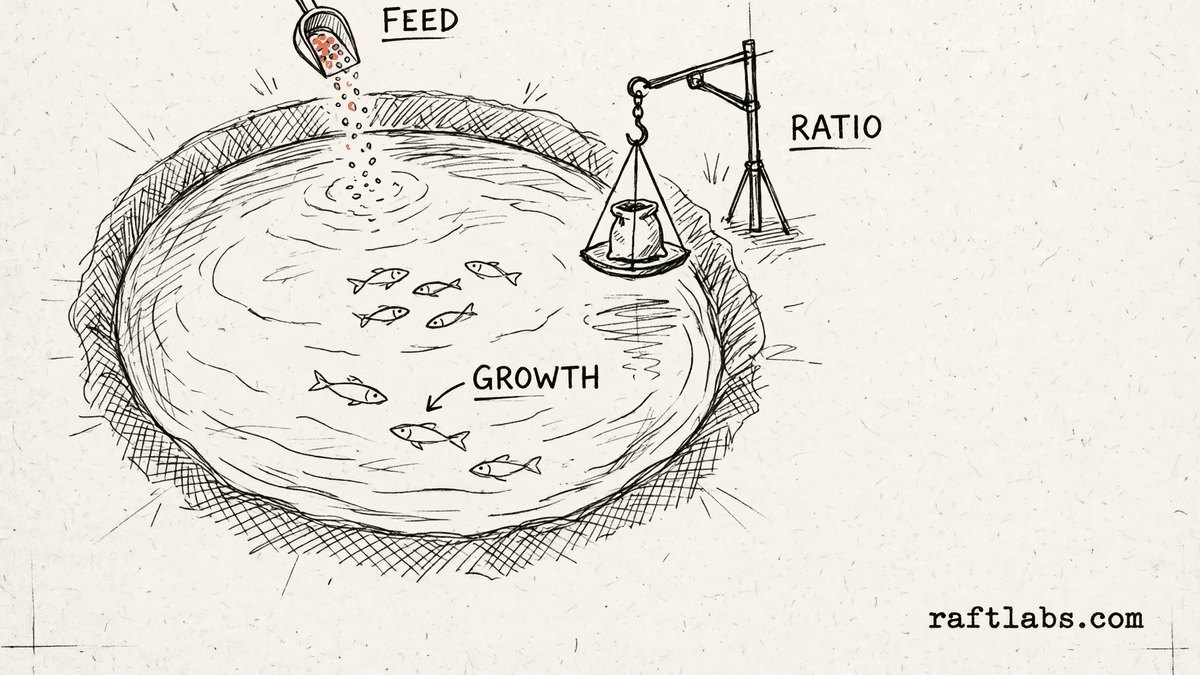
Before you run the numbers
One ratio, every input visible
Feed conversion ratio is a single division: the feed you gave, divided by the weight the fish gained. The ratio is only as clear as the figures behind it, so this calculator shows each input and each step on its own line.
Enter the feed total and the biomass figures from your own records. Add the optional figures, such as mortalities or your own target, only when you want them counted.
Your numbers
1. Feed and biomass for the period
2. Mortalities (optional)
3. Feed price, days, and target (optional)
Leave any of these at zero and that part is left out of the result.
Result
Feed conversion ratio
Enter an ending biomass higher than the starting biomass to see the ratio.
Short answer
A feed conversion ratio calculator divides the feed you fed over a period by the biomass your fish gained in that period. You enter the feed total, the starting biomass, and the ending biomass from your own records, and the tool works out the ratio from those figures alone.
What the ratio covers
What goes into a feed conversion ratio?
The ratio uses three main figures, all in kilograms and all from your own records. The first is the feed fed over the period. The second is the starting biomass: the total weight of the fish when the period began. The third is the ending biomass: the total weight when the period ended.
The gain is the ending biomass minus the starting biomass. The ratio is the feed fed divided by that gain. That division is the whole definition. The calculator adds nothing of its own to the figures you enter.
Three optional figures can sit alongside the ratio. Mortality weight can be added into the gain if you choose that rule. A feed price turns the ratio into a feed cost per kilogram of gain. A target ratio, set by you, shows how much feed your target would have used for the same gain.
| Figure | What it covers | Where it comes from |
|---|---|---|
| Feed fed | The total feed given over the period, in kilograms, from your own records | Your feed records |
| Starting biomass | The total weight of the fish at the start of the period, in kilograms | Your stock records |
| Ending biomass | The total weight of the fish at the end of the period, in kilograms | Your stock records |
| Mortality weight (optional) | Mortalities multiplied by average weight per mortality, added to the gain only when you turn the option on | Your stock records |
The math
How the ratio is worked out
First work out the biomass gained: ending biomass minus starting biomass. If you turn on the mortality option, add the mortalities multiplied by the average weight per mortality. Then divide the feed fed by the biomass gained.
FCR = Feed fed / (Ending biomass - Starting biomass)
Example: feed fed of an example 1,200 kg, a starting biomass of an example 800 kg, and an ending biomass of an example 1,600 kg. The biomass gained is 1,600 minus 800, which is 800 kg. The ratio is 1,200 divided by 800, which is 1.50.
1,200 / (1,600 - 800) = 1,200 / 800 = 1.50
With an example feed price of 1.80 per kg, the feed cost per kg of gain is 1.50 multiplied by 1.80, which is 2.70. Over an example 60 days, the daily feed rate is 1,200 divided by 60, which is 20 kg per day. With an example target of 1.40, the target feed for the same gain is 1.40 multiplied by 800, which is 1,120 kg, so the feed fed is 80 kg more than the target figure. Every figure in this example is a made-up input chosen to show the math.
Getting it right
How to get an accurate feed conversion ratio
The ratio is only as accurate as the records behind it. Four checks keep the figures for a period consistent with each other.
- 01
Use the same period for every figure
The feed total, the starting biomass, and the ending biomass must cover the same period and the same pond or tank. Mixing figures from different periods gives a ratio that does not describe any real period.
- 02
Weigh, do not guess, the biomass
The ratio depends on the gain, and the gain depends on both biomass figures. Weigh a sample and count the fish, or use your harvest weights, rather than estimating from memory. A small error in the ending biomass moves the ratio a lot when the gain itself is small.
- 03
Decide the mortality rule once and keep it
Adding mortality weight into the gain changes the ratio. Pick one rule for your farm, write it down, and use it every time. That way ratios from different periods on your farm can be compared with each other fairly.
- 04
Compare only with your own target
Set a target ratio from your own past periods and your own feed and stock. Enter that target in the calculator to see how much feed the target would have used for the same gain. The difference is measured against your own plan, and against nothing else.
Frequently asked questions
Straight answers to what buyers ask before they scope. Still stuck? .
- Feed conversion ratio, or FCR, is the amount of feed fed divided by the amount of biomass gained over the same period. Both figures are in kilograms in this calculator, so the ratio has no unit. It is a defined ratio: the division itself is the definition, and this tool works it out from the figures you enter.
- First work out the biomass gained: the ending biomass minus the starting biomass. Then divide the feed fed over the period by that gain. For example, if you fed 1,200 kilograms and the biomass gained was 800 kilograms, the ratio is 1,200 divided by 800, which is 1.50. The calculator shows the ratio to two decimal places.
- Mortalities are fish that died during the period. Their weight was part of the growth the feed produced, so some farms add it back into the gain. Open the mortality panel, enter the number of mortalities and the average weight per mortality, and turn on the include option if you want that weight added to the biomass gained. Leave the option off if you count only the fish that remain.
- Feed cost per kilogram of gain is the ratio multiplied by your feed price per kilogram. It shows what the feed for each kilogram of gain cost, in your own currency. Enter your feed price per kilogram and the calculator shows this figure as a plain number with no currency symbol, so you can read it in the currency you use.
- Enter your own target ratio and the calculator works out how much feed that target would have used for the same biomass gain. It then shows the difference between the feed you fed and that figure, worded only as more or less feed than your own target. The comparison uses your target alone. It does not compare your result with any other farm or any set range.
- Yes. Enter the feed fed, the starting biomass, and the ending biomass for any period you choose, such as a single month or a single pond cycle. If you also enter the number of days in the period, the calculator shows the daily feed rate for that period: the feed fed divided by the number of days.
Stay on topic
More for aquaculture teams
The tools give you a range. A call gives you a number.
30-minute scoping call. We will walk through how your farm handles feed records, stock counts, and pond schedules today, and you leave with a clear plan for the software that runs it.