Biohazard cleanup cost calculator
Build a cleanup estimate line by line: crew labour, waste disposal, and supplies. Every price is your own, and the total is a planning estimate pending an on-site assessment.
- Hourly or per square foot
- Disposal counted separately
- Planning estimate only
Before you run the numbers
One estimate, every line visible
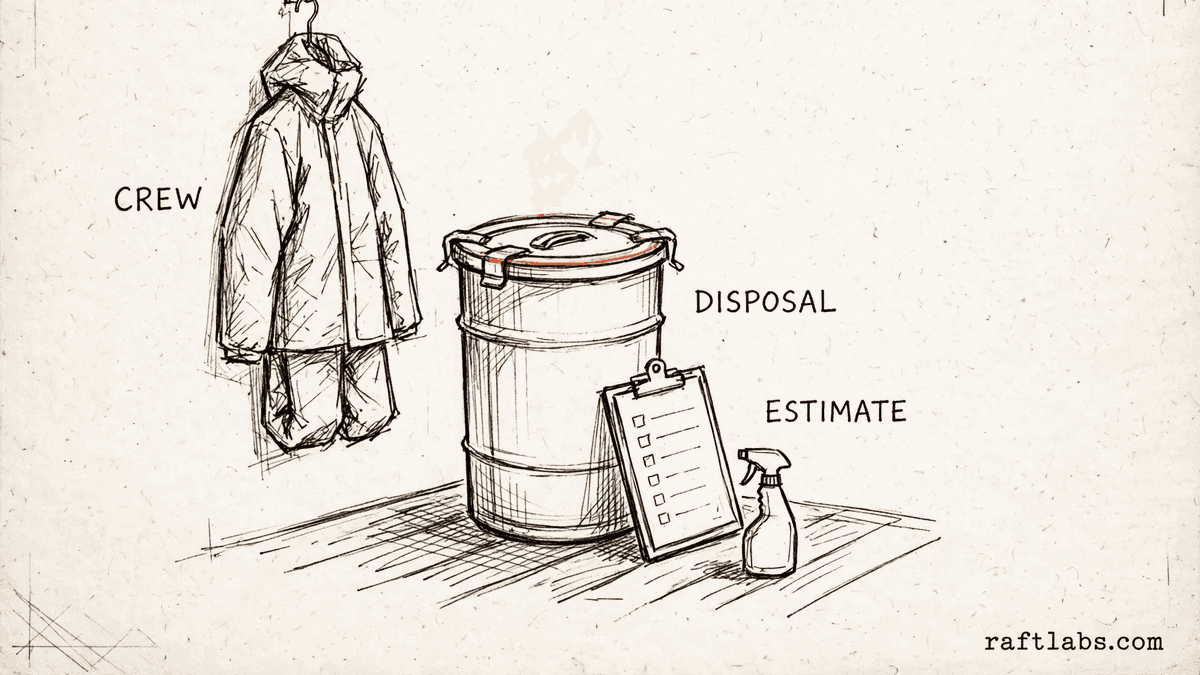
A cleanup estimate is not one price. It is a short list of separate charges: the crew time, the waste disposal, and the supplies used on the job. When those lines are bundled into a single figure, it is hard to tell what you are paying for.
This calculator keeps the lines separate. Enter your own rates and prices, and see the total build up line by line. The figure is a planning estimate. A final figure is set only after an on-site assessment of the property.
Your numbers
1. Labour: pick how you price it
2. Waste disposal
3. Protective gear and supplies
Add up the protective clothing and cleaning supplies this job will use, and enter the total here.
4. After hours surcharge (optional)
Result
Estimated total
Enter your own prices on the left to see the total.
Short answer
A biohazard cleanup cost calculator adds up the cost of a cleanup job from your own figures: crew labour by the hour or by the square foot, waste disposal, and protective supplies. An after hours surcharge can be added. The result is a planning estimate pending an on-site assessment.
What the cost covers
What goes into the cost of a cleanup job?
The cost of a cleanup job covers four kinds of cost. The first is labour: the crew who carry out the work. You can price labour by the hour or by the square foot of the affected area. Pick the mode that matches how you charge.
The second is waste disposal. Material removed from the site is packed into bags or drums. You enter the quantity and your own price per unit. The third is protective clothing and cleaning supplies used on the job, entered as one flat amount.
The fourth is an after hours surcharge. If a job runs outside your normal hours and you charge extra for that, you can add your own percentage on top of the subtotal. Every figure in this calculator is one you enter. The tool supplies no prices of its own.
| Cost part | What it covers | How the price is set |
|---|---|---|
| Labour | Crew time, priced by the hour or by the square foot | You, from your own rate |
| Waste disposal | Bags or drums used to remove material from the site | You, from your own price per unit |
| Protective supplies | Protective clothing and cleaning supplies used on the job | You, as one flat amount |
| After hours surcharge | An extra percentage you add for work outside normal hours | You, from your own percentage |
The math
How the total is worked out
The total is worked out in two steps. First, work out the labour. In hourly mode, labour is your hourly crew rate times the crew size times the hours. In per square foot mode, labour is the affected area times your per square foot rate.
Next, add the disposal and the supplies to get the subtotal. If the surcharge is switched on, add your surcharge percentage to the subtotal to get the total.
Total = (Labour + Disposal + Supplies) x (1 + Surcharge) when the surcharge is on
Example: a crew rate of $60 per hour, a crew of 2, and 4 hours gives labour of $480. Disposal of 4 drums at an example price of $50 per drum comes to $200. Supplies at an example amount of $80. The subtotal is $760.
$480 + $200 + $80 = $760
With an example surcharge of 25% switched on, the surcharge is $190 and the total is $950. Every figure in this example is a made-up input chosen to show the math. Your total will use the prices you enter, and it stays a planning estimate until the site has been assessed in person.
Getting it right
How to get an accurate cleanup estimate
The total is only as good as the figures behind it. Four steps keep an estimate accurate and free of surprises later.
- 01
Confirm the area and the hours on site
The estimate uses the area or the hours you enter. Walk the affected area before you rely on the figure, and update the area, the crew size, or the hours if the job is larger or smaller than first thought.
- 02
Count the disposal units after the walkthrough
Bags and drums are easy to undercount from a phone description. Count the units the job will need once you have seen the site, and enter that quantity with your price per unit.
- 03
List the supplies the job will use
Protective clothing and cleaning supplies are entered as one flat amount. Add up the items the crew will use on this job, rather than copying the amount from the last job.
- 04
Share the line split before work starts
Show the labour, disposal, supplies, and surcharge as separate lines. A clear split helps the client see what the estimate covers, and it makes any later change easier to agree on.
Frequently asked questions
Straight answers to what buyers ask before they scope. Still stuck? .
- It includes crew labour, waste disposal, and protective supplies. Labour can be priced by the hour or by the square foot. You can also add an after hours surcharge as a percentage. Every rate and price is one you enter, so the total reflects your own figures.
- In hourly mode, labour is your hourly crew rate times the crew size times the number of hours. Enter the rate you charge for the crew, how many people are on the crew, and how long the job will take. The calculator does the multiplication for you.
- In per square foot mode, labour is the affected area in square feet times your own price per square foot. Enter the size of the area and the rate you charge for each square foot. Use this mode if that is how you price your work.
- Disposal is the quantity of units times your price for each unit. Pick bags or drums as the unit, enter how many the job will use, and enter your price per bag or per drum. The calculator adds that line to the subtotal.
- Add the surcharge if the job runs outside your normal hours and you charge extra for that time. Switch the surcharge on and enter your own percentage. The calculator applies that percentage to the subtotal and shows the surcharge as its own line.
- No. The total is a planning estimate built from the figures you enter. The size of the job and the work needed can only be confirmed on site. Treat the total as a starting point for the conversation, and set the final figure after an on-site assessment.
Stay on topic
More for cleanup teams
The tools give you a range. A call gives you a number.
30-minute scoping call. We will walk through how your team takes cleanup requests, builds estimates, and tracks each job today, and you leave with a clear plan for the software that runs it.