Valet staffing calculator
Work out how many attendants and supervisors an event needs, and what the labour will cost, from your own handling rate and pay rate.
- Your own handling rate
- Buffer included
- Supervisors optional
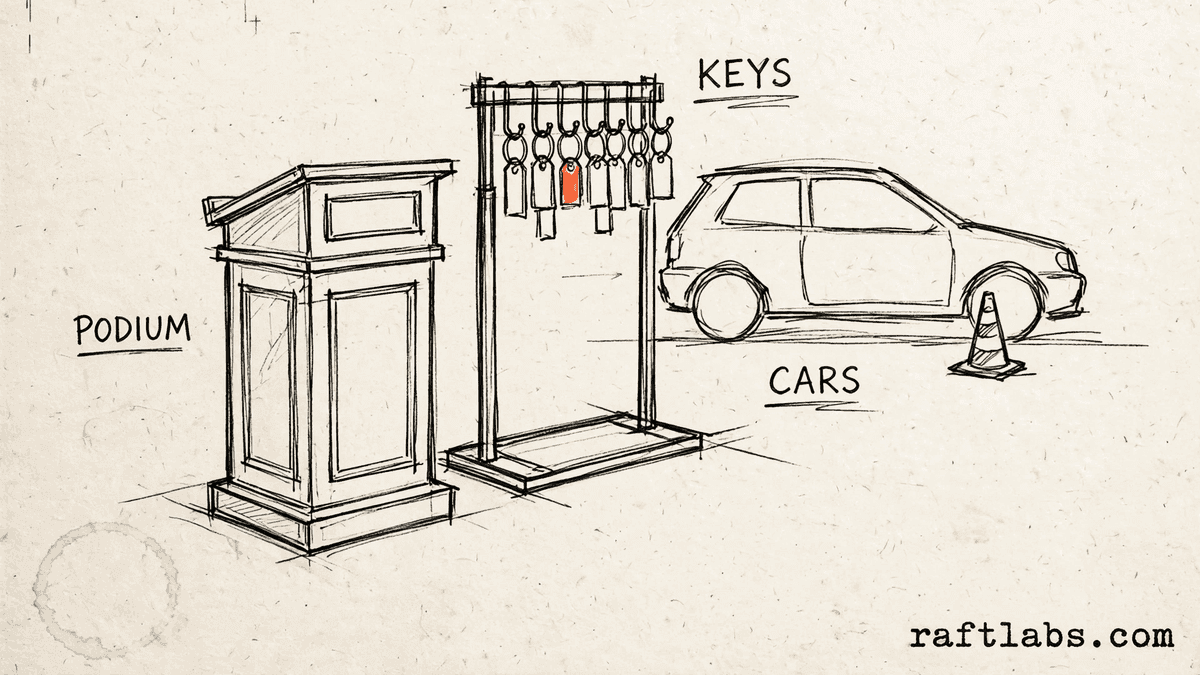
Before you run the numbers
Staff the peak hour, not the whole night
Valet work arrives in bursts. Most cars come in one arrival peak and leave in one departure peak, with quiet time in between. If you staff for the whole event spread evenly, the peak will still form a queue.
This calculator staffs for the peak. It uses the handling rate from your own operation, because no preset productivity figure ships with this tool. The plan and the cost both come from your figures.
Your numbers
1. Peak and your handling rate
Enter the rate from your own operation. No preset productivity figure ships with this tool.
2. Event and pay
3. Supervisors
4. Buffer
The buffer is added to the base attendant count and rounded up to a whole person.
Result
Event labour cost
Enter your own figures on the left to see the staffing plan.
Short answer
A valet staffing calculator works out how many attendants an event needs from your own figures. It divides peak vehicles per hour by the cars each attendant handles per hour in your operation, adds your buffer and any supervisors, then multiplies by event hours and your pay rate to show labour cost.
What the plan covers
What goes into a valet staffing plan?
A staffing plan starts with the peak. You need enough attendants to move the cars that arrive in the busiest hour at the pace your team actually works. That pace depends on the site, so the calculator asks for your own cars per attendant per hour figure.
On top of the base count, you may add a buffer for cover and supervisors to run the podium and handle problems. Labour cost then follows from headcount, event hours, and your pay rate.
Each part uses a figure you enter. Change the peak, the rate, or the buffer and the plan updates at once.
| Part | What it covers | Where the figure comes from |
|---|---|---|
| Base attendants | Peak vehicles per hour divided by your cars per attendant per hour, rounded up | Your peak count and your own handling rate |
| Buffer | Your buffer percent added to the base count, rounded up again | Your buffer percent |
| Supervisors | Attendants divided by your ratio of one supervisor per set number of attendants, rounded up | Your ratio, if the option is on |
| Labour cost | Attendants plus supervisors, times event hours, times your pay per hour | Your event hours and your pay rate |
The math
How the staffing total is worked out
Base attendants are peak vehicles per hour divided by your cars per attendant per hour, rounded up. Attendants to schedule are that base with your buffer added, rounded up again. Supervisors, if the option is on, are attendants divided by your ratio, rounded up. Labour cost is attendants plus supervisors times event hours times pay per hour.
Labour cost = (Attendants + Supervisors) x Event hours x Pay per hour
Example: an example peak of 60 vehicles per hour and an example handling rate of 10 cars per attendant per hour gives a base of 6 attendants. An example buffer of 20 percent lifts that to 8 attendants when rounded up. With an example ratio of one supervisor per 4 attendants, supervisors are 2.
(8 + 2) x 5 hours x $20 = $1,000
Total labour hours in the example are 10 staff times 5 hours, which is 50 hours. The example event labour cost is $1,000. Every figure in this example is a made-up input chosen to show the math. Your plan will use the figures you enter.
Planning well
How to build a staffing plan that holds
A plan holds when the inputs come from the site itself. Four checks help.
- 01
Count the peak, not the whole event
Queues form in the busiest hour. Count vehicles in that hour from a past event, a venue estimate, or a guest list with arrival times. Staffing to the peak keeps the line moving when it matters most.
- 02
Measure your own handling rate
Time a normal shift at the same site and count cars handled per attendant in one hour. Use that figure here. A short drive to a close lot and a long drive to a far lot give very different rates, which is why your own figure matters.
- 03
Add a buffer you can explain
A buffer covers breaks, late arrivals, and a peak that runs long. Pick a percent that matches the risk of the event. A familiar venue with a steady flow needs less cover than a one-off venue with a single sharp peak.
- 04
Check the cost against the event fee
Compare the event labour cost with what the event pays. If the cost leaves too little room, revisit the peak count, the buffer, and the supervisor plan before you agree to the booking.
Frequently asked questions
Straight answers to what buyers ask before they scope. Still stuck? .
- You enter the peak vehicles per hour you expect, the cars per hour each attendant handles in your operation, the event hours, and your pay per hour. The calculator works out attendants, adds your buffer, adds supervisors if you turn that option on, and then shows total labour hours and the event labour cost.
- Every site works at a different pace. Drive length, parking distance, stairs, and payment steps all change how many cars one attendant can handle in an hour. For that reason this tool ships with no preset productivity figure. You enter the rate from your own operation, and the staffing plan is built from that rate.
- The buffer adds cover for late arrivals, breaks, and a peak that runs higher than planned. The calculator adds your buffer percent to the base attendant count and rounds up to a whole person. If you enter no buffer, the staffing number stays at the base count.
- Turn the supervisor option on and enter your own ratio, written as one supervisor per a set number of attendants. The calculator divides the attendant count by that ratio and rounds up. For example, one supervisor per four attendants with eight attendants gives two supervisors. If the option is off, no supervisors are added.
- The calculator adds attendants and supervisors together, multiplies that headcount by the event hours you enter, and then multiplies the result by your pay per hour. That gives total labour hours first, and then the event labour cost. Both figures use only the pay rate you enter.
- Enter the busiest hour you expect, not the total for the whole event divided by the hours. Valet queues form at arrival and departure peaks, so staffing to the peak hour is what keeps waiting times down. Use counts from a past event at the same venue if you have them.
Stay on topic
More for valet teams
The tools give you a range. A call gives you a number.
30-minute scoping call. We will walk through how your team handles requests, rosters, and vehicle handovers today, and you leave with a clear plan for the software that runs it.