Tanning package pricing calculator
Price packages level by level: what a client pays per session after your discount, how fully your beds are used, and how much each bed earns per month.
- Priced by bed level
- Package price per session
- Revenue per bed
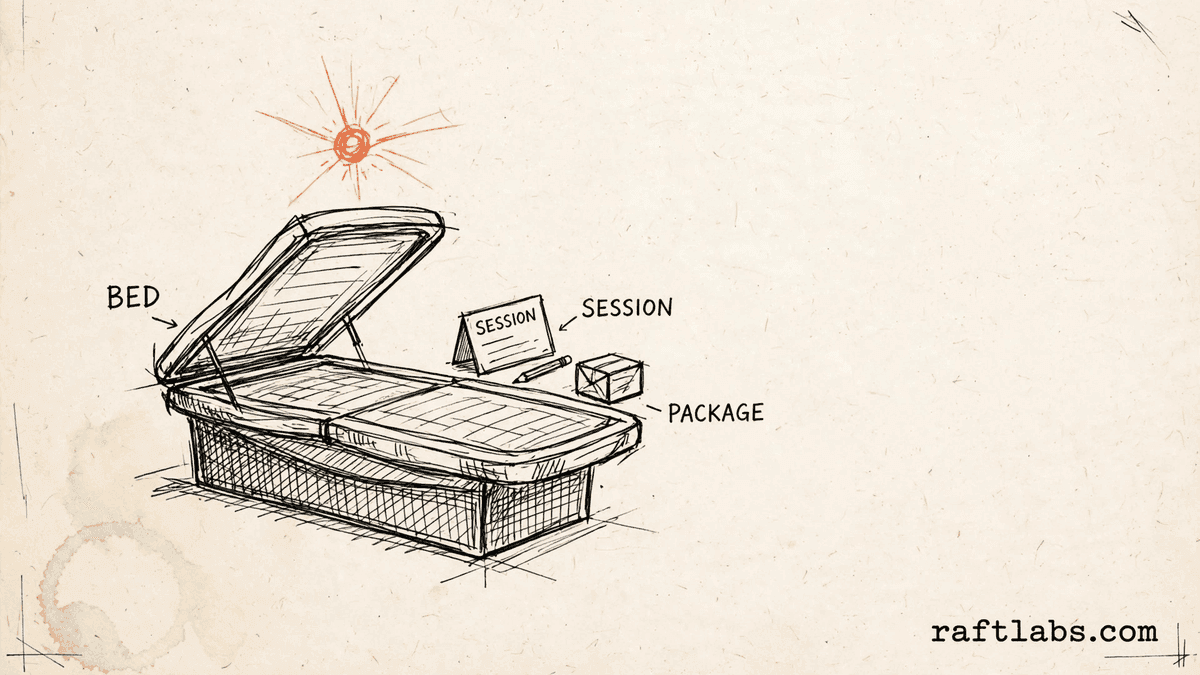
Before you run the numbers
A package price is a per-session price
A package total can hide what one session actually brings in. Once a discount is applied, the price per session may be much lower than the single session price, and that difference decides whether the package works for the salon.
This calculator shows that per-session figure for each package and each bed level, alongside how fully your beds are used and what each bed earns.
Your numbers
1. Beds by level
Level 1 beds
Level 2 beds
Level 3 beds
Leave a level at zero if you do not offer that level. Available sessions is the most sessions one bed could run in a day, as you define it.
2. Days open
3. Package discounts
4. Lamp costs (optional)
Result
Enter your own bed counts and session prices on the left to see the results.
Short answer
A tanning package pricing calculator works out what a client actually pays per session after your package discount, how fully your beds are used, and how much each bed earns. You enter your own bed counts, session prices, and discounts, so every result uses your figures.
What the pricing covers
What goes into tanning package pricing?
Package pricing starts with your beds. Most salons offer more than one level of bed, and each level has its own price per session. The number of beds at each level, and how many sessions each bed runs in a day, decide how much the salon can earn.
The second part is the package itself. A single session, a pack of sessions, and a monthly unlimited option each carry a discount you set. That discount lowers the effective price per session, which is the figure to compare across packages.
The third part is use. A bed that sits empty earns nothing, no matter how it is priced. Utilisation compares the sessions you book with the sessions you could run, so you can see empty time beside price.
| Part | What it covers | Who sets the figure |
|---|---|---|
| Bed levels | Your bed count, sessions, and price for each level you offer | The salon owner or manager |
| Available sessions | The most sessions one bed could run in a day, as you define it | The salon, from its hours and session length |
| Package discounts | Your discount for a single, a 5-pack, and monthly unlimited | The salon owner or manager |
| Days open | Your days open per month, used for monthly revenue | The salon, from its own schedule |
| Lamp costs | Optional: your lamp cost per bed per year and relamp interval | The salon, from its own supplier figures |
The math
How the package figures are worked out
The effective price per session is the session price reduced by your package discount. Utilisation is sessions booked divided by available sessions. Monthly revenue per bed is sessions per day times price times days open.
Effective price = Session price x (1 - Discount)
Utilisation = Sessions booked / (Beds x Available sessions per bed)
Example: an example price of $20 per session with an example pack discount of 20 percent gives an example effective price of $16 per session. With an example of 6 sessions booked per bed per day, an example price of $20, and an example of 26 days open, the example revenue per bed is $3,120 per month.
$20 x (1 - 0.20) = $16 per session; 6 x $20 x 26 = $3,120 per bed per month
Every figure in this example is a made-up input chosen to show the math. Your results will use the bed counts, prices, discounts, and days open you enter.
Getting it right
How to improve your tanning package pricing
Good package pricing balances a fair deal for the client with a price per session the salon can sustain.
- 01
Price each level on its own use
A level that is booked solid and a level that sits empty should not be priced the same way. Check utilisation by level first, then set each level price and package discount with that use in mind.
- 02
Check what a discount does per session
A package can look good as a total and still bring in little per session. Look at the effective price per session for each package before you offer it, and compare it with the single session price.
- 03
Fill empty bed time before adding beds
If utilisation is low, the gap is empty time on beds you already have. Filling that time, through scheduling or package offers that suit your clients, usually costs less than adding another bed.
- 04
Keep lamp costs in the picture
Beds earn only while lamps are in good working order. Track your lamp cost and relamp interval beside revenue per bed, so a package price still makes sense after lamp costs are counted.
Frequently asked questions
Straight answers to what buyers ask before they scope. Still stuck? .
- Take your price per session for that bed level and reduce it by your package discount. If you enter a discount for a pack, the calculator multiplies the session price by one minus that discount share. The result is what one session in that package effectively brings in, before any other costs.
- Utilisation is how much of your available bed time is actually booked. The calculator divides sessions booked by the total available sessions, which is your bed count times the available sessions per bed per day that you define. A low figure means beds sit empty for much of the day.
- Revenue per bed per month is sessions per bed per day times your price per session times your days open per month. The calculator works this out for each bed level you enter, using your own session count, price, and days open. Add the levels together to see total bed revenue.
- A single session is one visit at your session price, with any discount you choose to enter. A pack, such as a 5-pack in this calculator, bundles a set number of sessions at your pack discount. Monthly unlimited lets a client visit during the month under your monthly terms, also shown here through the discount you enter for that package type.
- Lamp costs are a real cost of running a bed, so it helps to see them beside package revenue. This calculator has an optional lamp panel. Enter your lamp cost per bed per year and it shows the yearly lamp cost across your beds. You can also enter a relamp interval and a session length to see how many sessions a set of lamps covers.
- Yes. Enter each level as its own row, with its own bed count, sessions per day, available sessions, and price per session. The calculator keeps utilisation and revenue per bed separate by level, and shows the effective package price for each level, so a higher level is not averaged in with a lower one.
Stay on topic
More for tanning salon teams
The tools give you a range. A call gives you a number.
30-minute scoping call. We will walk through how your salon handles bed bookings, packages, and payments today, and you leave with a clear plan for the software that runs it.