Helicopter weight and balance calculator
A planning worksheet that totals the weights, arms, and fuel figures you enter from your own flight manual. This worksheet does not replace the aircraft flight manual or the pilot's own weight and balance calculation. The pilot in command must verify every figure against the aircraft's own flight manual before flight.
- Planning worksheet only
- Your manual figures only
- No aircraft data included
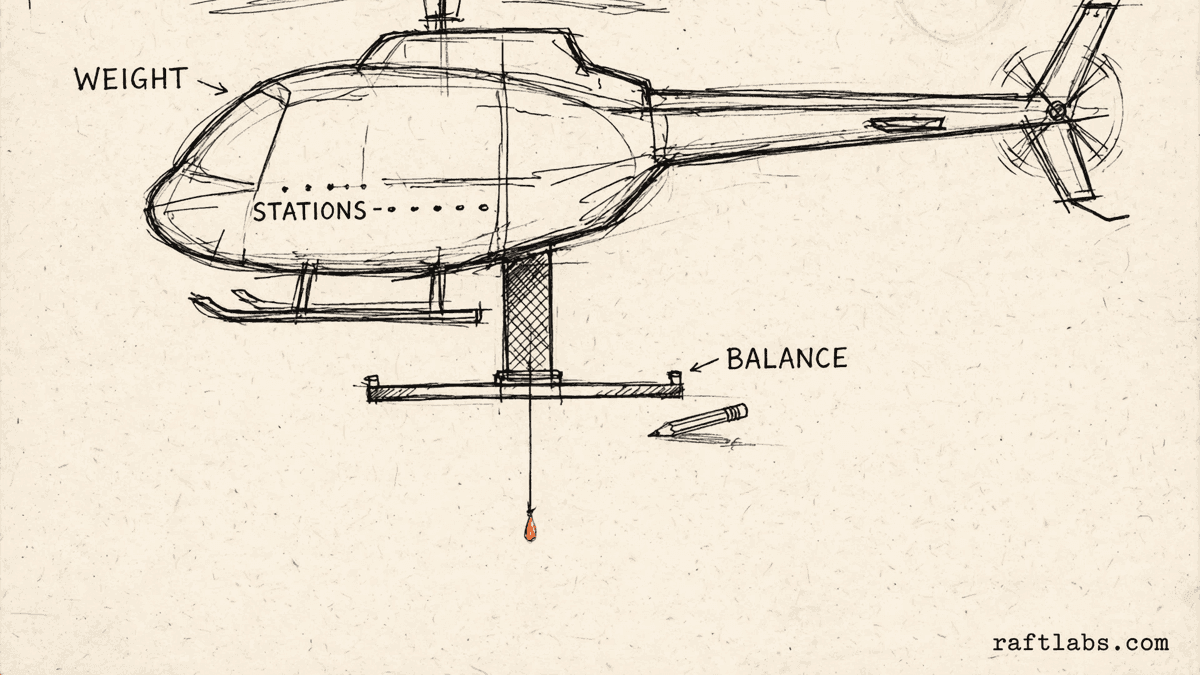
Before you run the numbers
A worksheet, not a flight tool
Weight and balance work starts with figures that belong to one aircraft: its empty weight, the arm for each station, and its limits. Those figures live in that aircraft's flight manual, and they differ from one aircraft to the next.
This worksheet does the adding up once you type those figures in. It ships with no aircraft data at all, and every field starts empty or at zero, so the totals can only come from the figures you enter.
This worksheet does not replace the aircraft flight manual or the pilot's own weight and balance calculation. The pilot in command must verify every figure against the aircraft's own flight manual before flight.
Planning worksheet notice
This worksheet does not replace the aircraft flight manual or the pilot's own weight and balance calculation. The pilot in command must verify every figure against the aircraft's own flight manual before flight.
Work in one unit throughout, the same unit as your flight manual. This choice changes labels only.
Your numbers
1. Empty aircraft, from your flight manual
2. Stations
Start with four rows. You can keep between one and eight stations.
3. Fuel
4. Limits, from your flight manual
Leave a limit at zero if you do not want the worksheet to compare against it.
5. Fuel burn, for landing figures
Result
Worksheet totals from your figures
Enter your own figures from your flight manual on the left to see the worksheet totals.
This worksheet does not replace the aircraft flight manual or the pilot's own weight and balance calculation. The pilot in command must verify every figure against the aircraft's own flight manual before flight.
Short answer
A helicopter weight and balance worksheet adds up the figures an operator enters from their own flight manual: empty weight, station weights and arms, and fuel. It works out total weight, center of gravity, and landing figures after fuel burn. It does not replace the flight manual.
What the worksheet covers
What goes into the worksheet?
The worksheet covers five parts. The first is the empty aircraft: its weight and the arm for that weight. The second is the stations: each place a load sits, with the arm and the weight you enter for it. You can add or remove station rows to match the sheet you are working from.
The third is fuel. Enter the fuel quantity, your fuel weight per unit, and the fuel arm. The worksheet turns the quantity into a fuel weight and counts it as its own line. The fourth is limits: a maximum gross weight and forward and aft center of gravity limits, if you want the totals compared against them.
The fifth is fuel burn, for the landing figures. Your burn rate and flight time give the weight of fuel used, which the worksheet takes away from the takeoff figures. Every figure in all five parts is yours. This worksheet does not replace the aircraft flight manual or the pilot's own weight and balance calculation. The pilot in command must verify every figure against the aircraft's own flight manual before flight.
| Worksheet part | What it covers | Where the figures come from |
|---|---|---|
| Empty aircraft | The empty weight and its arm, typed in from your flight manual | Your flight manual |
| Stations | Each station you add: its name, its arm, and the weight at that station | Your flight manual and your load |
| Fuel | Fuel quantity multiplied by your fuel weight per unit, at your fuel arm | Your own fuel figure and manual |
| Limits | Maximum gross weight and forward and aft center of gravity limits, if you enter them | Your flight manual |
| Fuel burn | Your burn rate per hour multiplied by flight hours, used for the landing figures | Your own planning figures |
The math
How the totals are worked out
Each weight is multiplied by its arm to give a moment. Total weight is the empty weight plus every station weight plus the fuel weight. Total moment is the matching sum of moments. Center of gravity is total moment divided by total weight.
CG = Total moment / Total weight
Example, using made-up example figures to show the arithmetic, not figures for any aircraft: empty weight example 1,200 lb at arm 100 gives a moment of 120,000. Front seats example 340 lb at arm 85 gives 28,900. Rear seats example 170 lb at arm 120 gives 20,400. Baggage example 40 lb at arm 130 gives 5,200. Fuel example 60 units at 6 lb per unit gives 360 lb at arm 105, for a moment of 37,800.
Weight 2,110 lb, Moment 212,300, CG = 212,300 / 2,110 = 100.6
Burn example: 50 lb per hour for 1.5 hours gives 75 lb burned. Landing weight is 2,110 minus 75, which is 2,035 lb. The moment drops the same way: 212,300 minus 75 times 105 gives 204,425. Landing center of gravity is 204,425 divided by 2,035, which is 100.5.
Landing CG = 204,425 / 2,035 = 100.5
Every figure in this example is a made-up input chosen to show the math. It is not data for any aircraft, and it must not be used for a real flight.
Using it well
How to use the worksheet with care
The worksheet is only as good as the figures typed into it. Four habits keep it useful as a planning aid and clear about its limits.
- 01
Copy the fixed figures from your manual first
Start with the empty weight, the empty arm, each station arm, the fuel arm, and any limits you want to compare against. Take every one of these from the flight manual or weight and balance sheet for your aircraft. The worksheet ships with none of them.
- 02
Work in one unit from start to finish
Pick pounds or kilograms and stay with that unit for every weight on the sheet. The labels change with your pick, but the worksheet does not convert figures, so mixing units would give a wrong total.
- 03
Name stations in your manual's own words
Use the same station names your flight manual uses. When the pilot in command checks the worksheet against the manual, matching names make that check quick and leave less room for a mix-up between rows.
- 04
Treat the result as a draft to verify
The worksheet totals the figures you entered. It does not know your aircraft and it cannot check your entries. The pilot in command must verify every figure against the aircraft's own flight manual before flight, every time.
Frequently asked questions
Straight answers to what buyers ask before they scope. Still stuck? .
- No. This worksheet is for planning only. It does not replace the aircraft flight manual or the pilot's own weight and balance calculation. The pilot in command must verify every figure against the aircraft's own flight manual before flight, and that manual is the final authority for every flight.
- Every arm, weight, limit, and envelope bound in this worksheet is typed in by the operator from their own flight manual or the weight and balance sheet for their aircraft. The tool ships with no aircraft data at all: no empty weights, no arms, and no limits for any aircraft. If a figure is not in your manual, leave the field empty and check the manual first.
- It uses the same arithmetic as a paper worksheet. Each weight is multiplied by its arm to give a moment. The moments are added together and divided by the total weight. That result is the center of gravity position, in the same arm units you entered from your flight manual.
- Enter your fuel burn rate per hour and the flight time in hours. The worksheet multiplies the two to get the weight of fuel burned, takes that weight away from the takeoff weight, and takes the matching moment away at the fuel arm. It then works out the landing center of gravity from the landing weight and landing moment.
- It means the total from your own figures falls inside the limits you typed in from your flight manual. It is a comparison against your own entries, nothing more. It is not a judgement from this tool about any aircraft, and it does not change the need for the pilot in command to verify every figure before flight.
- Use one unit throughout the whole worksheet, and use the same unit as your flight manual. Pick pounds or kilograms at the top to change the labels. The worksheet does not convert between units, so do not mix pounds and kilograms in the same set of figures.
- Yes. The worksheet starts with four station rows and you can add rows up to eight, or remove rows down to one. Type a name for each station, then enter its arm and its weight from your own figures. Name stations in the same words your flight manual uses, so checking the worksheet against the manual is simple.
Stay on topic
More for helicopter tour teams
The tools give you a range. A call gives you a number.
30-minute scoping call. We will walk through how your tour operation handles bookings, manifests, and schedules today, and you leave with a clear plan for the software that runs it.